Streaming Setup
How to read chat while gaming without alt-tabbing
Alt-tabbing breaks gameplay and makes chat easy to miss. Here is how to keep multichat inside your streaming workflow instead.
5 min read
Streaming Setup
13 articles on streaming setup.
Alt-tabbing breaks gameplay and makes chat easy to miss. Here is how to keep multichat inside your streaming workflow instead.
5 min read
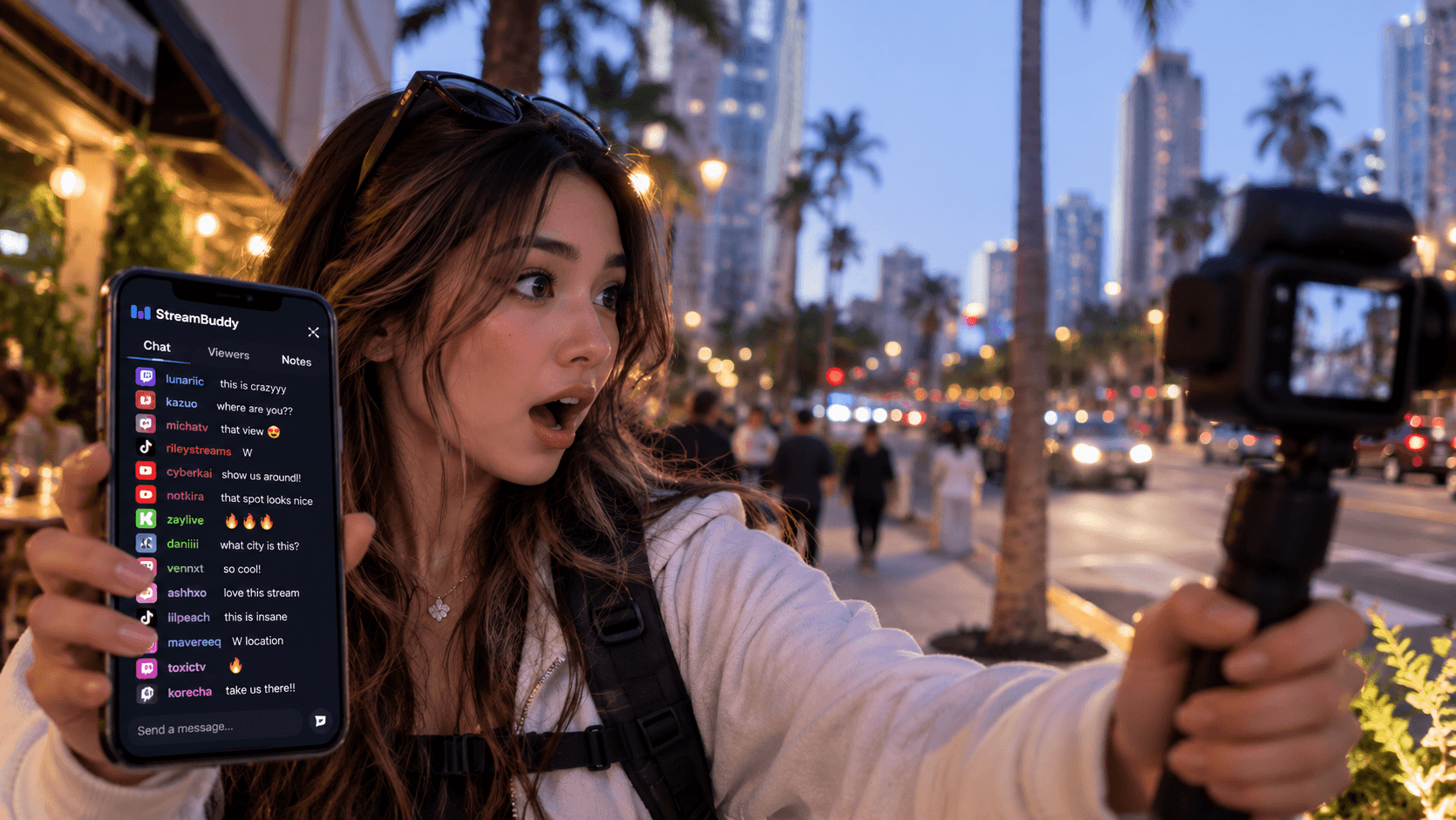
IRL streamers cannot stare at chat all day. StreamBuddy helps you keep multichat visible, hear key messages, and remember viewers after the stream.
6 min read
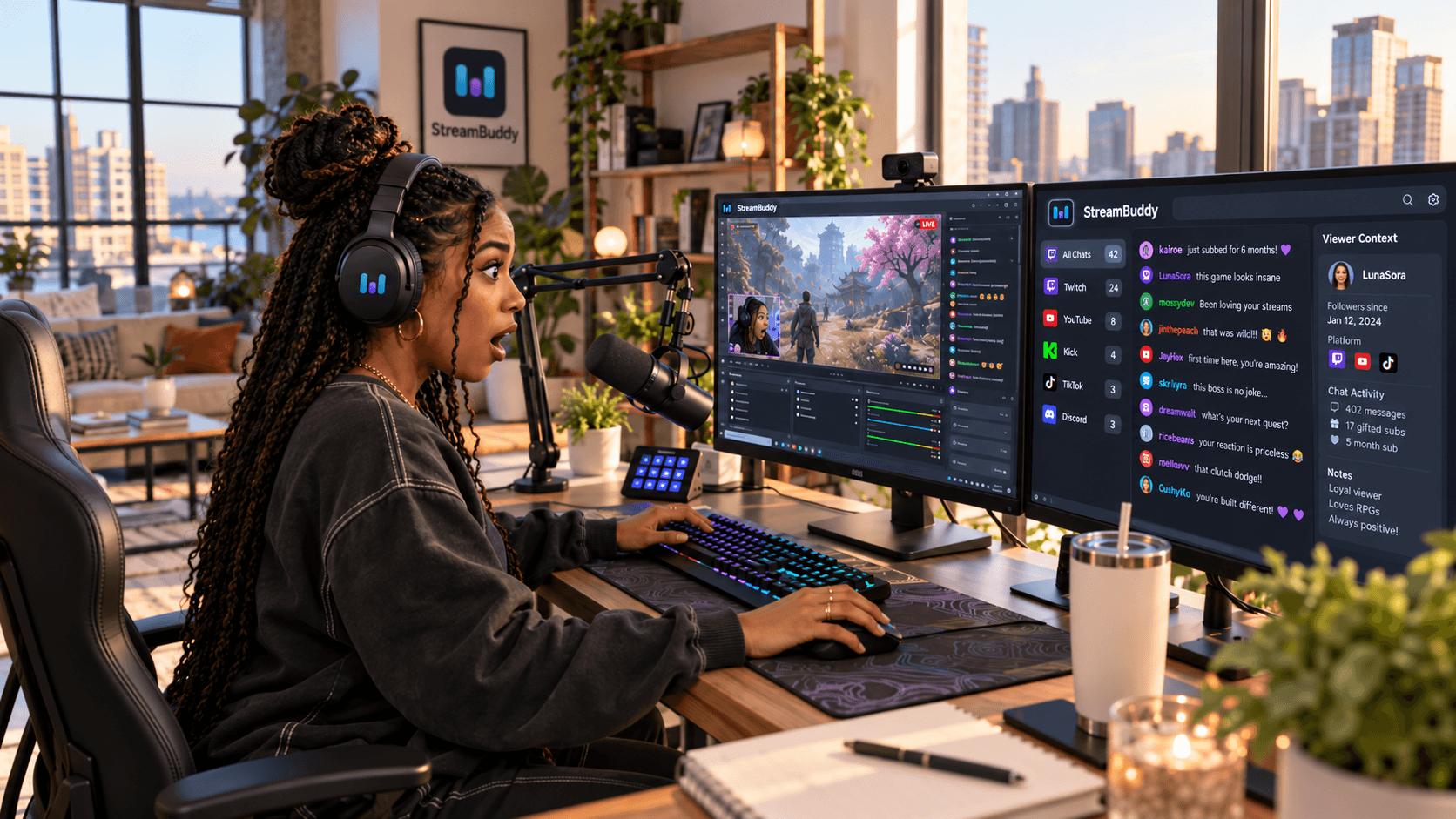
Streamlabs covers chat boxes, widgets, and Cloudbot. These alternatives help when you need multichat, viewer context, or a private chat workspace.
6 min read
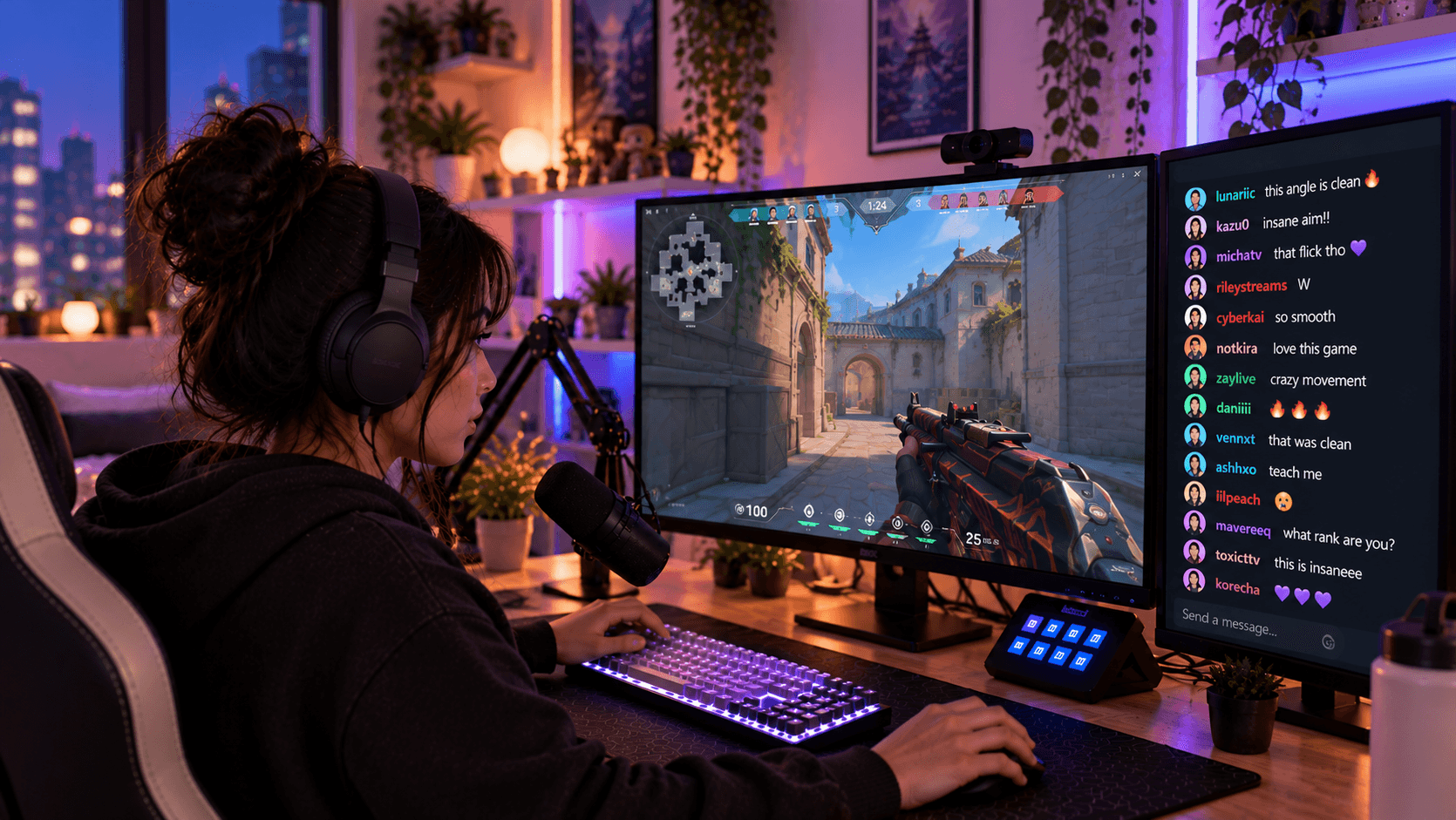
StreamElements is strong for alerts and overlays. These alternatives help when chat needs multichat, viewer memory, or private streamer context.
6 min read
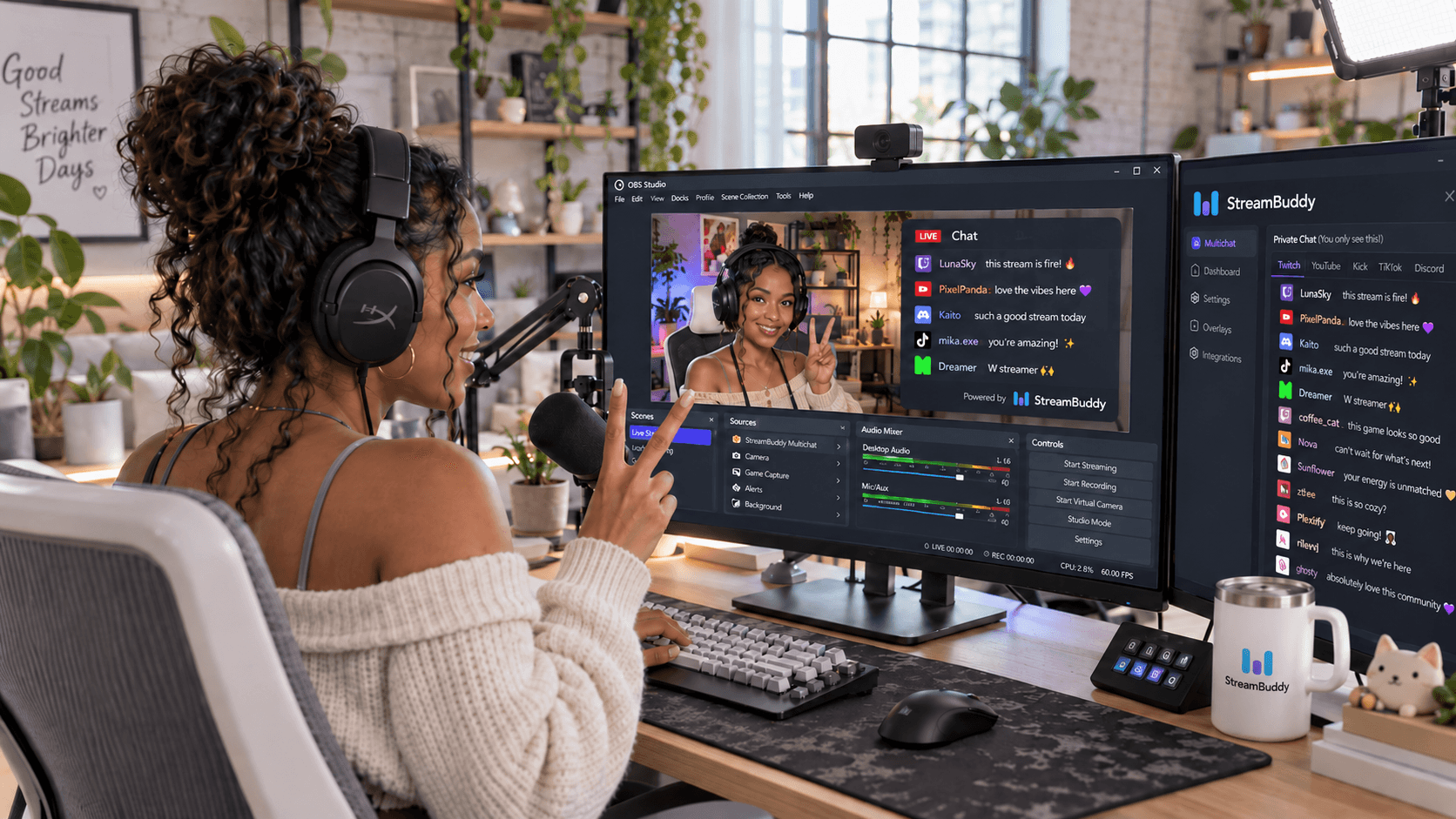
A multichat overlay should show the conversation, not your private tools. Here is how to keep viewer notes and controls off stream.
6 min read
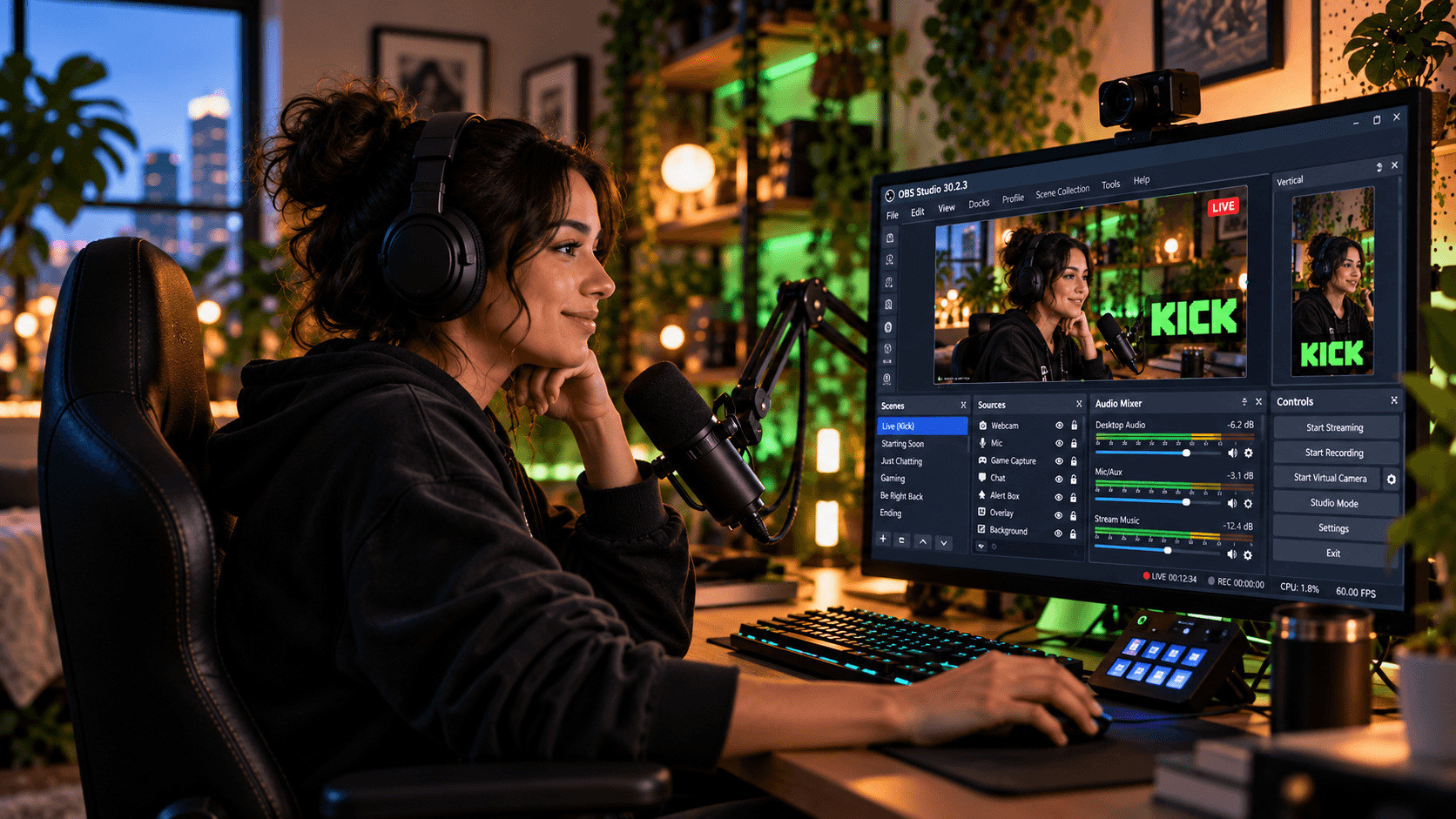
Kick chat can live inside OBS as a dock for you or as a browser-source overlay for viewers. Here is how to choose the right setup.
7 min read
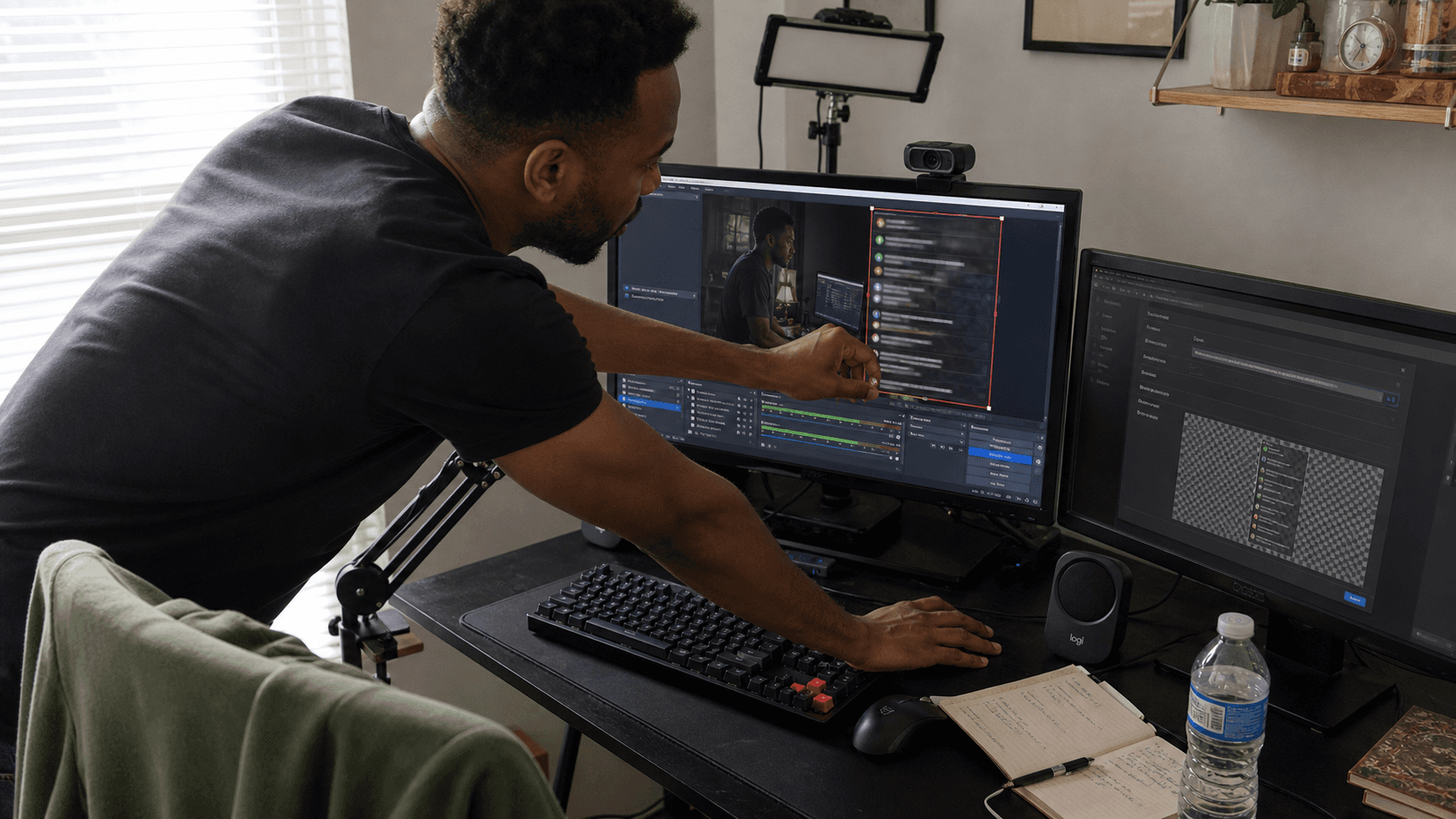
TikTok chat moves fast and was built for mobile. Here is how to read it in OBS, show it on stream, and combine it with your other platforms.
7 min read
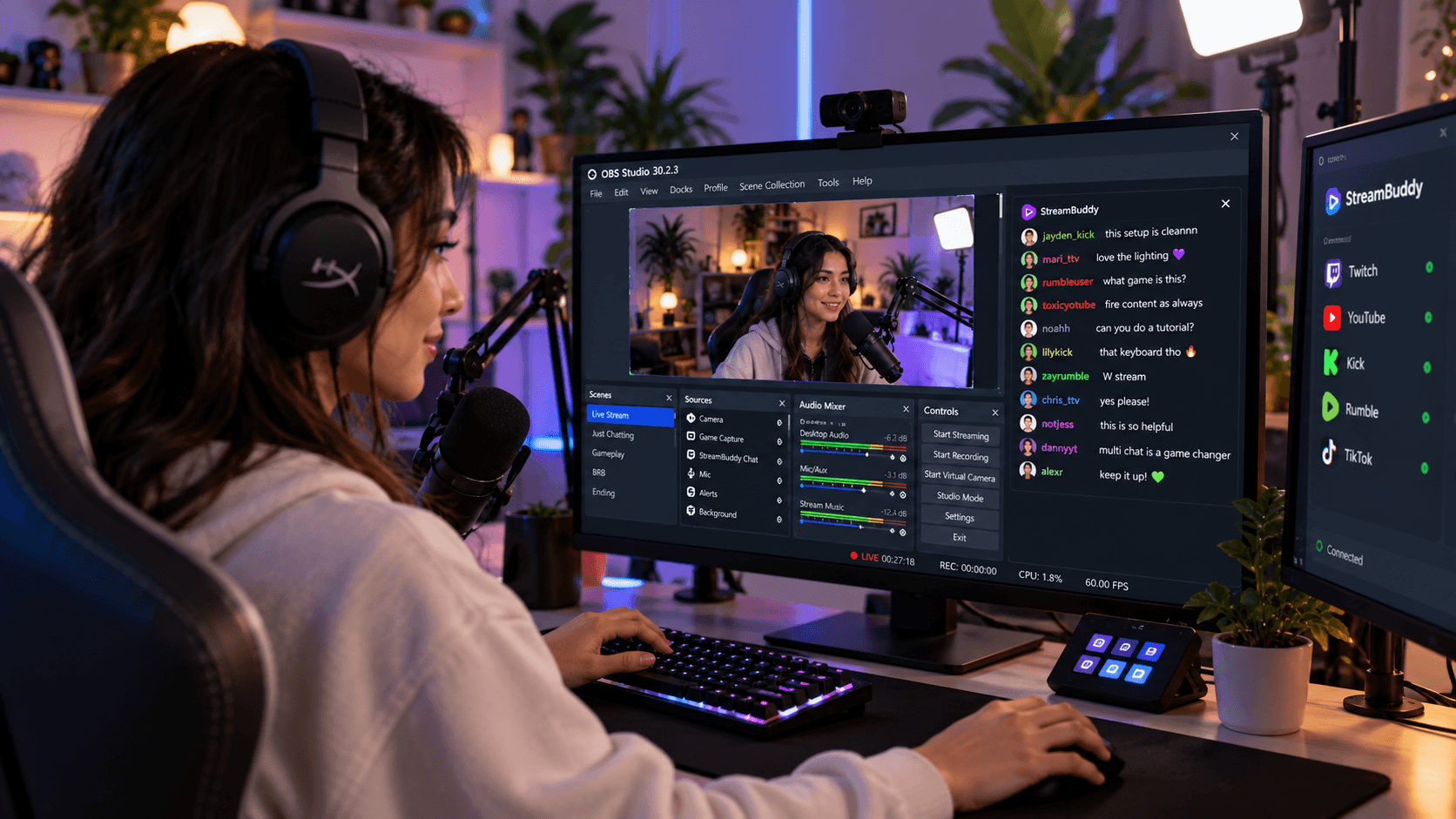
OBS docks and Browser Sources solve different chat problems. Here is how to choose the private streamer view, the public overlay, or both.
7 min read
Twitch allows simulcasting, Kick charges for it, and combined chat is where most streamers get caught out. Here are the current rules, platform by platform.
6 min read
TikTok LIVE was built for phones. If you stream from a PC, here is how to read your TikTok chat on your monitor, put it in OBS, and merge it with your other platforms.
6 min read
One monitor means your game, OBS and chat all fight for the same screen. Here are four layouts that work, and how to pick the right one for what you stream.
6 min read
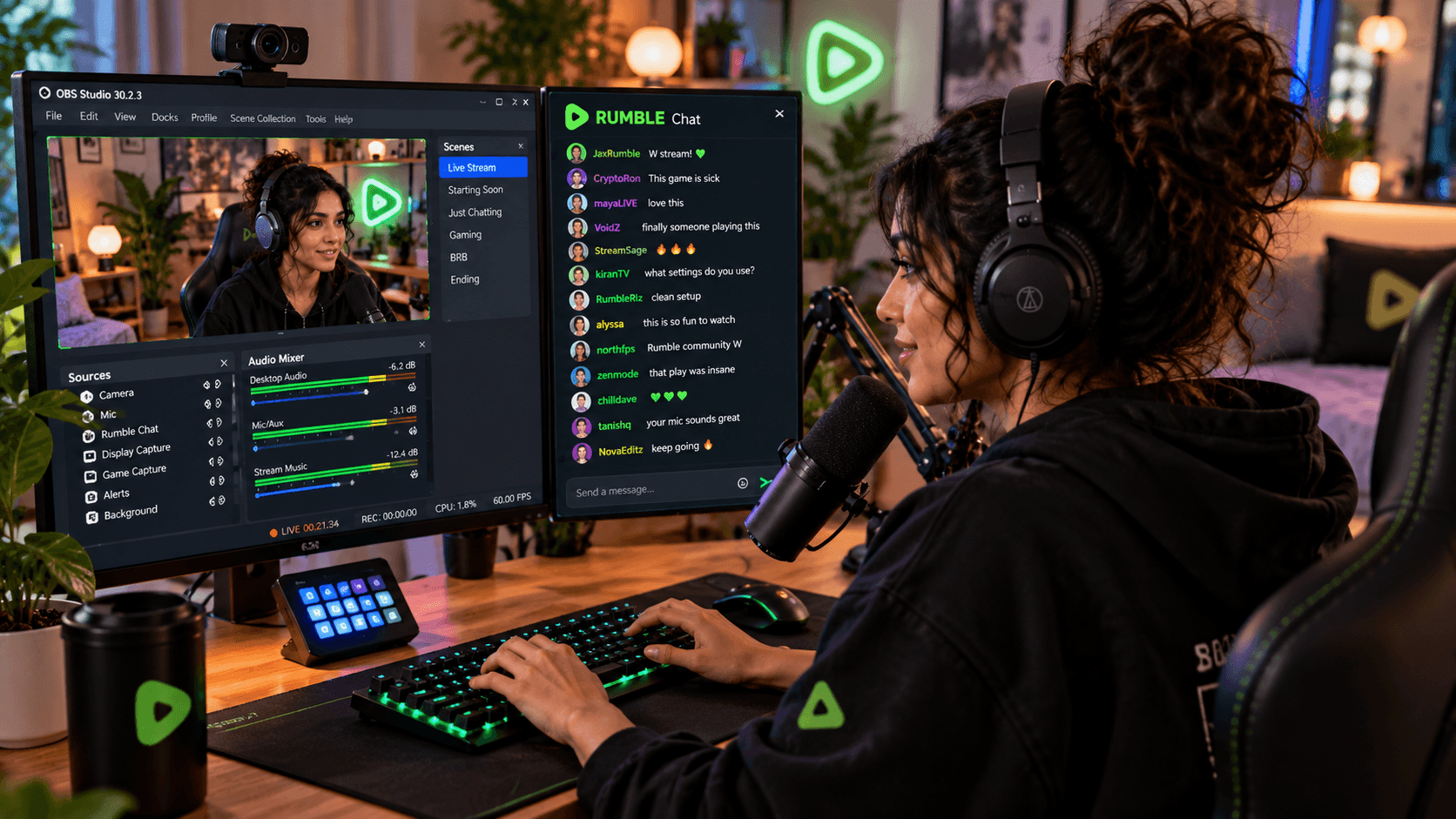
Rumble chat is easy to miss when it lives in another tab. Here is how to read it in OBS, show it safely on stream, and fold it into multichat.
7 min read
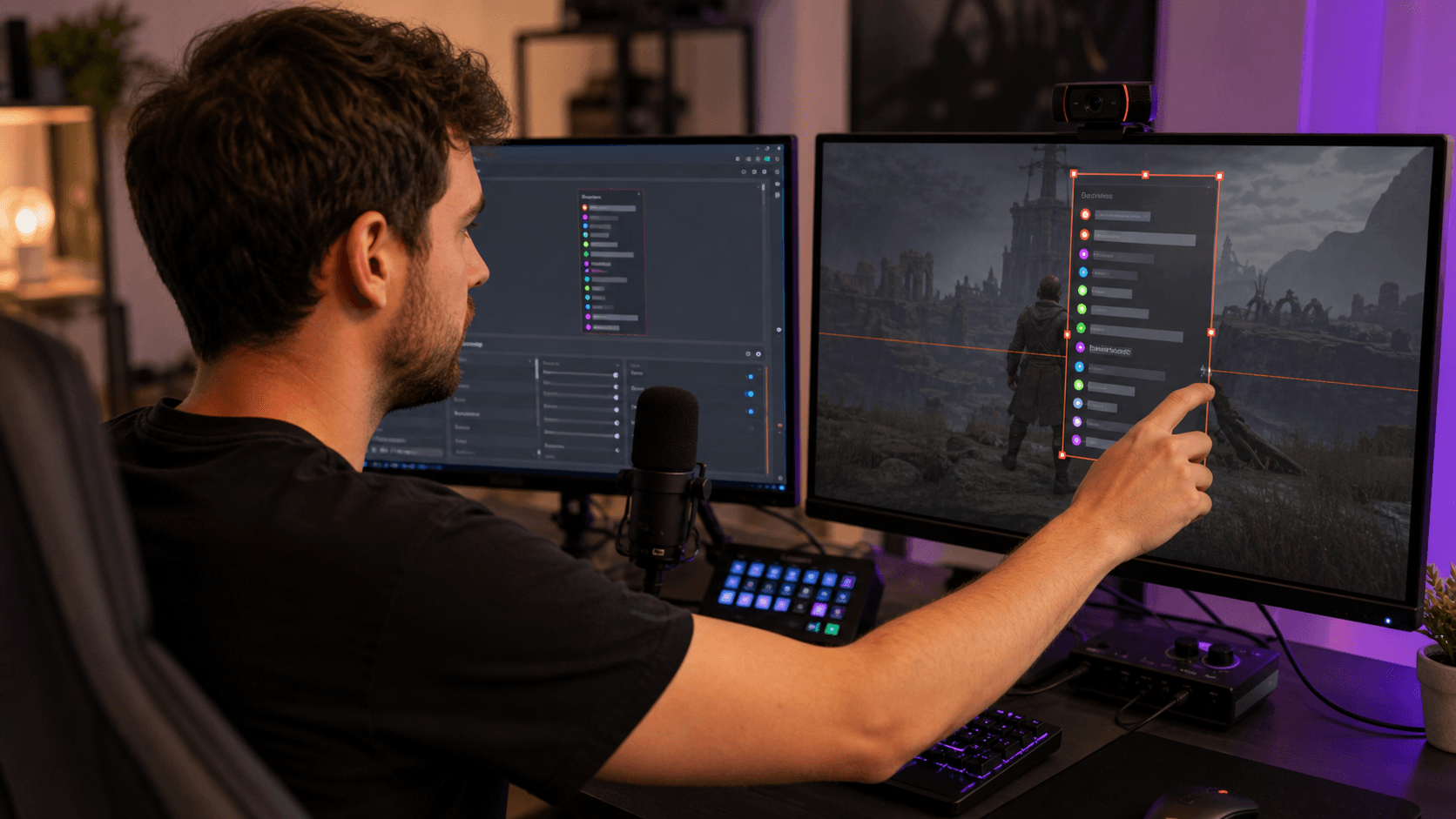
Turn your Twitch, YouTube, Kick, TikTok, and Rumble chats into one on-stream conversation with a StreamBuddy browser-source overlay.
7 min read