Best Streamlabs chat alternatives for multichat
Compare Streamlabs chat alternatives for streamers who want multichat, OBS chat overlays, viewer notes, tags, and returning-viewer memory.
6 min read
Streamlabs gives streamers a lot in one ecosystem: widgets, alerts, chat boxes, Cloudbot, themes, plugin workflows, and Streamlabs Desktop. If you already use it for your broadcast, it can be convenient to use its chat tools too.
But a chat box or chatbot is not the same as a multichat workspace. Once you are live on multiple platforms, or once you want to remember who is talking, you may need a separate chat layer beside Streamlabs.
This guide compares Streamlabs chat alternatives and explains where StreamBuddy fits.
What Streamlabs chat tools cover
Streamlabs chat workflows usually mean one of three things:
- Chat Box widget: a viewer-facing chat overlay for OBS or Streamlabs.
- Cloudbot: commands, modules, moderation helpers, and chat automation.
- Streamlabs Desktop or plugin workflows: a way to keep Streamlabs widgets and tools close to the broadcast.
Those tools are useful when you need alerts, widgets, commands, or a simple chat box on stream. They are less focused on viewer memory across platforms.
Why streamers compare alternatives
Streamers usually look for Streamlabs chat alternatives when they need one of these:
- Twitch, YouTube, Kick, TikTok, and Rumble chat in one private feed.
- Platform labels on every message.
- An OBS dock for the streamer and a separate Browser Source overlay for viewers.
- Viewer notes, tags, profiles, and returning-viewer recognition.
- A chat workflow that can sit beside Streamlabs without replacing the whole broadcast setup.
- Less technical setup than building a custom chat stack.
That is the gap StreamBuddy is meant to fill.
StreamBuddy vs Streamlabs chat workflows
Streamlabs is broad. StreamBuddy is focused.
| Workflow | Streamlabs | StreamBuddy |
|---|---|---|
| Broadcast widgets | Strong for alerts, labels, widgets, and themes | Not a full alert package |
| Chat overlay | Chat Box widget and Browser Source workflows | Display-only multichat overlay for OBS |
| Chatbot automation | Cloudbot commands and modules | Not an automation bot |
| Multichat workspace | Not the main focus | Core workflow |
| Viewer memory | Limited compared with a viewer CRM | Notes, tags, profiles, and returning-viewer context |
| Private vs public surfaces | Depends on how sources are configured | Private workspace plus separate stream-safe overlay |
The question is not which tool is "better" in general. It is which layer you need. Use Streamlabs for the broadcast widgets it is good at. Use StreamBuddy when chat needs to become a private multichat and viewer-memory workspace.
Where StreamBuddy fits
StreamBuddy is for streamers who want simple setup and better chat context.
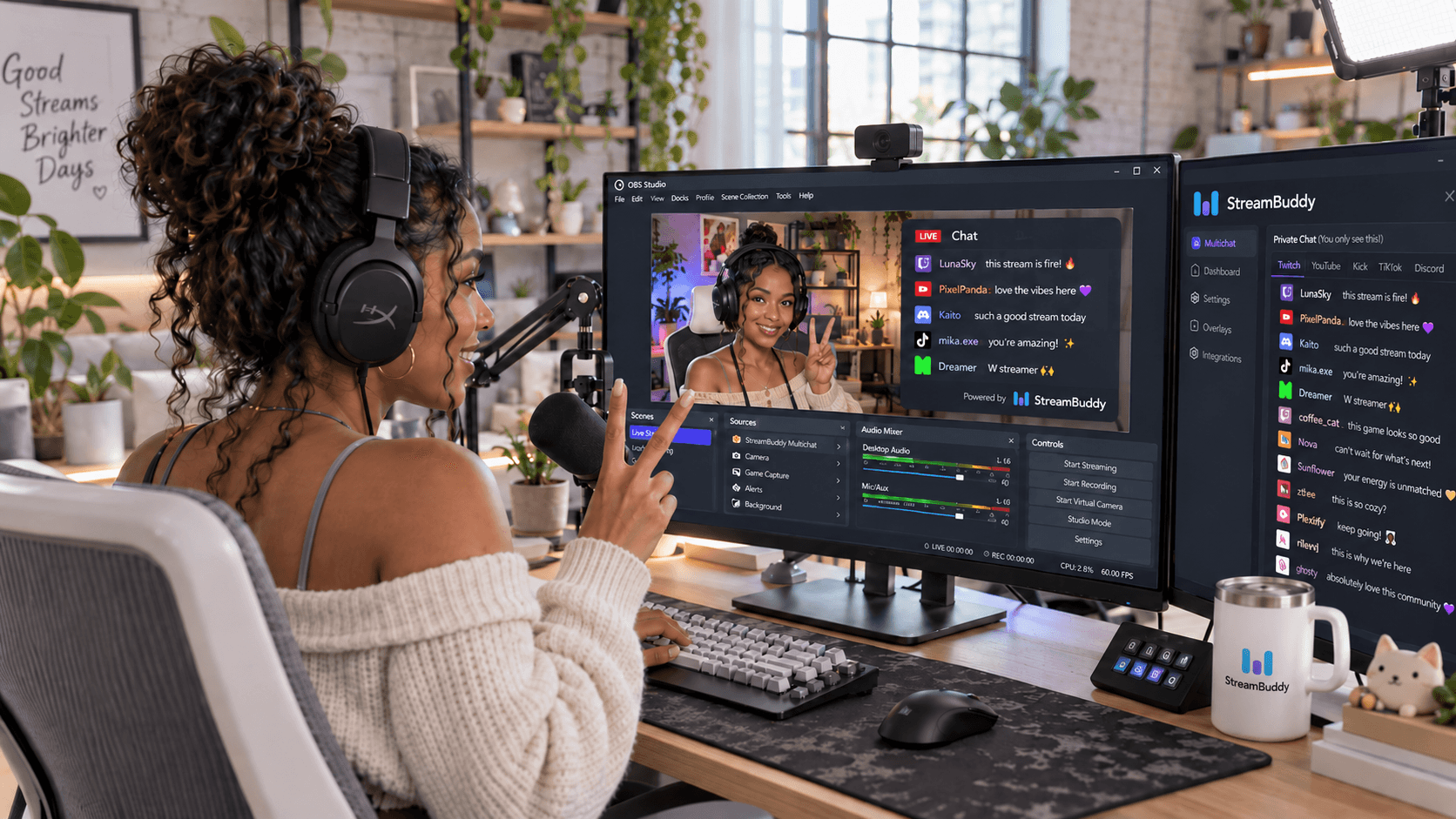
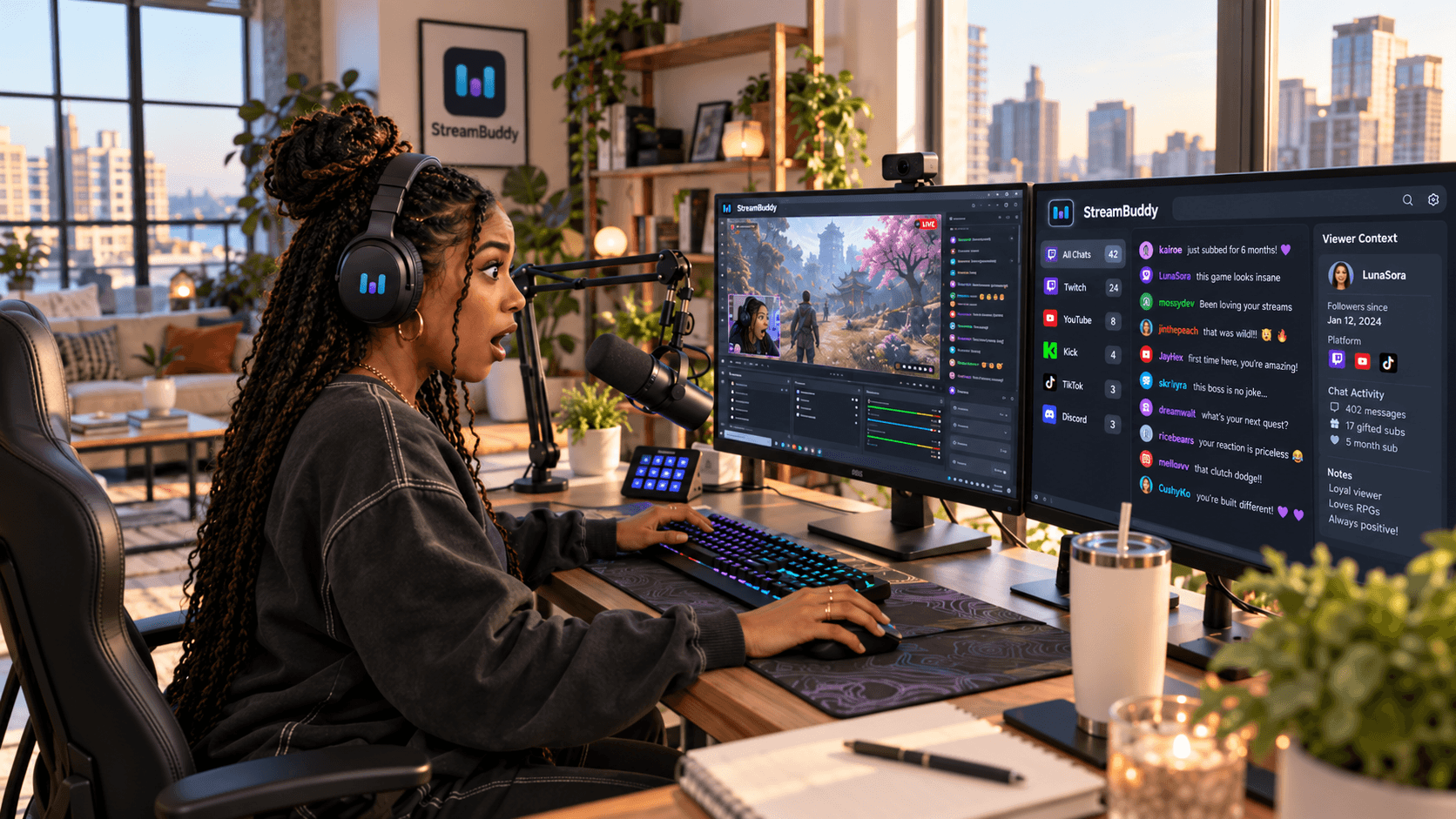
You connect your accounts, go live with your current system, and read supported Twitch, YouTube, Kick, TikTok, and Rumble chat in one private workspace. Each message keeps its platform badge. Viewer profiles, notes, tags, and returning-viewer history sit behind the live feed.
For OBS and Streamlabs workflows, StreamBuddy gives you two different surfaces:
- A private dashboard, popout, or dock for the streamer.
- A display-only Browser Source overlay for viewers.
That keeps streamer context private while still letting you show chat on stream when it belongs there.
For the direct product page, see the Streamlabs Chat alternative page. For the difference between chat tools and viewer CRM tools, read streamer CRM vs chatbot.
OBS and Browser Source setup
Most streamers should keep private chat and public chat separate.
Use the private StreamBuddy workspace when you need:
- Platform filters.
- Viewer notes.
- Tags and profiles.
- Returning-viewer context.
- Streamer-side controls where supported.
Use the display-only overlay when viewers should see:
- Chat messages.
- Platform badges.
- Emotes and badges.
- A clean, readable chat surface.
The chat overlay for OBS page covers the public overlay side. The OBS multichat page explains how the private dock and viewer-facing overlay fit together.
Alternatives to compare
StreamBuddy
Best for streamers who want multichat plus viewer memory. It is the most focused option when the missing piece is remembering people across platforms.
Streamlabs Chat Box
Best for streamers who already use Streamlabs widgets and want a simple chat box on stream. It is a display tool first, not a private viewer-memory workspace.
Streamlabs Cloudbot
Best for commands, modules, and chat automation inside the Streamlabs ecosystem. Use it when bot behavior is the job.
Social Stream Ninja
Best for flexible browser-based chat routing and overlays. It is more DIY and less focused on viewer notes or profile history.
Streamer.bot
Best for local automation and custom actions. It can be powerful, but it is more technical than a focused multichat workspace.
Restream Chat
Best for streamers already using Restream to distribute video. Useful for combined chat tied to a Restream-centered broadcast workflow.
Viewer notes, tags, and returning viewers
This is where StreamBuddy differs most from Streamlabs chat tools.
A chat box shows what viewers say. A chatbot reacts to commands and events. A viewer-memory workspace helps you understand who is talking.
StreamBuddy lets you keep notes and tags on viewers, recognize returning chatters, and review context after the stream. That is useful when your community starts spreading across platforms and usernames blur together.
If a viewer asks the same setup question every week, if a regular changes platforms, or if a first-time chatter becomes someone worth remembering, the private StreamBuddy workspace is where that context lives.
When Streamlabs is still the right fit
Stay with Streamlabs chat tools when:
- You only need a simple on-stream chat box.
- You want Cloudbot commands, modules, or automation.
- Your stream already uses Streamlabs Desktop and its widget ecosystem.
- You are happy with your current chat workflow and do not need viewer memory.
Add StreamBuddy when the missing piece is multichat, viewer recognition, private notes, or a safer split between streamer dashboard and public overlay.
Frequently asked questions
Is StreamBuddy a Streamlabs replacement?
No. StreamBuddy is not a broadcast app, alert package, or chatbot automation platform. It is a multichat and viewer-memory workspace that can work alongside Streamlabs.
Can I use StreamBuddy with Streamlabs?
Yes. Keep using Streamlabs for alerts, widgets, Cloudbot, or broadcast workflows, and use StreamBuddy for cross-platform chat and viewer context.
Can StreamBuddy show chat in OBS or Streamlabs?
Yes. StreamBuddy can provide display-only Browser Source overlays and private dock or popout workflows for the streamer.
Does StreamBuddy replace Cloudbot?
No. Cloudbot is for commands, modules, and automation. StreamBuddy is for multichat, viewer context, notes, tags, and memory.
Does StreamBuddy restream my video?
No. StreamBuddy does not touch your video or audio. Keep using Streamlabs, OBS, or your current broadcast setup for video.
Keep your broadcast setup, add StreamBuddy for chat
You do not need to rebuild your stream to improve chat. Keep the broadcast tools that already work, then add StreamBuddy for the part Streamlabs chat tools are not focused on: multichat, viewer notes, tags, returning-viewer memory, and safe OBS chat surfaces.
Connect your accounts, go live with your current setup, read every supported chat in one private workspace, and show a display-only overlay only when chat belongs on stream.
Add viewer memory to your chat setup
Use StreamBuddy beside Streamlabs or OBS to read every chat, remember viewers, and keep private context out of your public overlay.
Set up StreamBuddy- streamlabs
- multichat
- chat overlay
- obs
- comparison