What is a streamer CRM, and why is it useful?
A streamer CRM turns live chat into useful viewer profiles, notes, tags, and history so creators can recognize regulars and build stronger communities.
6 min read
Most customer relationship management software is built for sales teams. It remembers who a customer is, records past conversations, and gives the team context before the next interaction.
A streamer CRM applies that same basic idea to a livestream community. Instead of tracking sales leads, it helps a creator remember viewers: who comes back, what they care about, how they participate, and which conversations are worth continuing next stream.
That matters because a growing chat creates a strange problem. More people are showing up, but it becomes harder to make any one person feel remembered.
What does streamer CRM mean?
CRM stands for customer relationship management. In livestreaming, the more useful interpretation is community relationship management.
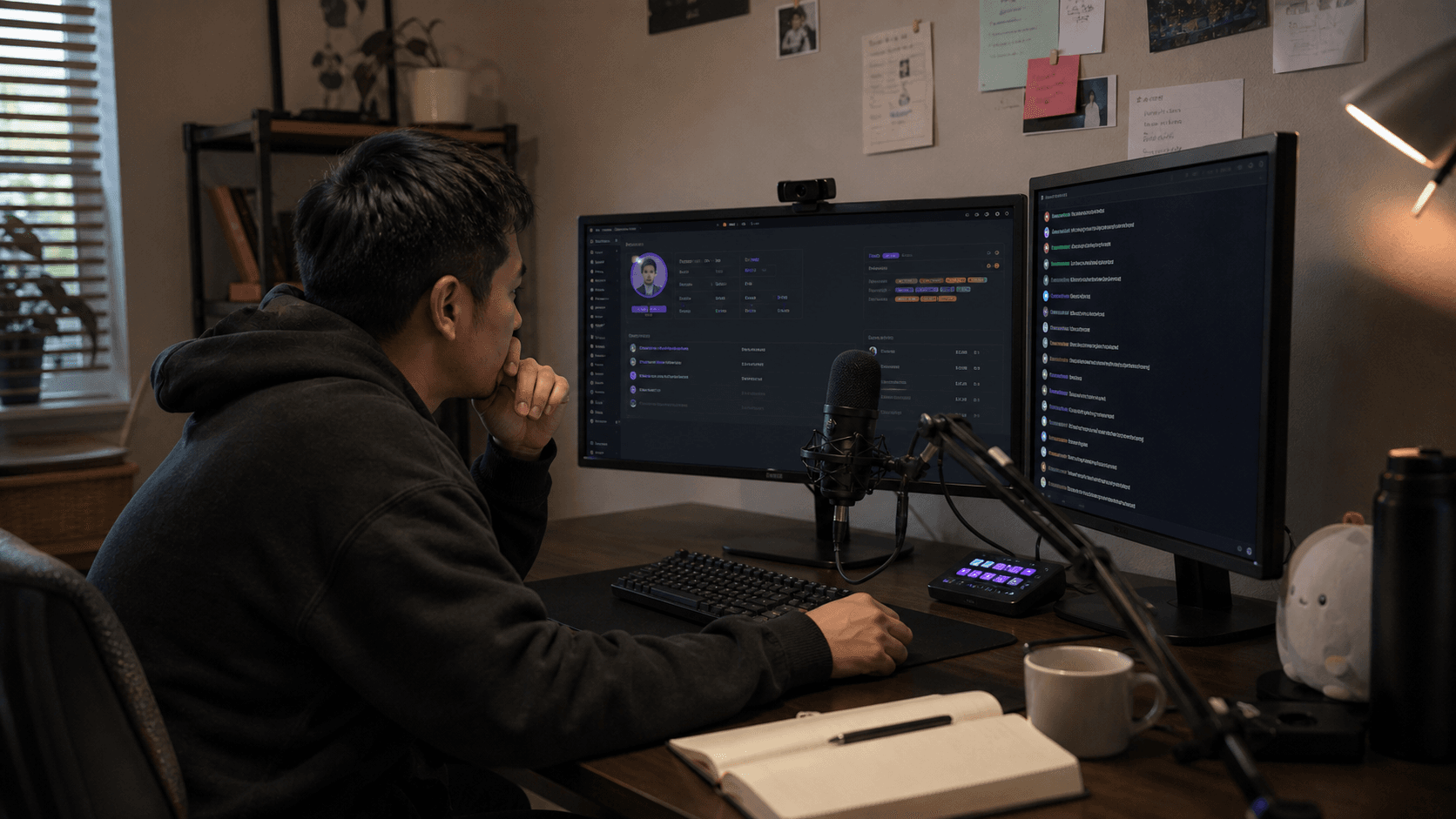
A streamer CRM, sometimes called a streaming CRM or viewer CRM, organizes viewer information that would otherwise disappear as chat scrolls away. Depending on the tool, that can include:
- A viewer profile and platform identity
- First-seen, last-seen, and return history
- Private notes saved by the creator or moderators
- Tags for grouping regulars, collaborators, supporters, or community interests
- Subscription, membership, or moderator status
- Recent chat context and engagement trends
- History across multiple livestream platforms
It is not a replacement for talking to people. It gives you enough context to make the next conversation feel human.
Why normal live chat is not enough
Live chat is designed for the present moment. Messages arrive, move upward, and disappear. That is perfect for a live conversation and poor for remembering a relationship.
Platform dashboards can tell you how many people watched or how many messages were sent. Those totals do not tell you that a viewer returned for the fourth Tuesday in a row, that they were preparing for an interview, or that they always help welcome newcomers.
Creators often bridge the gap with memory, spreadsheets, Discord roles, or handwritten notes. Those approaches can work for a small community, but they become difficult to maintain while hosting a stream, playing a game, switching scenes, and reading several chats at once.
A streamer CRM puts that context beside the conversation, where it can actually help.
How a streamer CRM helps creators
Recognize returning viewers
Remembering a name is one of the simplest ways to make a community member feel seen. A CRM can distinguish a first-time chatter from someone who has quietly returned for months, even when both messages look identical in a standard chat window.
Instead of offering the same generic greeting every stream, you can pick up where the last conversation ended.
Keep useful notes without relying on memory
A short private note such as “starting a new job in September” is more useful than trying to hold dozens of personal details in your head. When that viewer returns, the note gives you a natural question to ask.
Good notes are specific, respectful, and relevant to the relationship. A CRM should help you remember people—not collect information you do not need.
Build a community across platforms
A viewer may watch on Twitch from a desktop, YouTube from a television, or TikTok from a phone. Without a shared system, every platform treats that person as a new row in a separate database.
For creators who multistream, a viewer CRM can preserve useful context around those separate identities and keep community management from fragmenting along platform lines. A combined chat feed solves where to read messages; a CRM solves how to remember the people sending them.
Give moderators shared context
Moderators make better decisions when they can see consistent notes and tags instead of relying on private recollections scattered across direct messages. Shared context can help a team recognize trusted regulars, document recurring issues, and hand off responsibilities between streams.
Access should still be limited. Viewer notes can contain sensitive context, so creators should choose tools with clear permissions and retention controls.
Understand retention at a human level
Audience analytics explain what happened in aggregate. Viewer history helps explain who came back.
That distinction is useful when evaluating a new show format, community event, or schedule change. A creator can look beyond peak concurrent viewers and notice whether newcomers became repeat participants or established regulars stopped appearing.
Streamer CRM versus chatbots and analytics
These tools overlap, but they solve different jobs.
| Tool | Main job | Typical output |
|---|---|---|
| Chatbot | Automate chat actions | Commands, timers, moderation rules |
| Analytics dashboard | Measure channel performance | Views, watch time, growth, revenue |
| Multichat app | Combine conversations | One feed for several platforms |
| Streamer CRM | Preserve viewer context | Profiles, notes, tags, relationship history |
A chatbot can greet someone automatically without knowing what matters to them. An analytics tool can show that retention increased without helping you recognize a returning viewer in the moment. A streamer CRM is useful because it connects the person speaking now with the history that came before.
What to look for in a streamer CRM
The best tool is the one you can use during a real broadcast without adding more work. Look for:
- Fast access to context: viewer information should be available from the live chat, not buried several screens away.
- Automatic profiles: routine activity should be captured without constant manual data entry.
- Notes and tags: you should be able to save the details automation cannot understand.
- Cross-platform support: make sure it covers every platform where your community actually chats.
- Useful search: finding a viewer or group should take seconds.
- Privacy controls: check what is stored, who can see it, how long it is retained, and whether it can be deleted.
- A focused interface: more data is not always better; useful context beats a crowded profile.
Who benefits most?
A streamer CRM becomes especially helpful when:
- Chat moves too quickly to remember every name
- Several moderators share community responsibilities
- Viewers move between Twitch, YouTube, Kick, TikTok, or other platforms
- You want to follow up on conversations from earlier streams
- Growth metrics are available, but you lack a clear view of returning people
Very small channels can benefit too. Starting early creates good habits and prevents community knowledge from living entirely in one person's memory.
How StreamBuddy approaches streamer CRM
StreamBuddy combines a multichat dashboard with viewer profiles, notes, tags, recent activity, and engagement history. As messages arrive from supported platforms, the creator can read one conversation and open the context behind a viewer without leaving the live workflow.
The purpose is simple: help streamers recognize the people who make a channel feel like a community. Messages still move quickly, but the relationship does not have to disappear with them.
If your immediate challenge is keeping up with multiple platforms, start with our guide to the best multichat apps for streamers. If remembering returning community members is the harder part, a streamer CRM is the next layer.
Turn chat into community memory
Use StreamBuddy to bring live chats together, recognize returning viewers, and keep the notes and history that make every stream feel more personal.
Try StreamBuddy- streamer CRM
- streaming CRM
- viewer CRM
- community management
- viewer retention