The best multichat apps for streamers in 2026
A comparison of the best multichat apps for streamers in 2026 - StreamBuddy, Restream Chat, Chatterino, AxelChat, Streamer.bot, Casterlabs and more.
6 min read
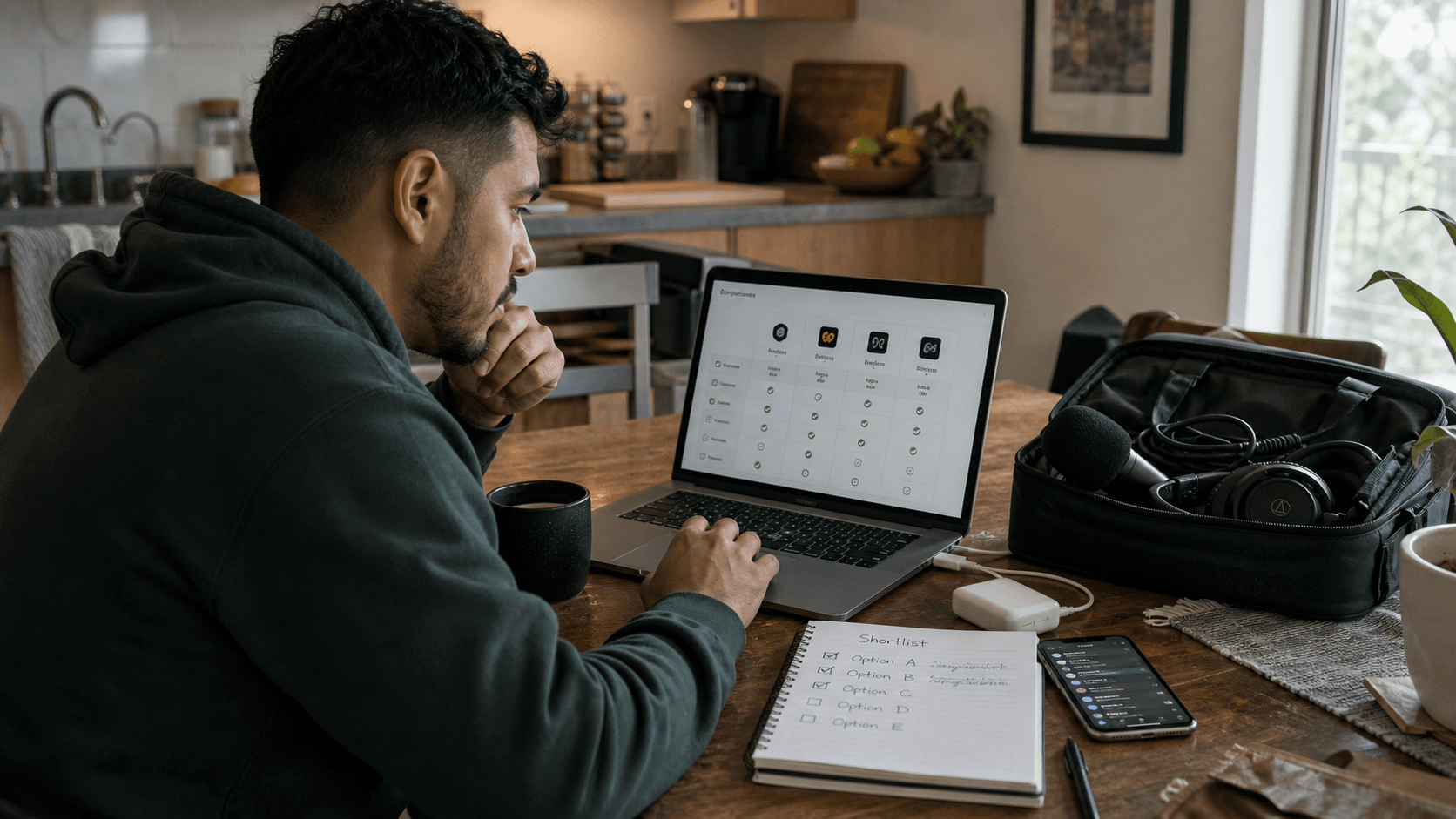
If you stream to more than one platform, you have more than one chat, and every one of them thinks it is the only one that matters. The fix is a multichat app: something that reads every connected chat and renders it as one feed.
There are more of these than most streamers realise, and they are not really competing on the same thing. Some are Twitch power-user clients that happen to show two channels at once. Some are automation platforms with a chat tab bolted on. A couple are genuinely built for reading a merged cross-platform conversation. Below is what each one is actually for.
The short version
| Tool | Platforms | Price | Best for |
|---|---|---|---|
| StreamBuddy | Twitch, YouTube, Kick, TikTok, Rumble | Free tier + paid | Merged chat plus viewer history |
| Restream Chat | Twitch, YouTube, and Restream's channel list | Free tier + paid | People already multistreaming on Restream |
| Chatterino | Twitch (plus forks for Kick) | Free, open source | Twitch-only power users |
| AxelChat | 40+ services | Free | Maximum platform coverage on Windows |
| Streamer.bot | Twitch, YouTube, Kick, Trovo | Free | Automation first, chat second |
| Casterlabs Caffeinated | Twitch, YouTube, Trovo | Free, open source | Overlays and widgets |
| Meld Studio Multi-Chat | Twitch, YouTube | Free tier | Streamers already using Meld |
StreamBuddy
Platforms: Twitch, YouTube, Kick, TikTok, Rumble
StreamBuddy merges chat from all five supported platforms into one live feed, ordered by when messages were actually sent, with each message badged by its source. When one platform spikes you can filter down to it and switch back. Moderators, subscribers and members are marked inline, and there is a token-scoped browser-source URL for OBS or Streamlabs that is transparent and display-only.
What makes it different is what sits behind the feed. Most multichat tools stop once the messages are in one column — which solves reading and leaves remembering untouched. A merged feed still shows you a username with no history attached, and the person who has turned up every week for six months looks identical to someone who arrived thirty seconds ago.
StreamBuddy keeps a profile per viewer: how often they show up, what they tend to talk about, whether they subscribe or moderate, and any notes or tags you have saved. Returning viewers get surfaced as they speak, so you can greet someone by name and pick up a thread from last stream. After you go offline the history is still there, rather than dying with the chat window.
Trade-off: it is a hosted dashboard rather than a native desktop app, and it deliberately does not do automation, alerts, or bot commands. If you want a scripting engine, this is not it.
Restream Chat
Platforms: Twitch, YouTube, and the rest of Restream's channel list
The default answer if you are already multistreaming through Restream. Chat from every connected channel lands on one screen, there are 20+ overlay templates for OBS browser sources, and a relay bot lets viewers on different platforms see each other's messages — which is unusual and genuinely nice for cross-platform community.
Restream's free plan covers two channels and includes cross-platform chat, though free Studio streams carry Restream branding; paid plans start around $16/month and add channels.
Trade-off: it is an add-on to a multistreaming product. If you are not restreaming through Restream, you are signing up for a broadcasting platform to get a chat window.
Chatterino
Platforms: Twitch (Kick via community forks)
The Twitch power-user client. Split panes let you watch many channels side by side in one tab, it is fast and light, it supports BTTV, FrankerFaceZ and 7TV emotes, and there is multi-channel search. Free and open source. Chatterino7 is the 7TV fork with animated emotes, name paints and cosmetics.
Trade-off: it is a Twitch client, not a cross-platform one. Multi-channel, not really multi-platform. If your second platform is YouTube, this does not solve your problem.
AxelChat
Platforms: 40+ services including Twitch, YouTube, Kick, TikTok, Discord and Telegram
The widest coverage on the list by a distance, built by a single developer and free. Aggregates messages across platforms with avatars, viewer counts, text-to-speech, custom emotes (BTTV/FFZ/7TV), OBS widgets, and a mobile view over your local network. The widgets are open source and there is a public API.
Trade-off: Windows 10+ only, and the coverage is broad rather than deep — plenty of the 40+ integrations are thin.
Streamer.bot
Platforms: Twitch, YouTube, Kick, Trovo
Really an automation platform that includes a unified chat interface. It runs locally rather than in the cloud, supports 7TV/FFZ/BTTV emotes, offers mod tools like bans and timeouts across platforms, and has slash commands that set your stream title everywhere at once. The deck interface gives you customisable buttons you can hand to moderators remotely. As of 1.0.5, Twitch chat runs on EventSub rather than IRC.
Trade-off: the learning curve is steep and chat is not the headline feature. Worth it if you want scripted actions and automation; overkill if you just want to read messages.
Casterlabs Caffeinated
Platforms: Twitch, YouTube, Trovo
Free, open source, Electron-based, and focused on overlays. Unifies channel events into one set of widgets with multi-account support, brings chat windows into one place, and runs a local web server for OBS connectivity so alerts and overlays work without registration.
Trade-off: narrower platform list than the aggregators, and macOS support is less tested than Windows.
Meld Studio Multi-Chat
Platforms: Twitch, YouTube
Meld built combined Twitch and YouTube chat into its broadcasting software, so chat lives in the same app you are producing the stream in. Convenient if Meld is already your encoder.
Trade-off: two platforms, and it means adopting Meld as your streaming software.
How to pick
Work backwards from what breaks first.
- Twitch only, many channels — Chatterino. Nothing else is as fast for that.
- Already on Restream — use Restream Chat, it is already paid for.
- Every platform under the sun, on Windows — AxelChat.
- You want scripted actions, not just reading — Streamer.bot.
- Cross-platform chat where remembering people is the actual problem — StreamBuddy.
That last case is worth separating out, because it is the one most tools quietly ignore. Once your messages are merged, the bottleneck moves. You can now read everything — and you still cannot remember anyone. The feed scrolls, the names blur, and the regular who has been showing up since March gets the same generic response as a stranger.
If you are just getting started with two platforms, the Twitch and YouTube walkthrough is a more focused place to begin, and combining more than two chats covers what changes past that point.
Merged chat, and the memory to go with it
Connect Twitch, YouTube, Kick, TikTok, and Rumble, read one conversation instead of five, and actually remember who is in it.
Try StreamBuddy- multichat
- twitch
- youtube
- kick
- tiktok
- comparison