How to combine your streaming chats into one feed
A practical guide to merging Twitch, YouTube, Kick, TikTok and Rumble chat into a single live feed, and what to look for when choosing a multichat tool.
3 min read
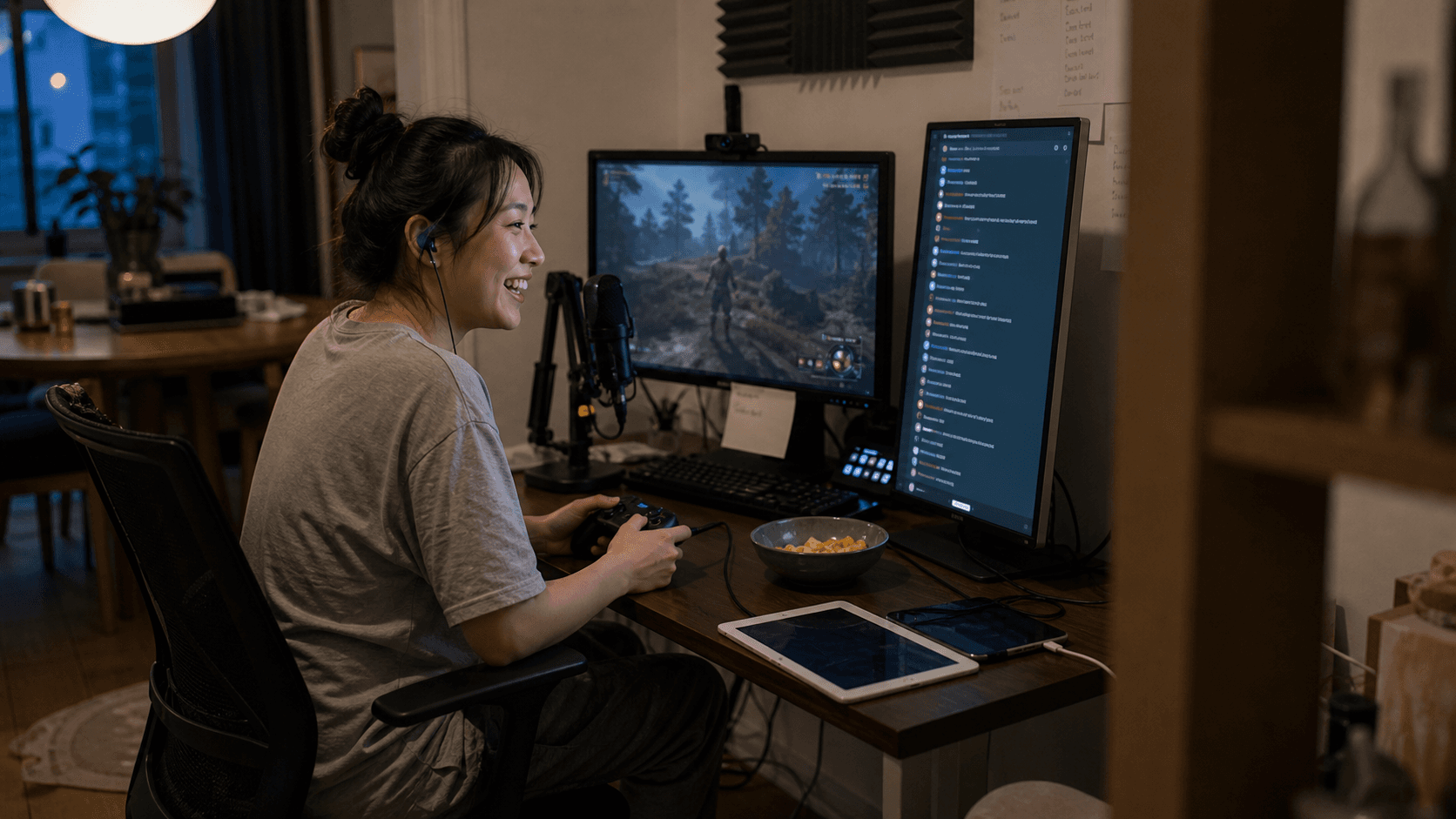
Two chats you can just about manage. Three is a stretch. Four and you are no longer reading chat — you are sampling it, catching whatever happens to be on screen when you glance over.
Why chats fragment in the first place
Every platform runs its own chat, and none of them have any interest in showing you a competitor's messages. So growing onto a new platform means adding a window, not extending an existing one.
The cost is not linear either. Two windows is a glance. Four is a scan you have to consciously perform, mid-sentence, while also playing whatever you are playing. Most streamers respond by quietly picking a primary platform and letting the others go unread, which rather defeats the point of streaming to them.
How combining works
A multichat tool connects to each platform's chat as your channel, receives messages in real time, and renders them in one feed ordered by when they were sent.
The practical steps are the same on every platform:
- Authorise the platform so the tool can read that channel's chat.
- The tool joins the channel and stays connected while you stream.
- Messages arrive in one dashboard, each tagged with its source platform.
You can connect several channels at once, including more than one channel on the same platform.
What to look for in a multichat tool
Merging messages is table stakes. The differences that matter in practice:
| Capability | Why it matters |
|---|---|
| Per-message platform badges | You need to know where to direct an answer |
| Per-platform filtering | For when one chat spikes and drowns the rest |
| Supporter and mod indicators | Long-running support should not scroll past unnoticed |
| Viewer history | A username with no context is just a username |
| A display-only stream overlay | Showing combined chat on stream without extra risk |
The last two are where most tools stop short. A merged feed still shows you a name with nothing behind it, and the viewer who has turned up every week for six months looks identical to someone who arrived a minute ago.
Supported platforms
StreamBuddy reads live chat from Twitch, YouTube, Kick, TikTok, and Rumble. Whether you are on two of them or all five, the connect-and-read flow is the same and the dashboard looks the same — adding a platform means connecting a channel, not rethinking how you read chat.
Beyond merging: knowing who is talking
Once every message is in one place, the bottleneck moves. You can read everything, but you still cannot remember everyone.
That is the problem StreamBuddy is actually built around. Behind the combined feed it keeps a profile for each viewer — how often they show up, what they tend to talk about, whether they subscribe or moderate, and any notes you have saved. Returning viewers get surfaced as they speak, so you can greet someone by name and pick up a thread from last stream.
If you are just starting with two platforms, the Twitch and YouTube walkthrough is a more focused place to begin.
Every chat in one place
Connect Twitch, YouTube, Kick, TikTok, and Rumble and read one conversation instead of five.
Try StreamBuddy- multichat
- kick
- tiktok
- rumble