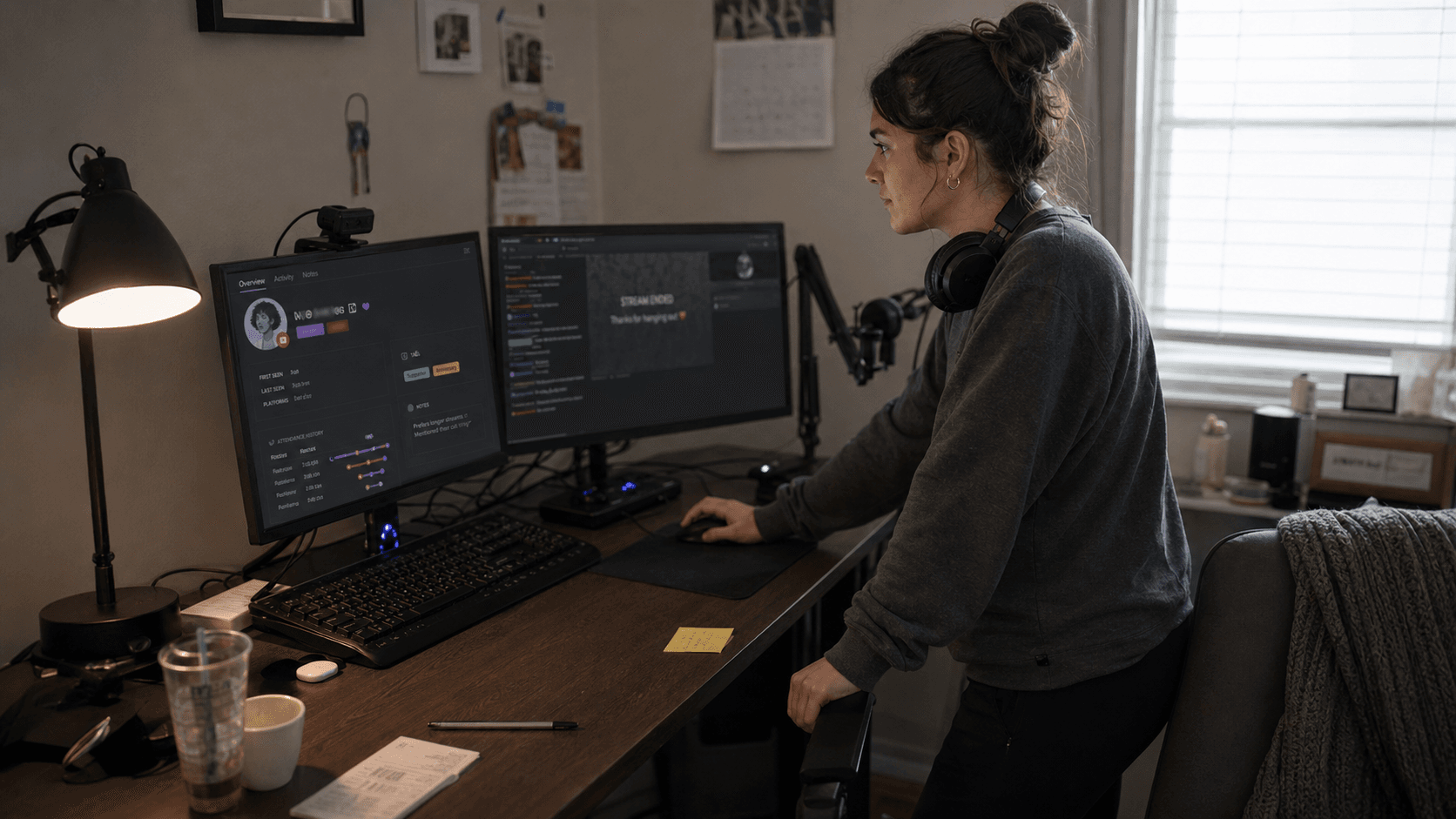
How to use viewer notes on Twitch
Learn how Twitch streamers can use private viewer notes, tags, and history to remember regulars, supporters, mods, and raid visitors.
5 min read
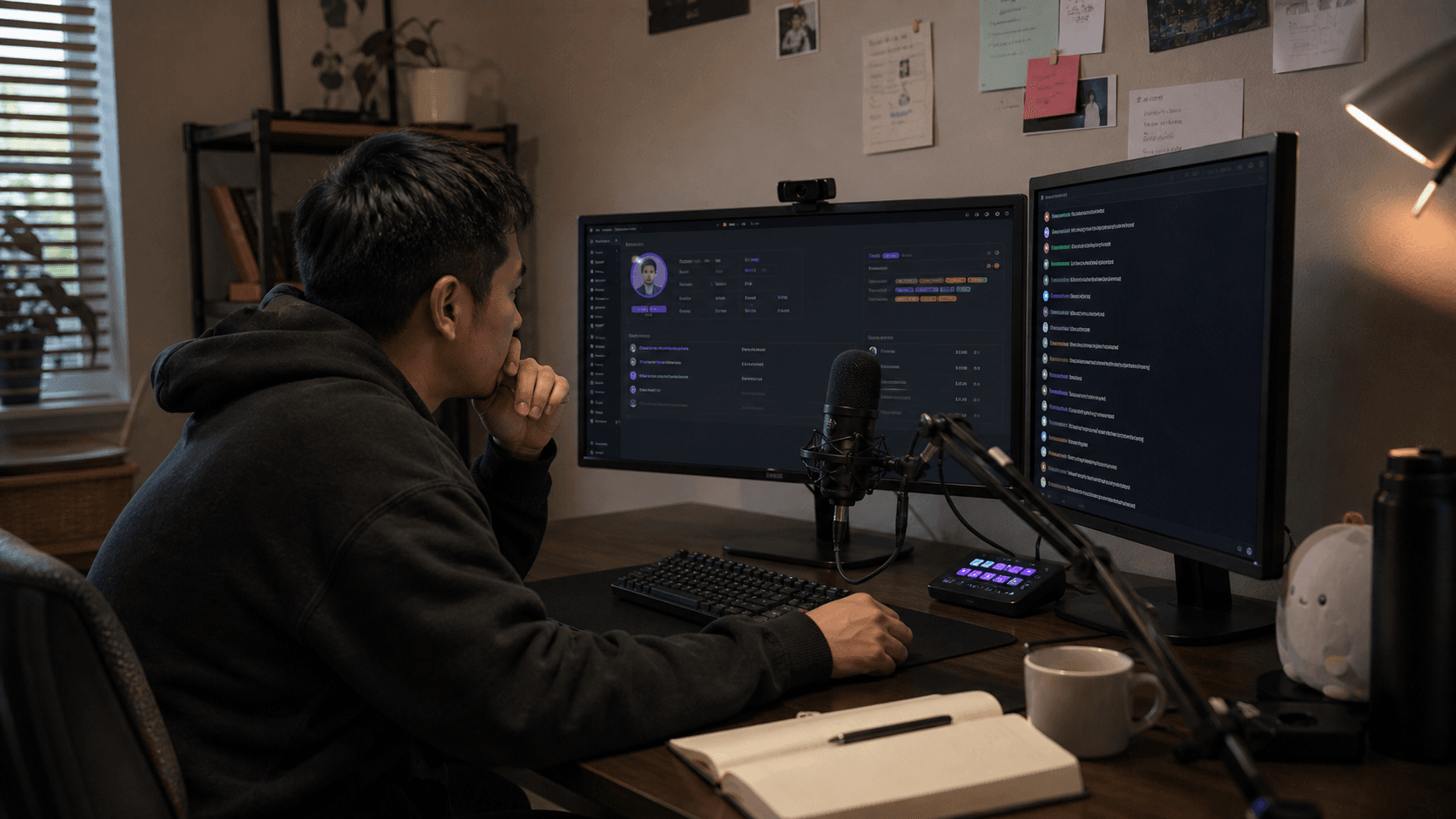
Twitch chat is built for the live moment. Viewer notes are built for the next one.
A good note helps you remember what someone told you, what you promised to follow up on, or why a viewer matters to the community. It should make your next interaction more human without turning private context into something public or uncomfortable.
StreamBuddy gives Twitch streamers a private viewer-memory workflow beside chat: connect your account, go live, read chat in one workspace, and keep notes, tags, profiles, and history close without changing your current stream setup.
What viewer notes are for
Viewer notes are short private reminders attached to a viewer profile.
They are useful when a viewer says something you may want to remember later:
- They are preparing for an exam.
- They always ask about a certain game or build.
- They came from a raid and stayed active.
- They moderate during late-night streams.
- They are a longtime supporter.
- They asked you to revisit a topic next stream.
The note is not meant to replace conversation. It is there so the next conversation starts with context instead of guesswork.
In StreamBuddy each viewer has one note of up to 2,000 characters. You keep adding to the same note rather than stacking separate ones.
For the product page version of this workflow, see viewer notes for Twitch streamers.
Good notes vs bad notes
Good notes are specific, respectful, and useful during a future stream.
| Bad note | Better note |
|---|---|
| "Cool viewer" | "Usually joins Mario streams; asked about speedrun settings" |
| "School" | "Finals this week; ask how they went" |
| "Raid" | "Came from Nina's raid during charity stream; liked the art segment" |
| "Sub" | "12-month supporter; often helps welcome first-time chatters" |
Avoid notes that are too personal, judgmental, or unrelated to your stream relationship. If a note would feel strange to say out loud, reconsider whether you need it.
How notes help with regulars
Regular viewers often come back because the stream feels familiar.
Viewer notes help you keep that feeling alive when the community grows. Instead of relying on memory alone, you can see useful context near the chat workflow:
- What you talked about last time.
- Which streams they usually join.
- Which recurring joke or topic they care about.
- Whether they are new, returning, or a core regular.
- What you wanted to ask them next stream.
This is the same broader workflow behind remember regular viewers: regulars feel recognized when you can pick up the thread.
Notes for mods, supporters, and raids
Viewer notes are not only for casual conversation.
They can help with community operations too:
- Mods: Save context about who helps with which stream formats or recurring issues.
- Supporters: Remember long-term support, recurring generosity, or follow-up thank-yous.
- Raid visitors: Note who arrived from a raid, who stayed active, and who might be worth welcoming back.
- VIPs and trusted regulars: Keep useful community context close without relying on a separate spreadsheet.
On Twitch, StreamBuddy starts the raid note for you. A viewer whose first message of the stream comes within ten minutes of a raid gets a Raided In tag and a line added to their note naming the raiding channel, marked as inferred from chat timing. It adds the line after your own text and never changes what you wrote.
Keep the tags and notes simple. A live stream is not the place to decode a complicated system.
Using notes while reading Twitch chat
During a stream, notes should reduce effort, not create more work.
Use a simple flow:
- Read chat in your StreamBuddy workspace.
- Click a name in chat to open the viewer profile when a message needs context.
- Add a short note only when it will help later.
- Use tags for repeat patterns.
- Review first-time chatters, raids, and regulars after stream.
If you already use a chatbot for commands or timers, keep it. StreamBuddy can sit beside that bot as the viewer-memory layer. The difference is explained more in streamer CRM vs chatbot.
Keep notes private
Viewer notes should not appear on stream.
StreamBuddy keeps viewer notes, tags, profiles, and history in the private workspace, and it leaves notes out of the data it sends to the overlay link. If you add chat to OBS, use the display-safe overlay URL for public output and keep private dashboard or dock views off the broadcast.
Public overlay:
- Chat messages.
- Usernames.
- Platform badges.
- Emotes where available.
- Stream-safe styling.
Private workspace:
- Notes.
- Tags.
- Viewer profiles.
- Chat history, for the retention period you choose.
- Moderation and account context.
That separation lets you use memory while still respecting the people in chat.
Review notes after stream
The best notes often happen after the stream, when you have time to think.
After going offline, review:
- First-time chatters who returned later.
- Raid visitors who stayed active.
- Supporters you want to thank next stream.
- Questions you missed.
- Regulars who mentioned something worth following up on.
- Tags that should be cleaned up.
This is where a streamer CRM is different from a raw chat log. You are not just saving messages. You are preserving the context that helps you host better next time.
FAQ
Can I add notes to Twitch viewers?
Yes. StreamBuddy is built around private viewer profiles, notes, tags, and returning-viewer context inside the same workspace where you read chat.
Can viewers see my notes?
No. Viewer notes are private streamer context. Keep dashboard and dock views off stream, and use the public overlay URL when you want chat displayed in OBS.
Are notes useful if I only stream on Twitch?
Yes. Notes help even on one platform because regulars, mods, supporters, and raid visitors still create more context than memory alone can reliably hold.
Does StreamBuddy replace my chatbot?
No. Keep your chatbot for commands, timers, games, and automation. StreamBuddy adds the multichat and viewer-memory workspace beside the tools you already use.
Add notes to your chat workflow
Viewer notes work best when they are close to the conversation and private by default.
Connect Twitch to StreamBuddy, keep your current streaming setup, go live, and use the private workspace to save the notes, tags, and viewer history that help regulars feel remembered.
Remember Twitch viewers with context
Use StreamBuddy beside your current stream setup to read chat, save private notes, tag viewers, and recognize regulars when they return.
Try StreamBuddy- twitch viewer notes
- viewer memory
- streamer CRM
- regular viewers
- community