How to track returning viewers
Track returning viewers with chat history, platform profiles, notes, tags, and post-stream review in StreamBuddy.
6 min read
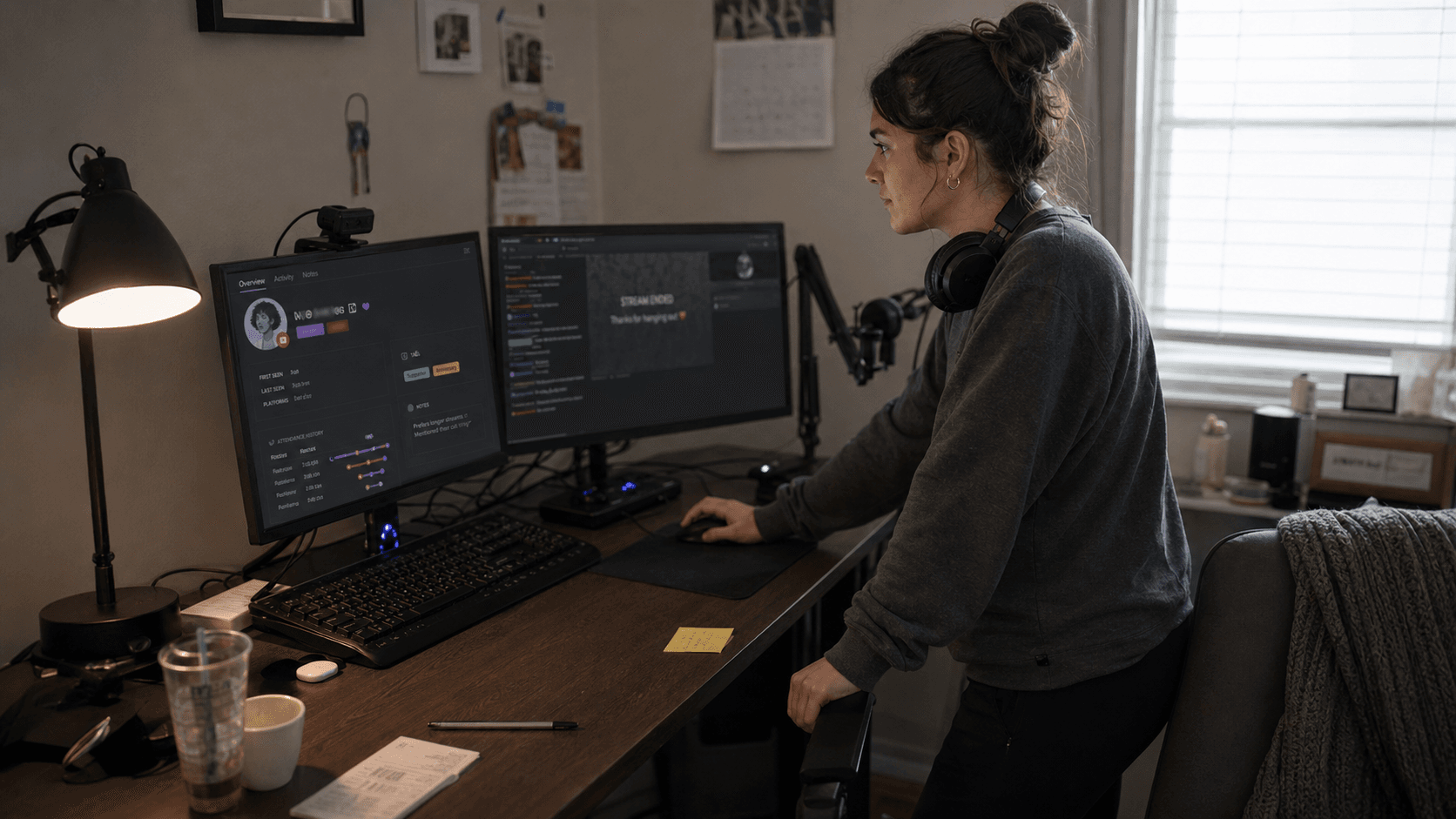
Viewer retention is not just a chart. For streamers, it is a person coming back, chatting again, and slowly becoming part of the room.
The hard part is noticing that pattern while you are live. Chat moves, platforms split, names change, and first-time chatters can disappear before you realize they came back twice.
StreamBuddy helps by keeping returning-viewer context beside the multichat workflow: connect your supported accounts, go live, read chat in one private workspace, and review who returned after the stream.
What counts as a returning viewer?
A returning viewer is someone who participates again after showing up before.
That can mean:
- A first-time chatter comes back the next stream.
- A regular returns after a few weeks away.
- A viewer joins from Twitch one week and YouTube another week.
- Someone who watched quietly starts chatting again.
- A raid visitor returns without the original raider.
For StreamBuddy, the most useful retention signals are chat-based: who spoke, where they spoke, when they last appeared, and what context is attached to their viewer profile.
StreamBuddy turns those signals into two things you can see:
- The Returning Viewer highlight in chat flags anyone who has chatted before, on their first message of each stream.
- Each profile shows a relationship tier: First-time, Returning, Regular, Loyal or Core. It is earned from how many of your own streams someone has chatted in, and it only moves upward, so a regular who takes a month off is still a regular.
That is different from raw watch time. Watch time can be useful, but returning chat participation tells you who is actively building a relationship with the stream.
Why platform identity matters
Every streaming platform has its own account system and chat identity.
That means returning-viewer tracking should be careful. A Twitch username, YouTube account, Kick account, TikTok account, or Rumble identity may represent the same person, but tools should not pretend to know that automatically unless there is a reliable connection.
The practical approach is:
- Keep platform labels visible.
- Track return patterns for each connected profile.
- Use notes and tags when a viewer tells you they use another name.
- Avoid assuming two similar usernames are the same person.
- Review context before calling out a cross-platform connection live.
This is why StreamBuddy focuses on useful viewer context instead of risky identity claims. It keeps one profile per platform account and does not link a Twitch viewer to a YouTube viewer for you. It helps you recognize patterns while leaving room for human judgment.
Track return patterns without spreadsheets
Spreadsheets work until they become another thing you have to maintain mid-stream.
A better workflow keeps retention context beside chat:
- Connect your supported platforms.
- Read Twitch, YouTube, Kick, TikTok, and Rumble chat in one workspace.
- Let chat history and viewer profiles build around participation.
- Add notes or tags when something needs human context.
- Review first-time chatters and returning viewers after the stream.
StreamBuddy is built to keep this setup simple. You do not need to rebuild your streaming system or create a reporting pipeline. You connect accounts, go live, and keep viewer retention signals close to the conversation.
For the landing page version of this use case, see viewer retention analytics.
Use notes and tags to add context
Return patterns tell you that someone came back. Notes and tags help you remember why that matters.
Use notes for specific details:
- "Asked about the new microphone last stream."
- "Came from Ari's raid and returned on Saturday."
- "Usually watches on YouTube while commuting."
- "First chatted during the charity segment."
Use tags for repeatable categories:
returning viewerfirst-time chatterraid visitorsupportermodplatform hopperfollow up
Keep both private. Viewer memory should help you host better, not expose personal context in a public overlay.
If your main goal is making regulars feel recognized, the remember regular viewers page goes deeper on private notes, tags, and respectful callbacks.
Review returns after stream
During the stream, you will miss some patterns. That is normal.
Post-stream review is where returning-viewer tracking becomes actionable. After you go offline, look for:
- First-time chatters who came back again.
- Regulars who returned after time away.
- Viewers who told you they also watch on another platform.
- Chatters who repeatedly ask useful questions.
- Raid visitors who became part of the conversation.
- Quiet regulars who have stopped appearing.
In StreamBuddy, the viewer list has New Viewers and Regulars filters for the first two, and the Insights page shows New vs returning chatters and lists established regulars who have gone quiet under At risk.
StreamBuddy's post-stream analytics workflow is built for this kind of review. Instead of only seeing totals, you can connect chat activity to viewer profiles, notes, tags, and follow-up.
Use returning viewers to understand engagement
Returning viewers also make engagement numbers more meaningful.
Average viewers can rise because of a raid, embed, homepage feature, or one-off event. Returning chatters show something different: people had enough connection to come back and participate again.
When you look at chat engagement ratio, returning viewers add the human layer:
- Are people chatting again over time?
- Are first-time chatters becoming regulars?
- Which platform are your returning viewers on?
- Are community moments creating future participation?
- Are sponsor or event streams bringing people back later?
That is the difference between measuring a spike and understanding a community.
Keep the public overlay clean
Returning-viewer context belongs in the private workspace.
If you show chat in OBS, the public overlay should show stream-safe chat output: messages, usernames, platform badges, emotes where available, and display styling.
The private StreamBuddy workspace is where return patterns, notes, tags, profiles, and history belong. That keeps your workflow useful without turning viewers into public labels.
FAQ
Can StreamBuddy track returning viewers?
Yes. StreamBuddy is designed around chat-based viewer context, returning-viewer signals, profiles, notes, tags, and post-stream review. Return history carries across streams on Twitch, Kick and Rumble; on YouTube and TikTok it is kept for the stream, and the notes you save stay.
Does StreamBuddy match viewers across platforms?
No. Each platform account has its own profile, and StreamBuddy does not link them. It keeps platform context visible and gives you notes and tags so you can add human context when a viewer tells you they use another account.
Is returning-viewer tracking the same as viewer count?
No. Viewer count measures audience size. Returning-viewer tracking focuses on who came back, chatted again, and may be turning into a regular.
Does StreamBuddy restream my video?
No. StreamBuddy is a multichat and viewer-memory tool. It works alongside your current streaming setup and does not touch your video or audio.
Understand retention at a human level
Returning viewers are one of the clearest signs that a stream is becoming a community.
Connect your supported accounts in StreamBuddy, go live with your current setup, keep chat and viewer context in one private workspace, and review return patterns after stream so first-time chatters and regulars are easier to recognize next time.
See who keeps coming back
Use StreamBuddy beside your current stream setup to track chat-based return patterns, save private notes, tag viewers, and understand retention at a human level.
Try StreamBuddy- returning viewers
- viewer retention
- stream analytics
- viewer memory
- community