How to prove stream engagement to sponsors
Show sponsor value beyond average viewers with active chatters, returning viewers, chat moments, platform mix, and honest StreamBuddy engagement context.
5 min read

Average viewers are useful, but they are not the whole sponsor story.
A sponsor wants to know whether people are actually paying attention, talking, returning, and forming a community around the stream. A smaller channel with active chat and loyal regulars can sometimes tell a stronger story than a larger channel with quiet viewers and little follow-up.
StreamBuddy helps you build that story honestly: connect supported accounts, go live with your current setup, review active chat, returning viewers, platform mix, and community context, then package those signals into a sponsor-ready explanation.
What sponsors usually ask for
Sponsors often start with familiar numbers:
- Average viewers.
- Peak viewers.
- Followers or subscribers.
- Watch time.
- Platform reach.
- Clip or VOD performance.
- Demographics if available.
Those are still important. Do not hide them or replace them with vague claims.
The problem is that reach metrics alone do not explain community quality. If chat was active, viewers returned, and people asked real questions about the product, event, or topic, that belongs in the story too.
Why average viewers are not the whole story
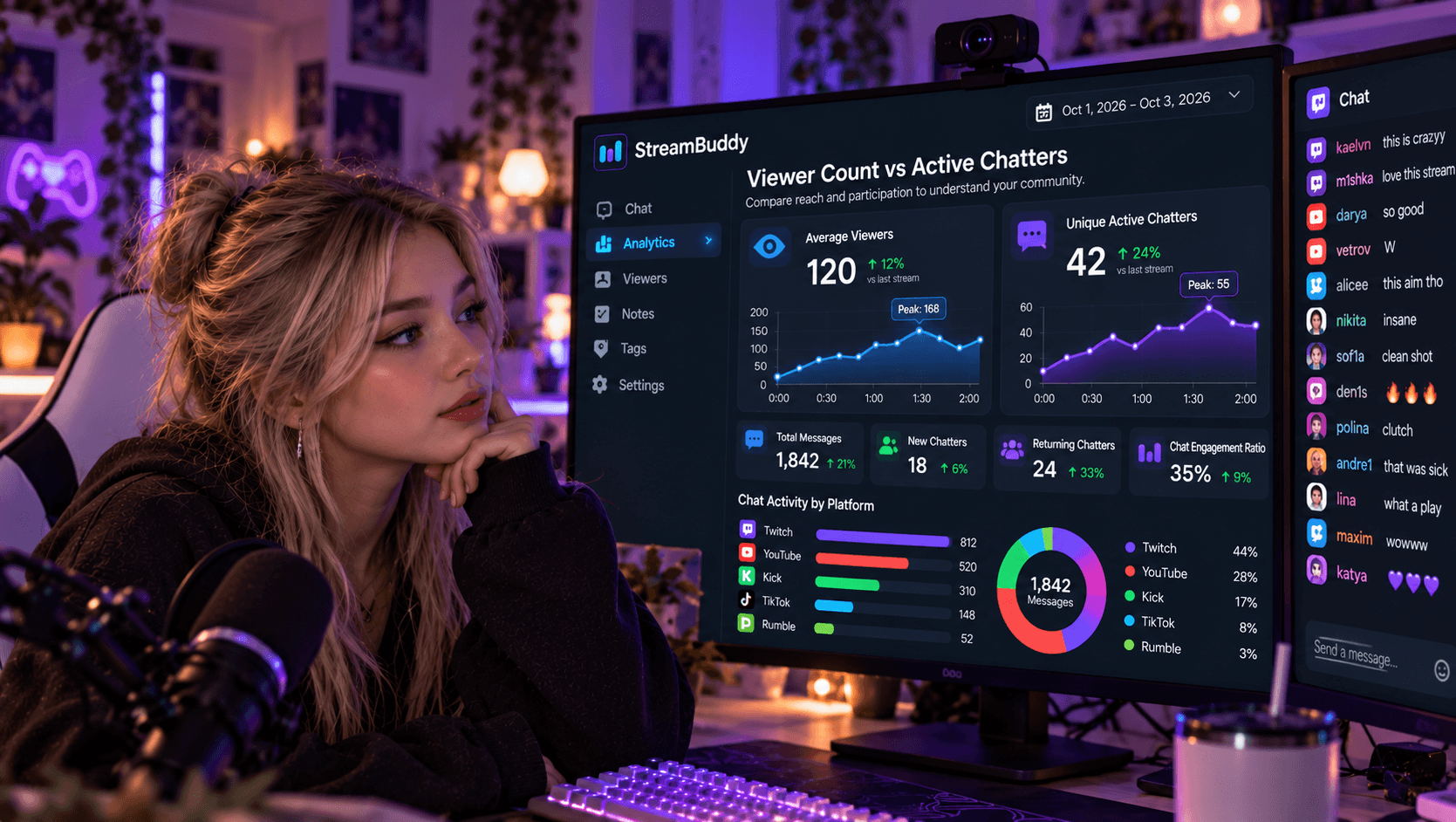
Average viewers measure size. They do not explain participation.
Two streams can both average 100 viewers:
| Stream | What average viewers miss |
|---|---|
| Quiet stream | Viewers watched, but few people chatted or returned |
| Active community stream | Chat asked questions, reacted, shared links, and came back later |
For sponsors, that difference matters. A creator who can show active chatters, returning viewers, platform mix, and real conversation has more context than a creator who only sends a screenshot of view count.
This is why chat engagement ratio is useful. It helps frame participation alongside audience size.
Active chatters and returning viewers
Strong sponsor context usually includes both live participation and repeat attendance.
Useful engagement signals:
- Unique chatters.
- Active chatters by platform.
- Returning viewers.
- First-time chatters who came back.
- Supporter and regular-viewer context.
- Chat spikes during sponsored moments.
- Questions or comments about the sponsor topic.
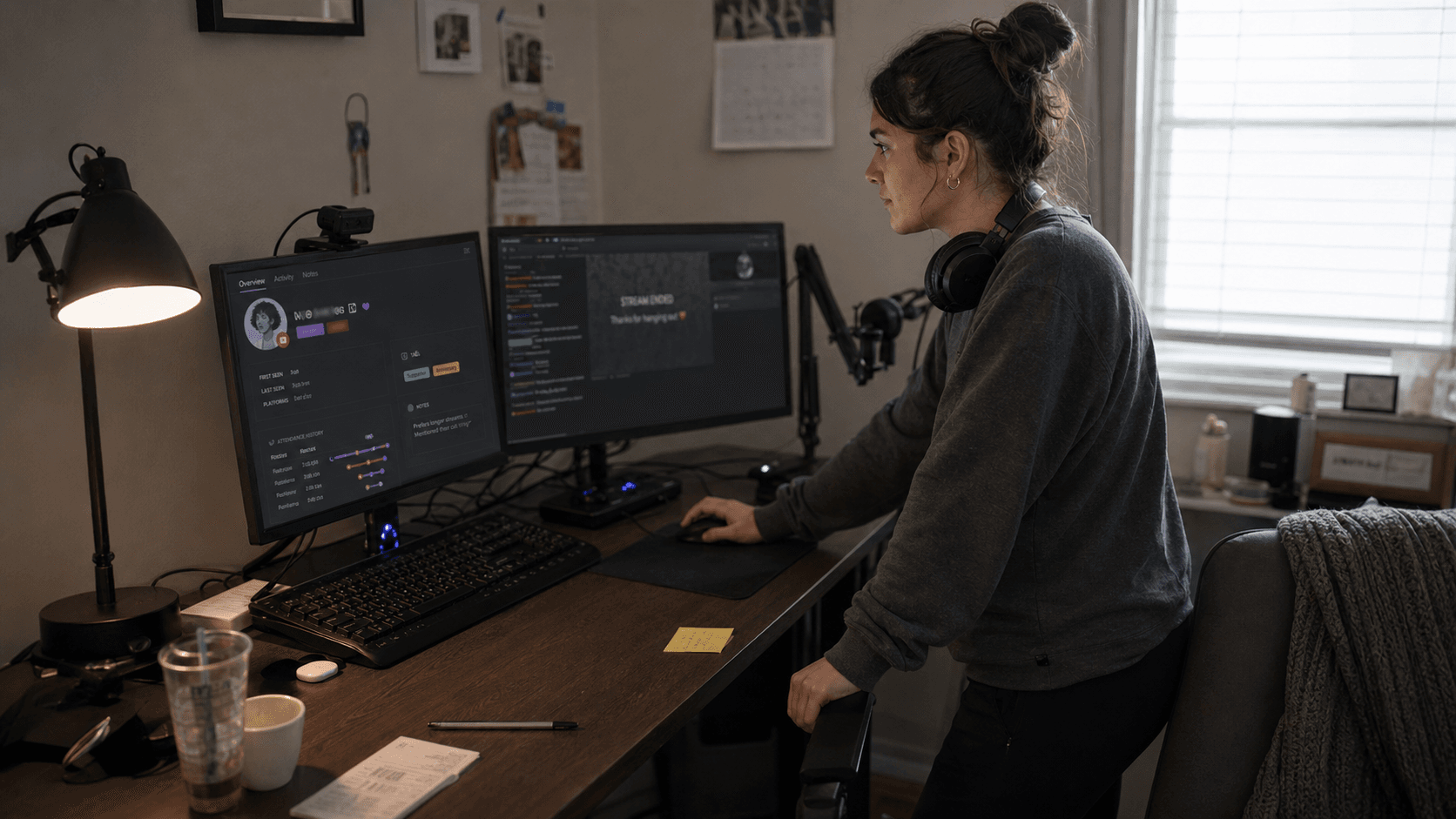
StreamBuddy keeps those signals close to the multichat workflow. You can read messages across supported platforms, review who participated, and connect chat activity to viewer profiles, private notes, tags, and post-stream review.
Two places hold the numbers. The recap email after each completed stream, if you keep Email stream summaries on, gives unique, new, and returning chatters, messages, peak active chatters, follows, and subscriptions, and for a multistream it lists each platform. The Insights page shows the same kind of counts for one channel over the last 7, 30, or 90 days, including how many viewers came to one, two, or three or more streams.
For retention-specific reporting, use viewer retention analytics.
Qualitative chat moments
Sponsors do not only buy numbers. They buy attention.
Save examples of real chat moments:
- Viewers asking how a product works.
- Returning viewers reacting to a segment.
- Community members recommending the brand to each other.
- Questions you answered live.
- Chat spikes around a sponsor mention.
- Follow-up interest after stream.
Do not manufacture these moments. Pull them from the actual stream. A few honest examples are more credible than a slide full of inflated language.
Save them soon after the stream. Chat history is kept for the retention period you choose in your privacy settings, and YouTube and TikTok chat is cleared after its end-of-stream review.
StreamBuddy's post-stream analytics workflow helps because you can review chat, activity, notes, tags, and follow-up while the stream is still fresh.
How to package the story honestly
A simple sponsor recap can include:
- The basic reach metrics from native platform analytics.
- Active chatters and message volume.
- Returning-viewer context.
- Platform mix if you streamed to several places.
- Notable chat moments or questions.
- Clips, screenshots, or timestamped examples.
- Clear notes on what StreamBuddy does and does not measure.
You build this recap yourself. StreamBuddy has no sponsor report and does not export these numbers, so you copy them from the recap email and the Insights page into your own document.
Be careful with claims. StreamBuddy helps explain real chat engagement and viewer context. It is not fake-viewer fraud detection, and it should not be presented as proof that every viewer was unique, human, or sponsor-qualified.
That honesty matters. Sponsors are more likely to trust a creator who explains context clearly than one who tries to turn every metric into a guaranteed outcome.
Use private context without exposing viewers
Sponsor reporting should respect viewer privacy.
Use StreamBuddy's private workspace for notes, tags, viewer history, and follow-up context. If you include examples in a sponsor recap, keep them appropriate and avoid exposing sensitive viewer details.
Public overlays can show stream-safe chat output during the broadcast: messages, usernames, platform badges, emotes where available, and display styling. Private CRM context should stay off stream and out of public sponsor materials unless it is clearly appropriate to summarize.
Connect the report to your brand
Sponsors also need confidence that they are looking at the official creator or product presence.
StreamBuddy's official brand page uses the same principle: clear controlled profiles, clear product positioning, and clear boundaries around what the product is not.
For your own sponsorship materials, keep the same discipline:
- Use your official channel links.
- State which platforms were live.
- Separate native analytics from StreamBuddy engagement context.
- Explain any limitations.
- Include examples that match the sponsor goal.
FAQ
Can StreamBuddy prove my audience is real?
No. StreamBuddy focuses on real chat engagement and viewer context, not fake-viewer fraud detection. It helps you explain who is chatting, returning, supporting, and participating across connected platforms.
What metrics should I send sponsors?
Send native reach metrics plus engagement context: active chatters, returning viewers, platform mix, notable chat moments, chat spikes, and follow-up signals.
Can smaller streamers use chat engagement in sponsor pitches?
Yes. Smaller streamers can often tell a strong story with active chat, loyal regulars, clear community fit, and honest examples of viewer participation.
Does StreamBuddy replace platform analytics?
No. Use platform analytics for reach and performance totals. Use StreamBuddy for multichat, viewer memory, chat engagement context, and post-stream review.
Use StreamBuddy for sponsor-ready context
Sponsors do not need hype. They need a clear picture of audience quality.
Connect your supported accounts in StreamBuddy, go live with your current setup, review active chatters and returning viewers after stream, and use that context to explain the community behind your average viewers.
Tell a clearer engagement story
Use StreamBuddy beside your current stream setup to review multichat, active viewers, returning regulars, notes, tags, and sponsor-ready community context.
Try StreamBuddy- sponsorship
- chat engagement
- stream analytics
- viewer retention
- audience authenticity