How to remember regular viewers
Remember regular viewers with private notes, tags, chat history, platform context, and post-stream review in StreamBuddy.
5 min read
Regular viewers are easy to appreciate and surprisingly easy to forget.
Not because you do not care. Because chat moves fast, people change names, viewers hop between platforms, and every stream asks you to host, play, moderate, troubleshoot, and remember dozens of conversations at once.
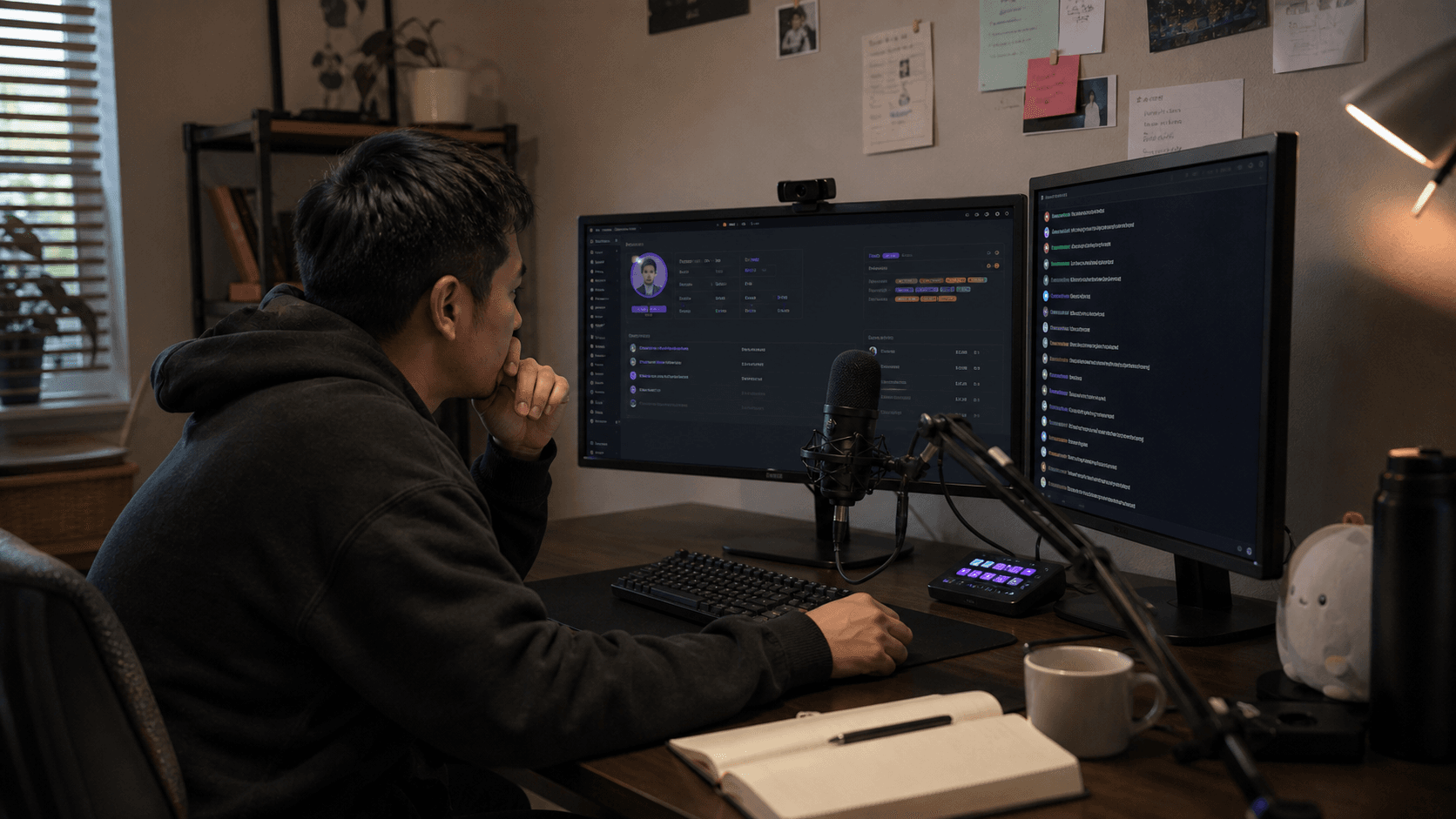
The goal is not to memorize everyone perfectly. The goal is to keep enough private context beside chat that returning viewers feel recognized when they come back.
Why usernames are not enough
A username is only useful if you remember the story behind it.
Two messages can look identical in a normal chat window:
| Message | What standard chat shows | What you actually need |
|---|---|---|
| "Hey, I'm back" | A name and a message | Were they here last week? What did you talk about? |
| "How did the build go?" | A name and a question | Which build? Did you promise an update? |
| "First time here" | A new chatter | Did they arrive from a raid, clip, or another platform? |
Regulars become regulars through repeated context. If that context lives only in your memory, it gets harder to keep up as the community grows.
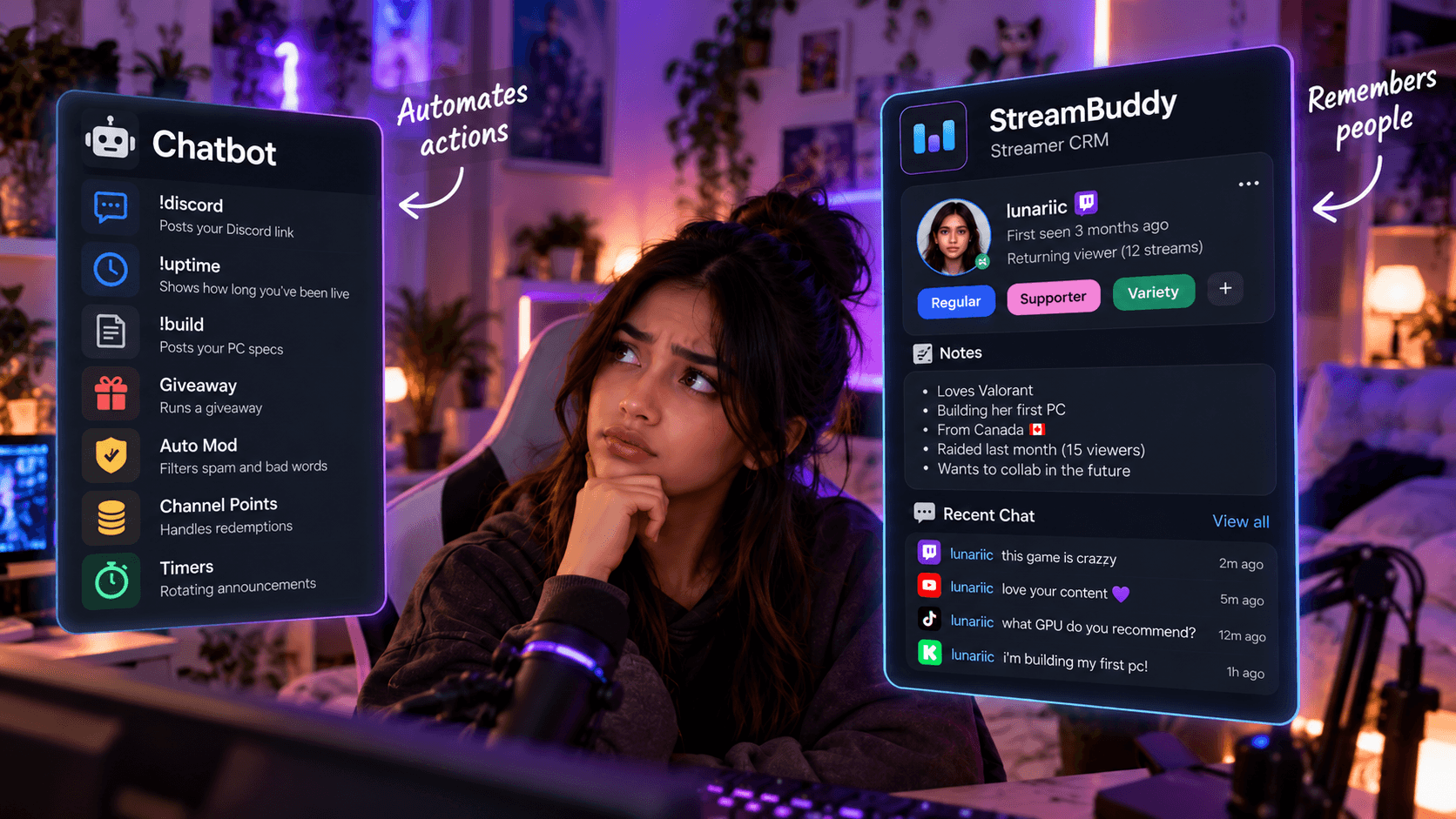
That is why a viewer-memory workflow matters. StreamBuddy puts multichat, profiles, private notes, tags, and history in the same workspace so you can read chat and understand the person behind the message.
Recognize returning viewers while chat is live
The best time to recognize a regular is the moment they speak.
StreamBuddy is built around returning-viewer context, so the live chat workflow can show useful signals beside the conversation instead of making you search after the moment has passed. That helps you greet people naturally:
- "Good to see you back."
- "Did the exam go okay?"
- "You were asking about this boss last stream."
- "Welcome back from the YouTube side."
Those small callbacks are powerful because they prove the viewer is not just another line in chat.
For the landing page version of this use case, see remember regular viewers.
Save notes without being creepy
Good viewer notes are respectful, useful, and relevant to the stream relationship.
Write notes your future self can actually use:
| Weak note | Better note |
|---|---|
| "Nice person" | "Usually joins art streams; asked about brush settings" |
| "School" | "Studying finals this week; wish them luck next stream" |
| "Car viewer" | "Asked about Miata suspension; likes track-day stories" |
| "Raid person" | "Came from Jamie's charity raid; liked the cooking segment" |
Avoid private or overly sensitive details. Viewer memory should help you be thoughtful, not make people feel watched.
Use notes for callbacks, promises, preferences, and stream-relevant context. Keep them private in the StreamBuddy workspace, not on your public OBS overlay.
Use tags for community context
Tags help you group viewers without writing the same note repeatedly.
Useful tags might include:
regularfirst-time chatterraid visitormodvipmusic talkleague viewerirl regulargiveaway follow-up
The point is not to label people publicly. The point is to make community context easier to find in your private workspace.
For example, after a raid you might tag first-time chatters who stuck around. After a tournament stream, you might tag viewers who helped with bracket questions. After a long series, you might tag the people who keep returning for that game.
Tags are most useful when they are simple and consistent. Five good tags beat thirty tags nobody remembers how to use.
Handle platform hopping and name changes
Regulars do not always stay on one platform.
A viewer might watch Twitch on desktop, YouTube on a TV, TikTok on a phone, or Kick when a different notification reaches them. They may also change usernames, add prefixes, or use a different name on every platform.
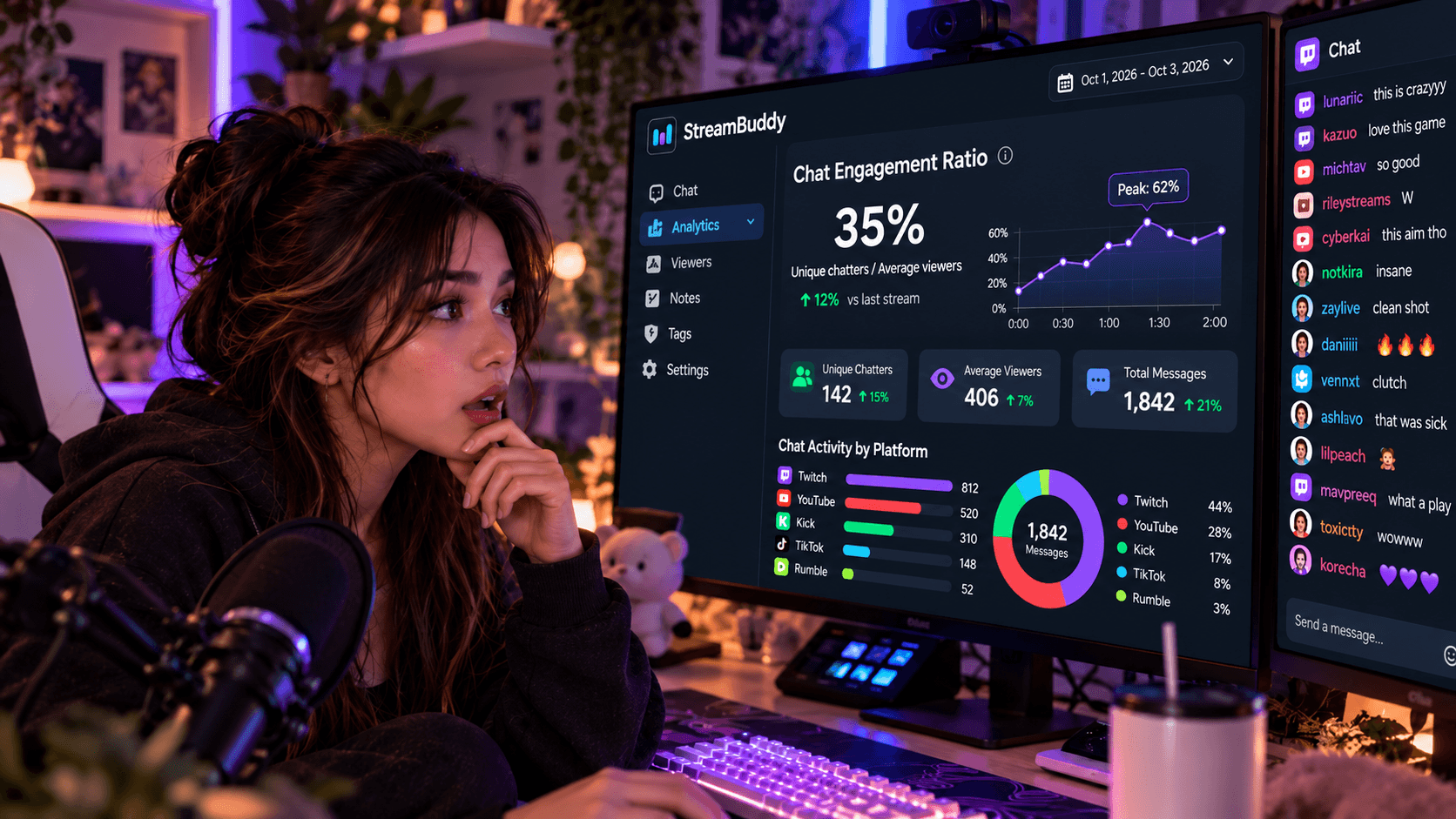
That is why multichat and viewer memory belong together. A combined feed helps you read messages from supported platforms in one place. Viewer profiles, notes, and tags help you preserve context when the community does not stay inside one chat window.
If this is the main problem you are solving, read remembering your regulars across platforms.
Review retention after the stream
Some regular-viewer work happens after you go offline.
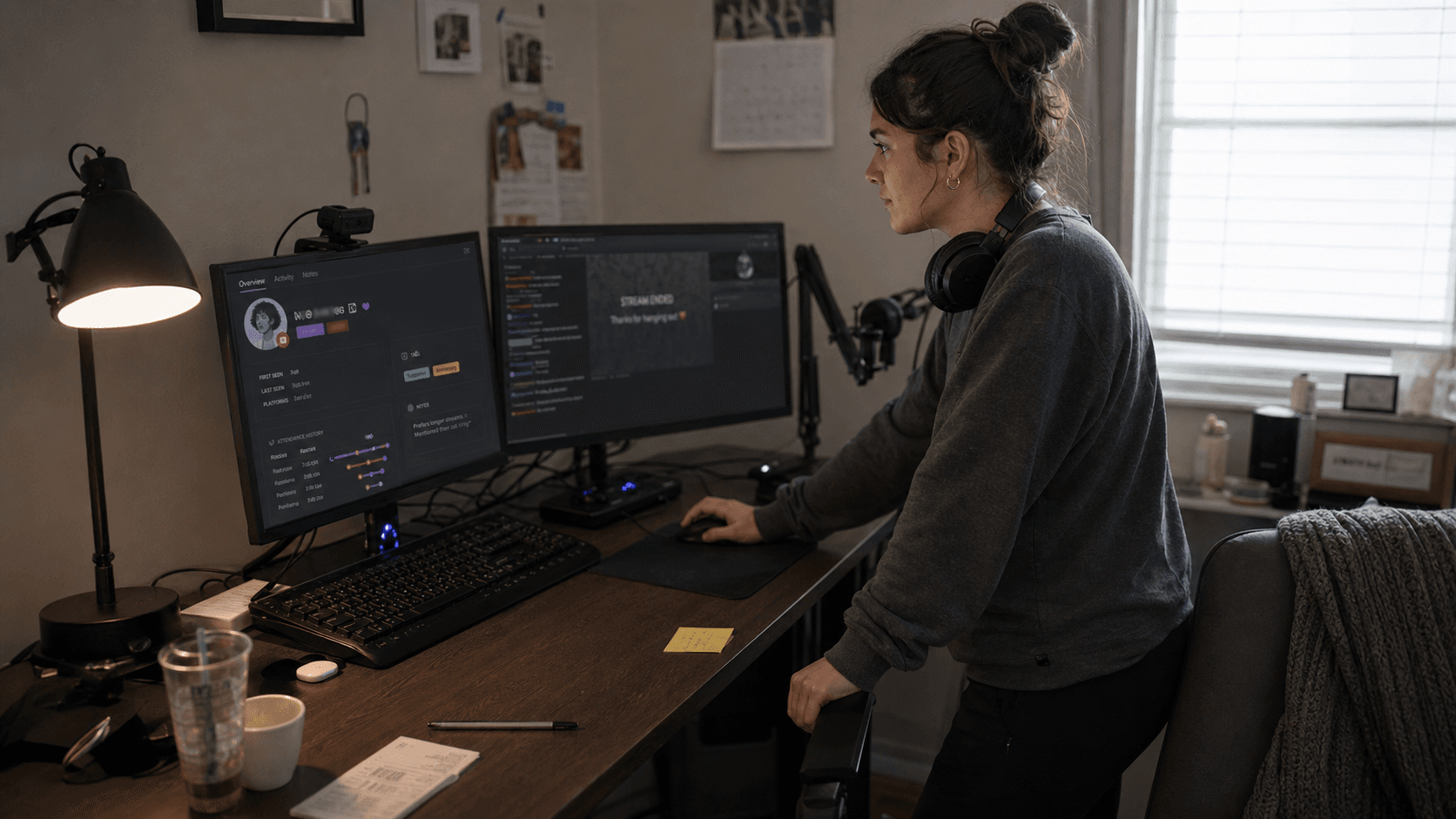
During the stream, you may be too busy to notice every important pattern. After the stream, review:
- Who returned after missing a few streams.
- Which first-time chatters came back again.
- Which regulars were quieter than usual.
- Which topics made chat more active.
- Who you promised to follow up with.
- Which platform brought in viewers who stayed.
StreamBuddy's viewer context and viewer retention analytics help connect chat activity to real community memory. You are not just looking at total messages. You are looking at who came back and what to do next.
If you want the bigger concept behind this workflow, read what a streamer CRM is.
Keep private memory separate from the public overlay
If you show chat on stream, keep the public and private surfaces separate.
Public overlay:
- Messages.
- Usernames.
- Platform badges.
- Emotes where available.
- Stream-safe display styling.
Private StreamBuddy workspace:
- Viewer notes.
- Tags.
- Profiles.
- Chat history.
- Returning-viewer context.
- Moderation context.
This split matters. Viewers can enjoy a readable chat overlay without seeing the private context you use to host better.
FAQ
How can I remember regular viewers better?
Use a repeatable workflow: recognize returning viewers live, save short private notes, apply simple tags, and review chat after stream so important context does not disappear.
Can StreamBuddy help remember regulars?
Yes. StreamBuddy combines supported multichat with viewer profiles, notes, tags, chat history, and returning-viewer context in one private workspace.
Should viewer notes appear on stream?
No. Viewer notes are for the streamer and trusted workflow, not the public overlay. Use the display-safe overlay for chat and keep viewer memory private.
Does StreamBuddy replace my stream setup?
No. StreamBuddy is a multichat and viewer-memory tool. Use it alongside OBS, your current encoder, platform dashboards, and the streaming setup you already trust.
Keep viewer memory next to chat
Remembering regulars should not require a spreadsheet, perfect memory, or a complicated technical setup.
Connect your supported accounts in StreamBuddy, go live with your current setup, read chat in one private workspace, and keep the notes, tags, history, and retention context that make returning viewers feel recognized.
Remember the people behind chat
Use StreamBuddy to keep multichat, private notes, tags, viewer history, and returning-viewer context beside your current streaming setup.
Try StreamBuddy- regular viewers
- viewer memory
- streamer CRM
- viewer retention
- community