Streamer CRM vs chatbot: what is the difference?
Learn the difference between streamer CRMs and chatbots, when to use each, and how StreamBuddy adds viewer memory to live chat.
6 min read
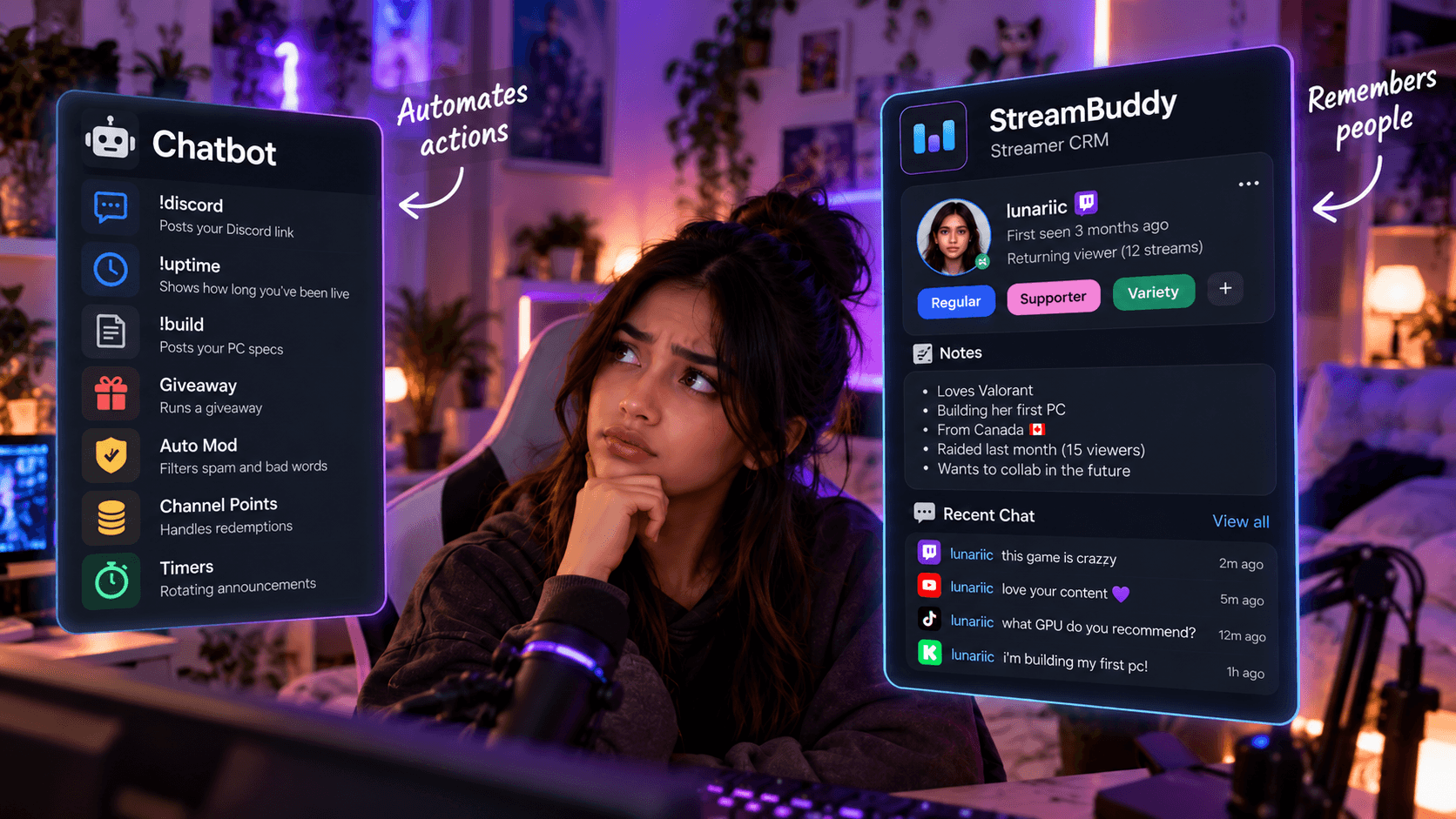
Streamer chat tools get grouped together too easily. A chatbot, a multichat app, an analytics dashboard, and a streamer CRM can all touch chat, but they do not solve the same problem.
The shortest version is this:
- A chatbot automates actions.
- A streamer CRM remembers people.
Most growing channels eventually need both. The mistake is expecting a command bot to do relationship memory, or expecting a CRM to replace automation.
What a streamer chatbot does
A streamer chatbot handles repeatable chat tasks.
Depending on the bot, that can include:
- Commands such as
!discord,!uptime, or!build. - Timers and rotating announcements.
- Spam filters and moderation rules.
- Giveaways, games, polls, and loyalty points.
- Alerts or chat messages triggered by follows, subs, donations, or raids.
- Integrations with OBS, channel points, sound effects, or other tools.
That is useful work. A bot saves the streamer and moderators from repeating the same action hundreds of times.
But a bot usually does not know what a viewer talked about last stream, whether they came from a raid, what note you saved about them, or why their return matters.
What a streamer CRM does
A streamer CRM is focused on viewer context.
CRM usually means customer relationship management. For streamers, the better meaning is community relationship management: a way to remember the people behind the usernames.
A streamer CRM can help with:
- Viewer profiles.
- Private notes.
- Tags for regulars, supporters, collaborators, or topics.
- Returning-viewer recognition.
- Chat history and recent context.
- Cross-platform identity and activity.
- Post-stream review of who showed up and what mattered.
StreamBuddy is built around that job. It connects your supported chat platforms, brings messages into one multichat workspace, and keeps viewer memory close to the live conversation.
For the category overview, read what is a streamer CRM. For a tool comparison, see the best streamer CRM tools guide.
Where the tools overlap
Chatbots and streamer CRMs both touch live chat, so some overlap is normal.
| Need | Chatbot | Streamer CRM |
|---|---|---|
| Welcome messages | Can trigger automatic greetings | Helps you know who is worth greeting personally |
| Moderation | Can run filters, timeouts, and command rules | Can keep notes or history that explain context |
| Loyalty | Can award points or track participation | Can show relationship context beyond points |
| Chat history | May log messages for automation or moderation | Keeps context attached to viewer profiles |
| Viewer follow-up | Usually not the main job | Core use case |
The difference is intent. Bots are built around repeatable actions. CRMs are built around remembering relationships.
When to use a chatbot
Use a chatbot when you need automation.
Good chatbot jobs:
- Answering the same command repeatedly.
- Running timers.
- Filtering spam.
- Managing giveaways or loyalty games.
- Triggering OBS actions or sounds.
- Giving moderators repeatable tools.
If your question starts with "How do I make chat do X automatically?", a chatbot is probably the right layer.
When to use a streamer CRM
Use a streamer CRM when the hard part is remembering people.
Good CRM jobs:
- Seeing that someone is a first-time chatter.
- Recognizing a regular who changed platforms.
- Saving a note about a viewer's project, question, or interest.
- Tagging raid leaders, collaborators, supporters, or helpful regulars.
- Reviewing who stood out after stream.
- Understanding retention at the person level, not only the channel-average level.
If your question starts with "Who is this viewer, and what should I remember?", a CRM is the right layer.
When to use both
Many streamers should use both a chatbot and a CRM.
For example:
- Your chatbot posts
!discordwhen viewers ask. - StreamBuddy shows that the person asking is a returning viewer from YouTube who joined after last week's raid.
- Your chatbot runs a giveaway.
- StreamBuddy lets you tag the regulars who helped welcome first-time chatters during that event.
- Your chatbot handles a moderation rule.
- StreamBuddy keeps private viewer notes and history available to the streamer or team.
That division keeps the workflow clean. The bot handles the mechanical tasks. The CRM keeps the human context.
Examples of streamer CRM context
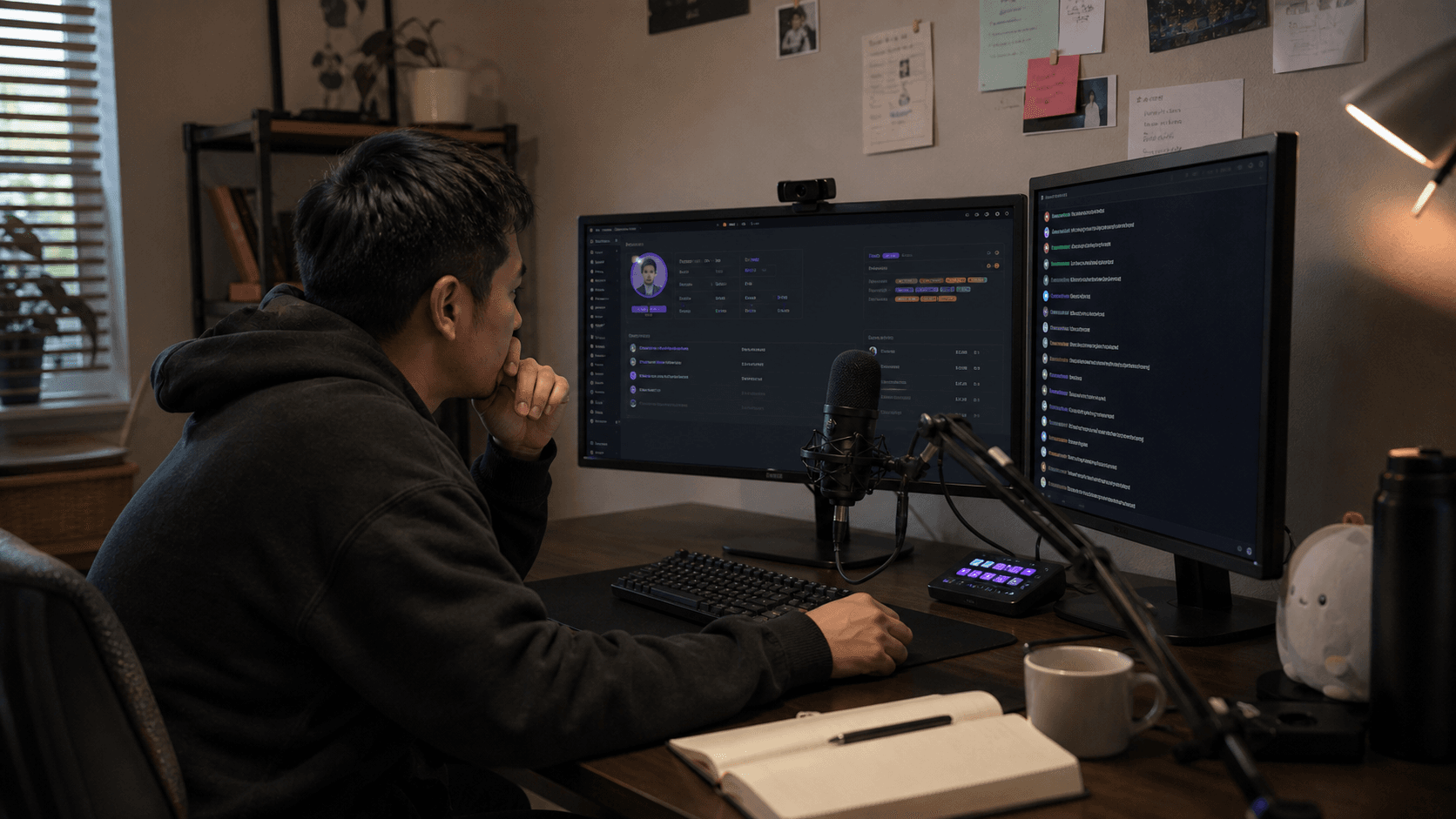
Notes
Notes are private details you want your future self to remember. Good notes are specific and respectful: "building first PC this month" is more useful than "nice viewer."
In StreamBuddy, notes belong in the private workspace, not the public overlay.
Tags
Tags help group viewers quickly. You might tag a viewer as a regular, raid leader, artist, mod candidate, speedrunner, local community member, or support-heavy regular.
Tags should help you act with context, not label people carelessly.
Returning viewers
Returning-viewer context helps you spot someone who came back after a previous stream. That is one of the easiest chances to make a viewer feel remembered.
Instead of greeting everyone the same way, you can continue a real thread.
Raids
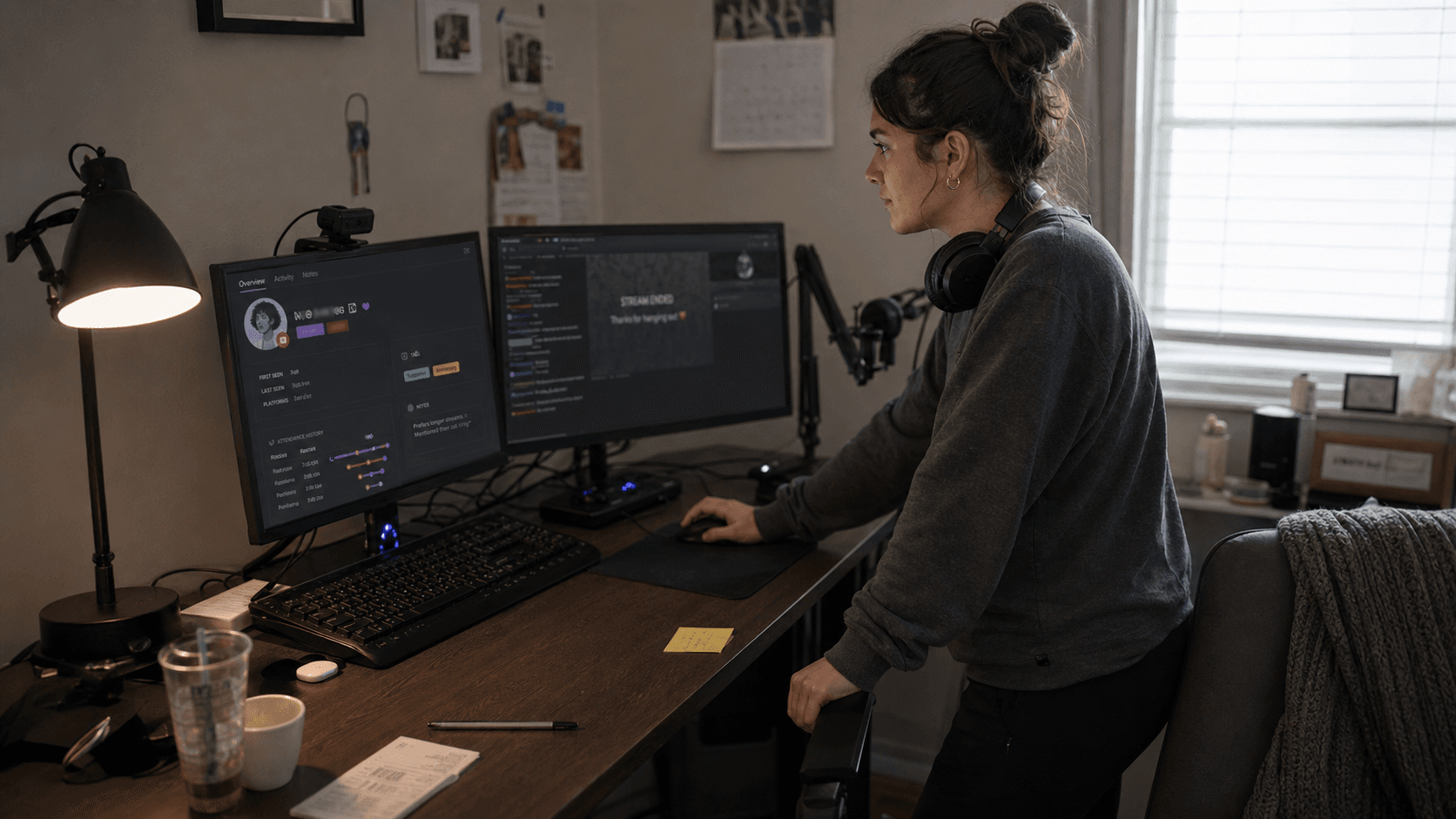
After a raid, chat can move too quickly to remember everyone. A streamer CRM helps you note who raided, who stayed, who chatted, and who might deserve follow-up before the next stream.
Post-stream review
After stream, the best question is not only "how many viewers did I have?" It is also "who showed up, who returned, and what conversations should I remember?"
That is where viewer-level context supports retention. The viewer retention analytics page covers this broader measurement problem.
Private workspace vs public overlay
A chatbot command or chat box may be public by design. A streamer CRM contains private context.
StreamBuddy keeps that distinction clear:
- Use the private dashboard, dock, or workspace for notes, tags, profiles, history, and streamer-side review.
- Use the display-only OBS overlay when viewers should see chat messages on stream.
Viewer notes and tags should not appear in the public overlay. They are there to help you host better, not to expose private context.
Frequently asked questions
Is StreamBuddy a chatbot?
No. StreamBuddy is a multichat and viewer-memory workspace. It is not primarily a command bot or automation engine.
Do I still need a chatbot?
Maybe. If you rely on commands, timers, games, giveaways, spam filters, or automation, keep your chatbot. StreamBuddy can sit beside it as the viewer-memory layer.
Can StreamBuddy replace loyalty points?
No. Loyalty points and viewer memory are different. Points reward participation. Viewer memory helps you remember who a person is and what happened before.
Can StreamBuddy work with OBS?
Yes. StreamBuddy supports private dock workflows and display-only Browser Source overlays for chat.
Does StreamBuddy restream my video?
No. StreamBuddy works alongside your current streaming system. It handles chat, multichat, viewer context, and OBS-friendly chat surfaces, not video distribution.
Add viewer memory to your multichat workflow
A chatbot can keep your stream running smoothly. A streamer CRM helps your community feel remembered.
Keep the bot tools that already work, connect your accounts to StreamBuddy, go live with your current setup, and use StreamBuddy as the multichat and viewer-memory layer beside live chat.
Keep your bot, add viewer memory
Use StreamBuddy to read every supported chat in one workspace, recognize returning viewers, and keep private notes and tags beside the live conversation.
Set up StreamBuddy- streamer CRM
- chatbot
- viewer memory
- community management
- multichat