Roblox streamer chat guide
Manage Roblox stream chat with easier multichat, safe private notes, returning-viewer memory, moderation habits, and post-stream follow-up in StreamBuddy.
5 min read
Roblox streams can bring a special kind of chat chaos.
Viewers ask to join, suggest games, share usernames, react to rounds, make inside jokes, and return under names that start to blur together. If you stream on more than one platform, the room gets even harder to follow.
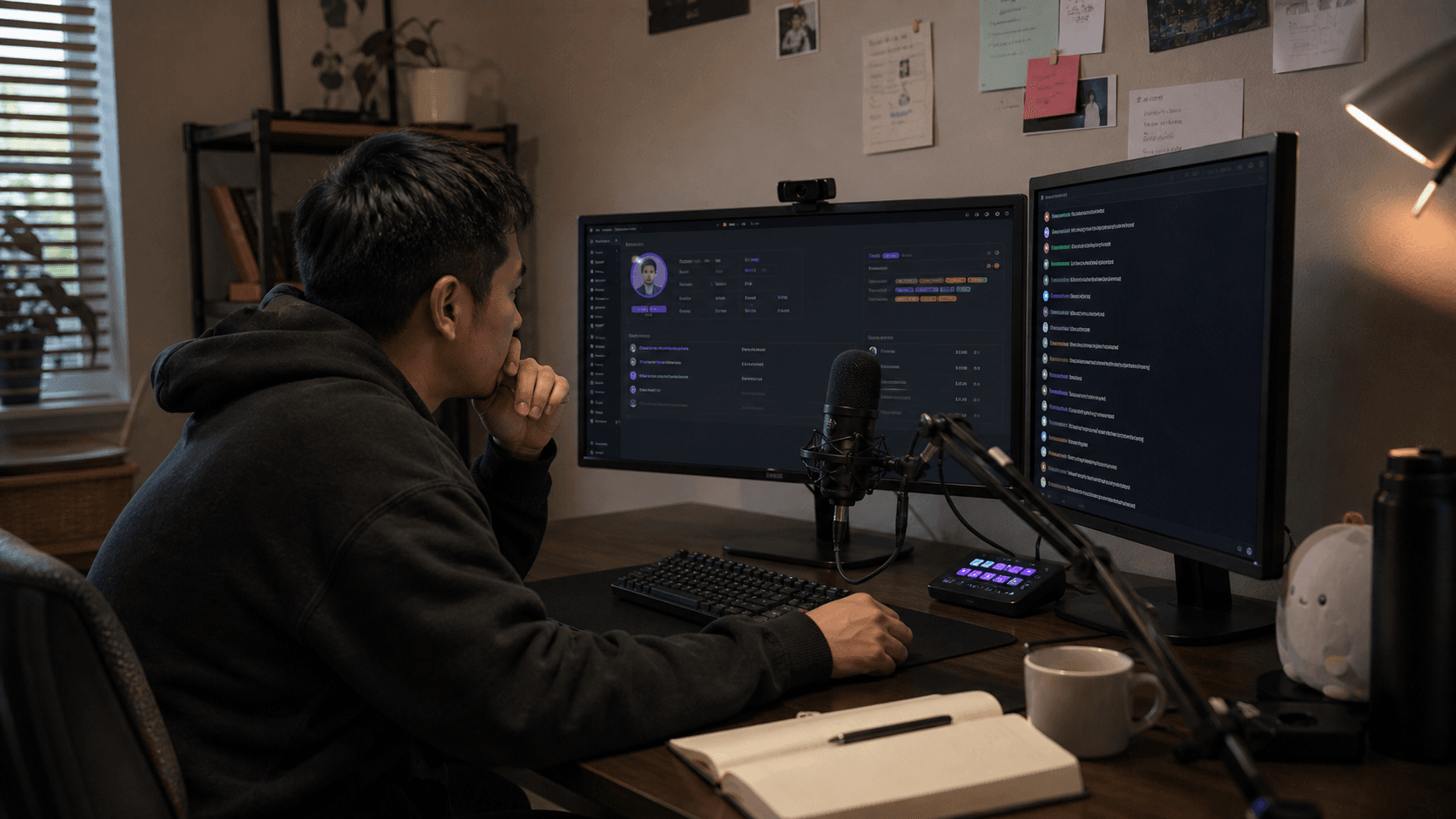
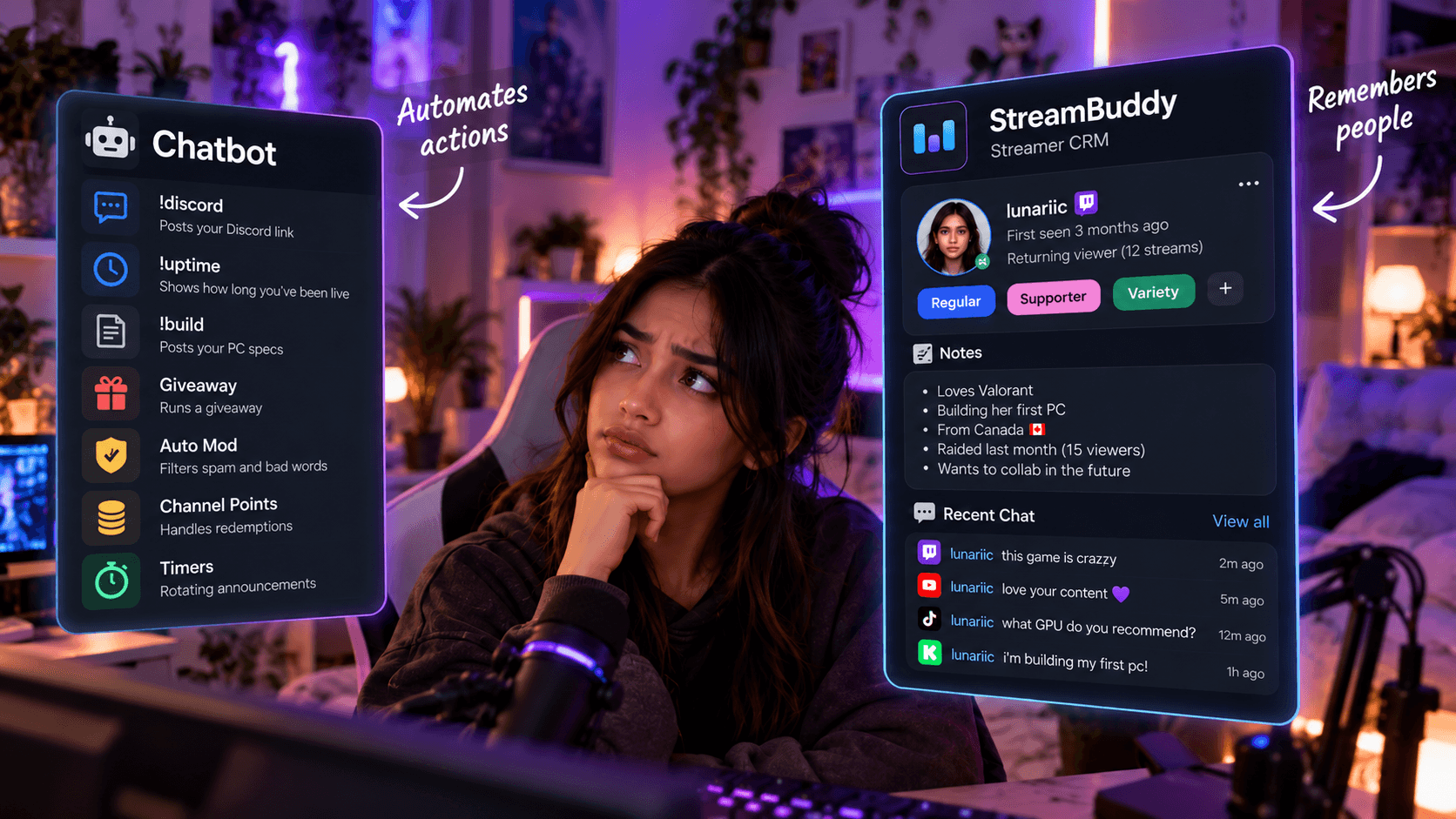
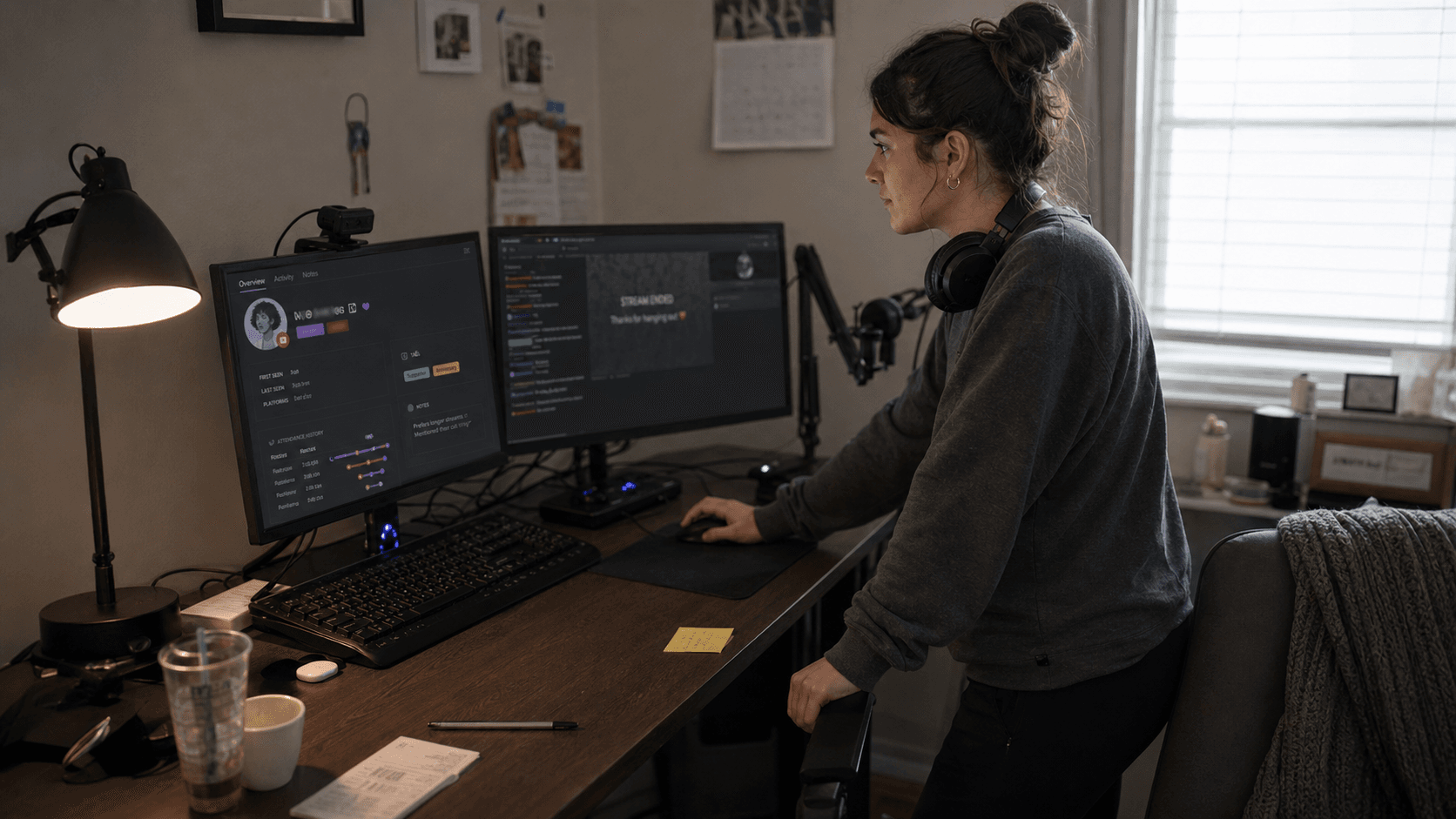
StreamBuddy helps by keeping chat and viewer context in one private workflow: connect supported accounts, go live with your current setup, read multichat, and keep viewer notes, tags, and returning-viewer context close without exposing private details on stream.
Why Roblox chat gets busy
Roblox chat often moves quickly because viewers want to participate.
Common Roblox stream chat patterns:
- Viewers ask to join the server.
- Chat suggests games or experiences.
- Regulars use short inside jokes.
- New viewers ask the same setup questions.
- People share platform names or Roblox usernames.
- Younger viewers may chat rapidly or repeat messages.
- Raids and game switches create sudden spikes.
The challenge is not only reading the messages. It is remembering who is who after the stream moves on.
Remember regulars and usernames
Regulars matter in Roblox streams because recurring viewers often help create the room's energy.
Use StreamBuddy to keep context beside chat:
- Viewer profiles for repeat participants.
- Private notes for useful context.
- Tags for regulars, helpers, or game-specific viewers.
- Returning-viewer signals when someone comes back.
- Multichat labels so you know which platform each message came from.
For example, a note might say:
- "Usually suggests obby games."
- "Helps explain private server rules."
- "Asked about Brookhaven last stream."
- "Returned after the weekend tournament."
Keep notes short, respectful, and stream-relevant. You are trying to make the next interaction feel familiar, not collect personal details you do not need.
The Roblox streamer chat memory story shows this same workflow in a creator-specific example.
Moderation and safe notes
Roblox audiences can include younger viewers, so your note-taking and moderation habits should be extra careful.
Good rules:
- Keep private notes private.
- Avoid saving sensitive personal details.
- Use tags for stream context, not personal labels.
- Let moderators handle repeated spam when possible.
- Keep platform moderation tools and bot filters active.
- Do not put private viewer profiles or notes on stream.
If you use notes, write for your future streamer self:
| Chat moment | Safe useful note |
|---|---|
| Viewer asks to join every stream | "Often asks to join; explain queue rules early" |
| Viewer suggests a game | "Likes Doors and obby games" |
| Viewer helps newcomers | "Often explains game rules to new chatters" |
| Viewer shares private info | "Do not save personal detail; remind chat about privacy" |
StreamBuddy's private workspace is where this context belongs. Public overlays should only show stream-safe chat output.
If a viewer posts something that should not be kept, you can delete the data StreamBuddy has stored for them from their profile, and choose to stop collecting it from then on.
For a broader note-taking guide, see viewer notes for Twitch streamers. The same privacy principles apply even when the content is Roblox instead of Twitch-specific.
Reading chat while playing
Roblox gameplay can be fast, especially during minigames, obbies, PvP, or roleplay moments. You need chat visible without losing the game.
Helpful setup choices:
- Use one multichat feed instead of separate platform windows.
- Keep platform badges visible.
- Increase chat font size if you glance quickly.
- Use moderators to answer repeated server or username questions.
- Keep private notes in StreamBuddy, not on the public overlay.
- Review missed messages after the stream instead of trying to catch every line live.
If you stream Roblox to several platforms, StreamBuddy multichat keeps the conversation together so you are not switching between Twitch, YouTube, Kick, TikTok, and Rumble chat windows.
Post-stream follow-up
The best Roblox community growth often happens after the stream.
After going offline, review:
- First-time chatters who asked real questions.
- Regulars who returned.
- Viewers who helped welcome others.
- Game suggestions that came up repeatedly.
- Questions you missed while playing.
- Viewers worth tagging for next stream.
This is where viewer memory becomes useful. The next time a viewer returns, you can greet them with a little context instead of treating every username like a stranger.
For the broader workflow, see remember regular viewers.
Keep the public overlay safe
If you show chat on stream, separate public and private information.
Public overlay:
- Chat messages.
- Usernames.
- Platform badges.
- Emotes where available.
- Stream-safe styling.
Private workspace:
- Notes.
- Tags.
- Viewer profiles.
- Chat history.
- Moderation context.
This split is especially important for Roblox streams because the audience can be younger and chat can move quickly.
FAQ
Can StreamBuddy help Roblox streamers?
Yes. StreamBuddy helps Roblox creators read multichat, recognize returning viewers, save private notes, use tags, and review chat after stream.
Should I save Roblox usernames in notes?
Only save context that is useful and appropriate for your stream workflow. Avoid sensitive personal details and keep notes private.
Does StreamBuddy replace Roblox or OBS?
No. StreamBuddy works alongside your current Roblox, OBS, bot, and streaming setup as the chat and viewer-memory layer.
Can I show Roblox chat on stream?
You can use display-safe overlay workflows when appropriate, but keep private notes, tags, viewer profiles, and moderation context off stream.
Keep Roblox chat and viewer context together
Roblox streams are easier to host when chat, regulars, and follow-up context are not scattered across windows.
Connect your supported accounts in StreamBuddy, go live with your current Roblox setup, read multichat in one private workspace, and use notes, tags, and returning-viewer context to make regulars easier to recognize.
Keep up with Roblox chat
Use StreamBuddy beside your current Roblox stream setup to read multichat, save safe private notes, tag regulars, and remember who keeps coming back.
Try StreamBuddy- roblox streaming
- chat management
- viewer memory
- multichat
- regular viewers