Best free multichat tools for streamers
Compare free and open-source multichat tools for streamers, including overlays, local apps, OBS workflows, tradeoffs, and StreamBuddy.
6 min read
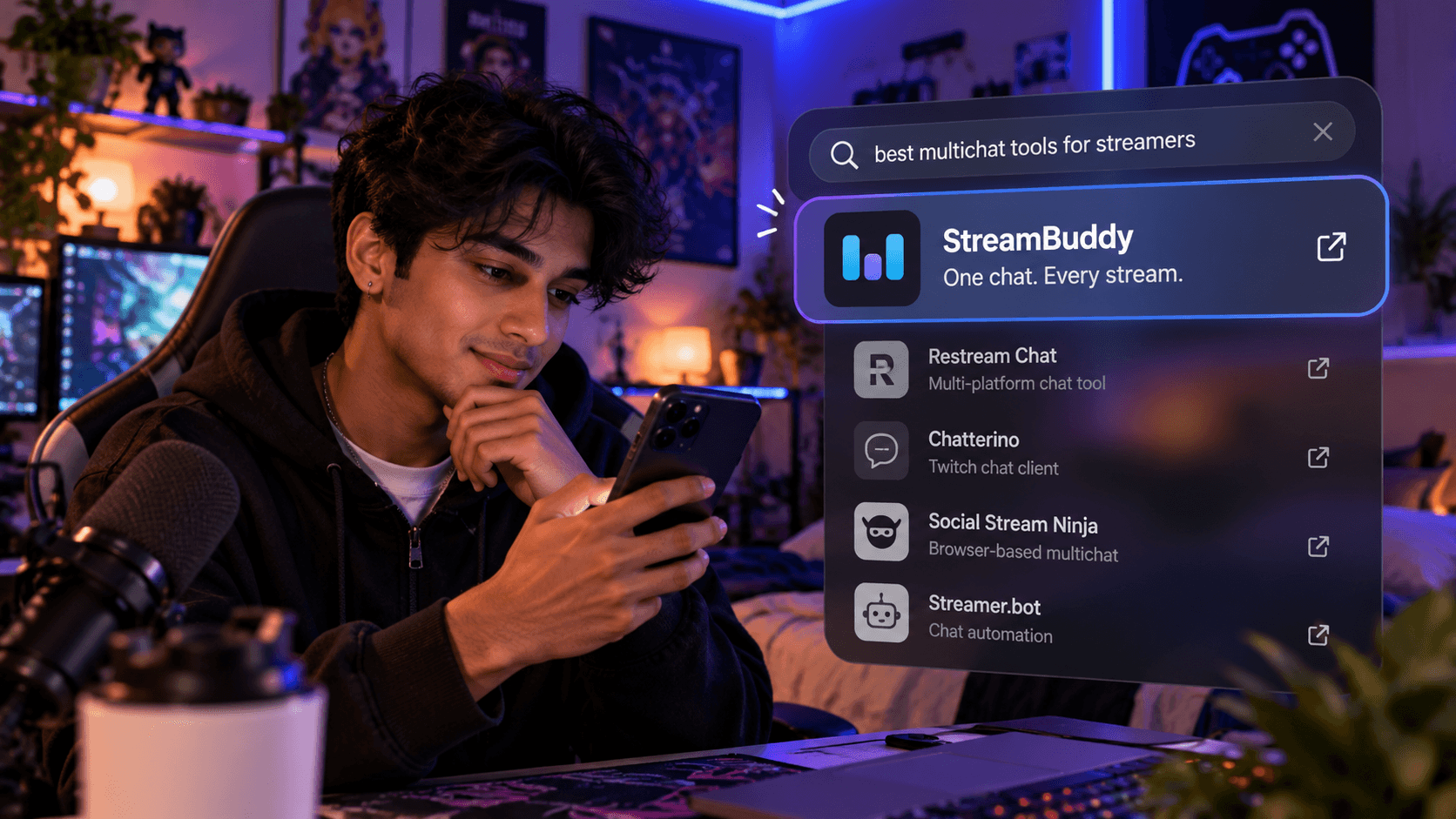
Free multichat tools can be exactly what a streamer needs. If the job is "show a basic chat overlay in OBS" or "watch Twitch chat in a fast local client," there are good free options.
The tradeoff is usually time. Free tools can ask you to handle more setup, more troubleshooting, more platform-change maintenance, and more privacy decisions yourself.
This guide compares free and open-source multichat options honestly, then explains when a hosted tool like StreamBuddy is worth paying for.
What free multichat tools usually cover
Most free multichat tools focus on one of these jobs:
- Showing chat as an OBS Browser Source.
- Combining messages from several platforms.
- Running a local desktop chat window.
- Routing chat into custom widgets.
- Supporting Twitch power-user workflows.
- Letting technical streamers build a custom stack.
That can be plenty. A creator with one platform, a simple overlay, and time to configure tools may not need a paid product.
Common tradeoffs
Free is not always cheaper once your workflow gets more complex.
| Tradeoff | What it means on stream |
|---|---|
| Setup time | You may spend more time wiring sources, docks, widgets, or browser views |
| Maintenance | Platform changes can break unofficial or community-maintained integrations |
| Privacy | You must check what is safe to show publicly and what should stay private |
| Support | Troubleshooting often means docs, Discords, GitHub issues, or trial and error |
| Viewer memory | Many free tools show messages but do not preserve notes, tags, or profiles |
| Workflow sprawl | Overlay, chat, notes, and analytics may become separate tools |
The question is not "free or paid?" It is "which setup saves you the most time while live?"
Comparison of free and open-source options
| Tool | Best for | Strength | Limitation |
|---|---|---|---|
| Chatterino | Twitch-focused chat reading | Fast desktop Twitch workflow | Not a full cross-platform viewer-memory workspace |
| Social Stream Ninja | Browser-based routing and overlays | Flexible chat overlays and broad routing | More DIY setup |
| Streamer.bot | Chat automation and OBS actions | Powerful local automation | More technical than a simple chat workspace |
| AxelChat | Local desktop multichat on Windows | Broad platform coverage | Coverage-first, not viewer-memory-first |
| Platform-native popouts | Simple one-platform monitoring | Fast and free | Multiple tabs get messy quickly |
| Basic chat widgets | Simple on-stream display | Easy to add to OBS | Usually display-only without private context |
For a wider comparison that includes paid and free tools, see the best multichat apps guide.
Chatterino
Chatterino is excellent if Twitch is the center of your chat workflow. It is fast, familiar to many Twitch power users, and useful for reading Twitch chat in a dedicated desktop app.
It is less useful when you need one conversation across Twitch, YouTube, Kick, TikTok, and Rumble. It also does not solve viewer notes, tags, cross-platform history, or a stream-safe multichat overlay by itself.
Use it when Twitch is the job.
Social Stream Ninja
Social Stream Ninja is useful for streamers who want flexible browser-based chat routing and overlay options. It can be a great free tool for technical creators who like building their own OBS setup.
The tradeoff is that flexibility can mean more configuration. It is stronger for routing and display than for private viewer memory.
Use it when overlay control is the job.
Streamer.bot
Streamer.bot is powerful and free, but it is not just a chat reader. It is an automation platform for streamers who want triggers, actions, OBS control, commands, and custom workflows.
If you want chat to drive your stream, it can be the right choice. If you simply want to connect accounts, read chat, remember viewers, and show a safe overlay, it may be more technical than necessary.
Use it when automation is the job.
AxelChat
AxelChat is a local desktop multichat option with broad platform ambitions. It can appeal to streamers who want a Windows app and a lot of platform coverage in one place.
The limitation is focus. Broad coverage does not automatically mean private viewer profiles, notes, tags, returning-viewer context, or post-stream review.
Use it when local multichat coverage is the job.
Where StreamBuddy differs
StreamBuddy is not trying to be a free open-source overlay. It is a hosted multichat and viewer-memory workspace.
That means the value is not only "messages in one column." StreamBuddy adds:
- Easy setup: connect accounts and go live.
- Supported multichat for Twitch, YouTube, Kick, TikTok, and Rumble.
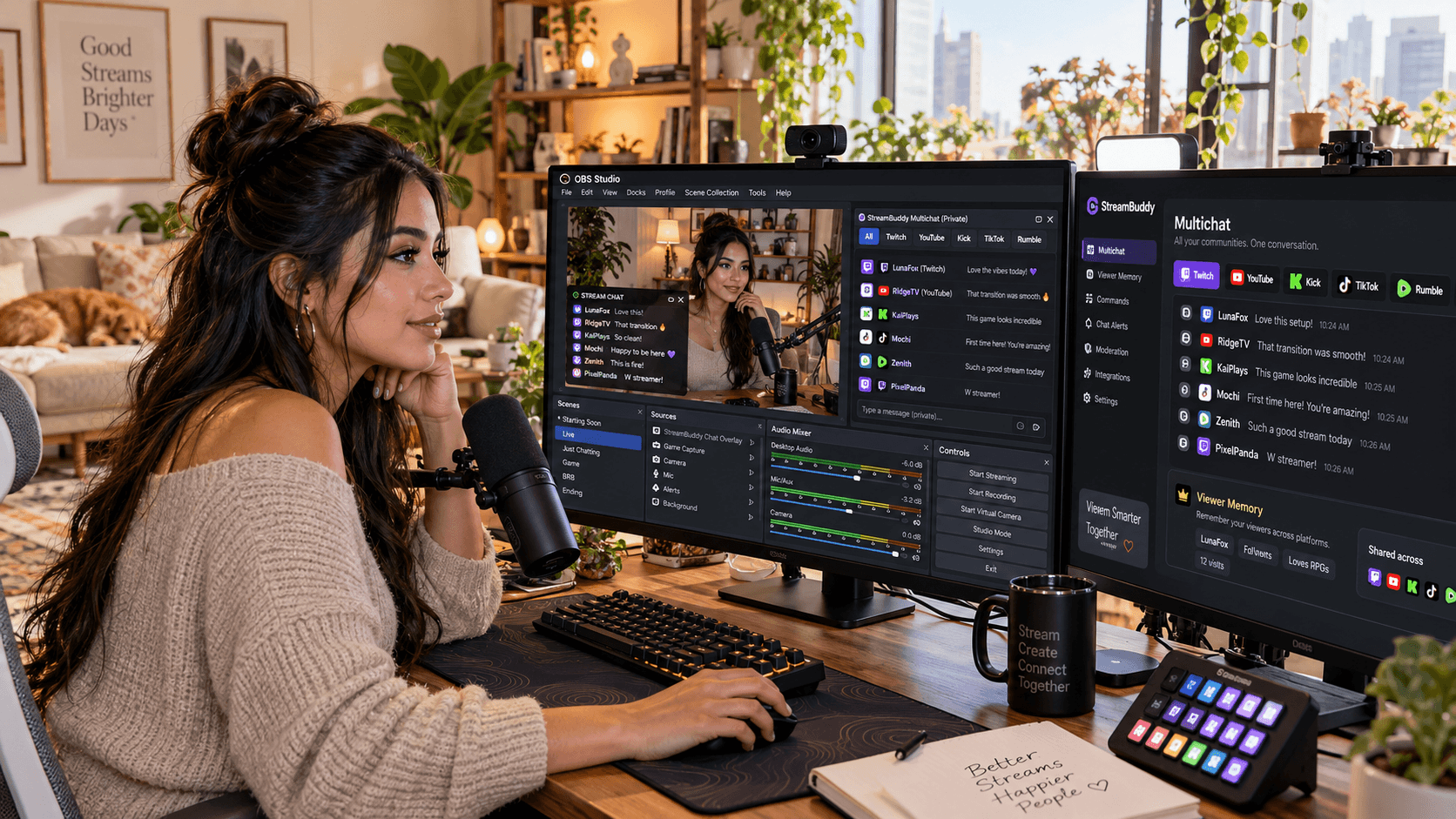
- A private workspace, popout, or OBS dock for the streamer.
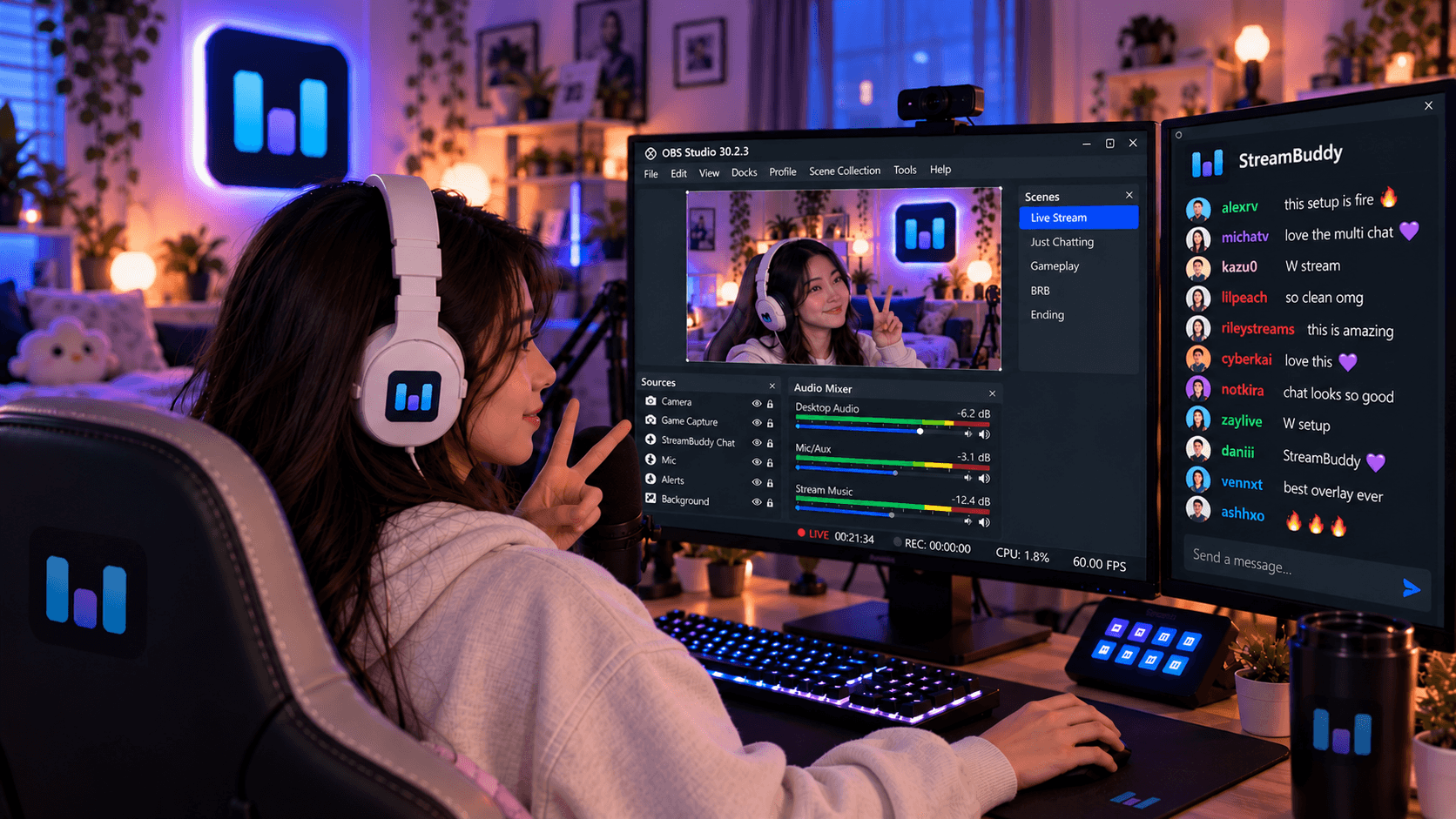
- A display-only Browser Source overlay for viewers.
- Viewer profiles, notes, tags, and returning-viewer context.
- Post-stream review and community memory.
- Dedicated developers maintaining the product as streamer needs and platforms change.
That last point matters. Free tools can be excellent, but when a platform changes behavior or an integration gets weird, you may be the person troubleshooting it. With a paid hosted tool, keeping the product working is the product team's job.
The free multichat tools page explains this positioning, and the pricing page covers what StreamBuddy includes.
When free tools are enough
Start with free tools when:
- You stream to one platform.
- You only need a simple OBS chat box.
- You enjoy configuring local tools.
- You do not need viewer notes or tags.
- You do not need post-stream review.
- You have time to troubleshoot changes.
There is nothing wrong with that. Many streamers should start simple.
When StreamBuddy is worth it
StreamBuddy is worth considering when:
- You stream to several platforms.
- You want setup to stay simple.
- You want one private multichat workspace.
- You need platform badges and filters.
- You want viewer notes, tags, and returning-viewer memory.
- You want a private dock and a separate public overlay.
- You would rather spend time streaming than maintaining a chat stack.
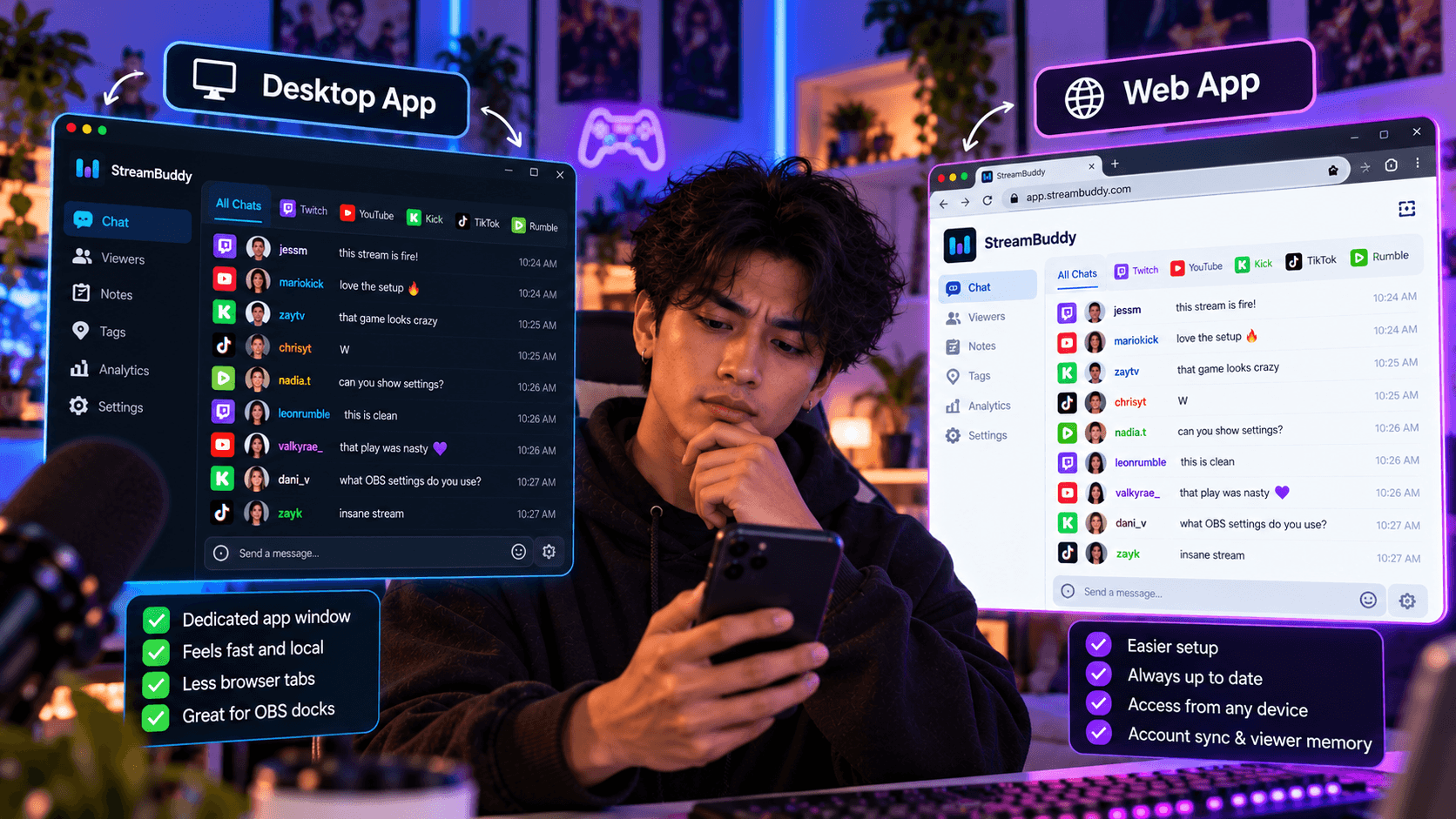
The desktop multichat apps page is useful if you are comparing local tools with StreamBuddy's web and desktop workflows.
Privacy: free or paid, keep private tools private
Whatever tool you use, keep private chat workflows separate from public overlays.
A public OBS Browser Source should not expose notes, tags, viewer profiles, controls, account menus, or moderation context. A private dock or dashboard can include those things because it is for you.
StreamBuddy bakes that split into the workflow: private workspace for the streamer, display-only overlay for the audience.
Frequently asked questions
What is the best free multichat tool?
It depends on the job. Chatterino is strong for Twitch, Social Stream Ninja is flexible for browser overlays, Streamer.bot is strong for automation, and AxelChat is useful for local multichat coverage.
Is StreamBuddy free?
StreamBuddy is a hosted product with paid value around multichat, viewer profiles, notes, tags, OBS-friendly surfaces, and ongoing product maintenance.
Can I use free tools with StreamBuddy?
Yes. Some streamers keep a free overlay or automation tool and use StreamBuddy for private multichat, viewer memory, notes, and post-stream context.
Why pay for multichat?
Pay when you want a maintained workflow that saves setup time, keeps private context organized, and helps you remember viewers across streams and platforms.
Does StreamBuddy restream my video?
No. StreamBuddy is a chat and viewer-memory tool. Your current streaming system handles video.
Start with the setup that saves time
Free tools are a good answer when the job is simple. StreamBuddy is the better fit when the real cost is lost time, missed messages, forgotten viewers, or a fragile setup.
Connect your accounts, go live with your current system, use StreamBuddy as the private multichat and viewer-memory layer, and keep free tools where they still help.
Spend less time maintaining chat
Use StreamBuddy to connect your accounts, read every supported chat, remember viewers, and add a display-only OBS overlay when chat belongs on stream.
Set up StreamBuddy- free multichat
- open source
- obs
- chat overlay
- comparison