Best multichat tools for OBS
Compare the best OBS-friendly multichat tools for docks, browser-source overlays, local apps, hosted dashboards, privacy, and viewer memory.
7 min read
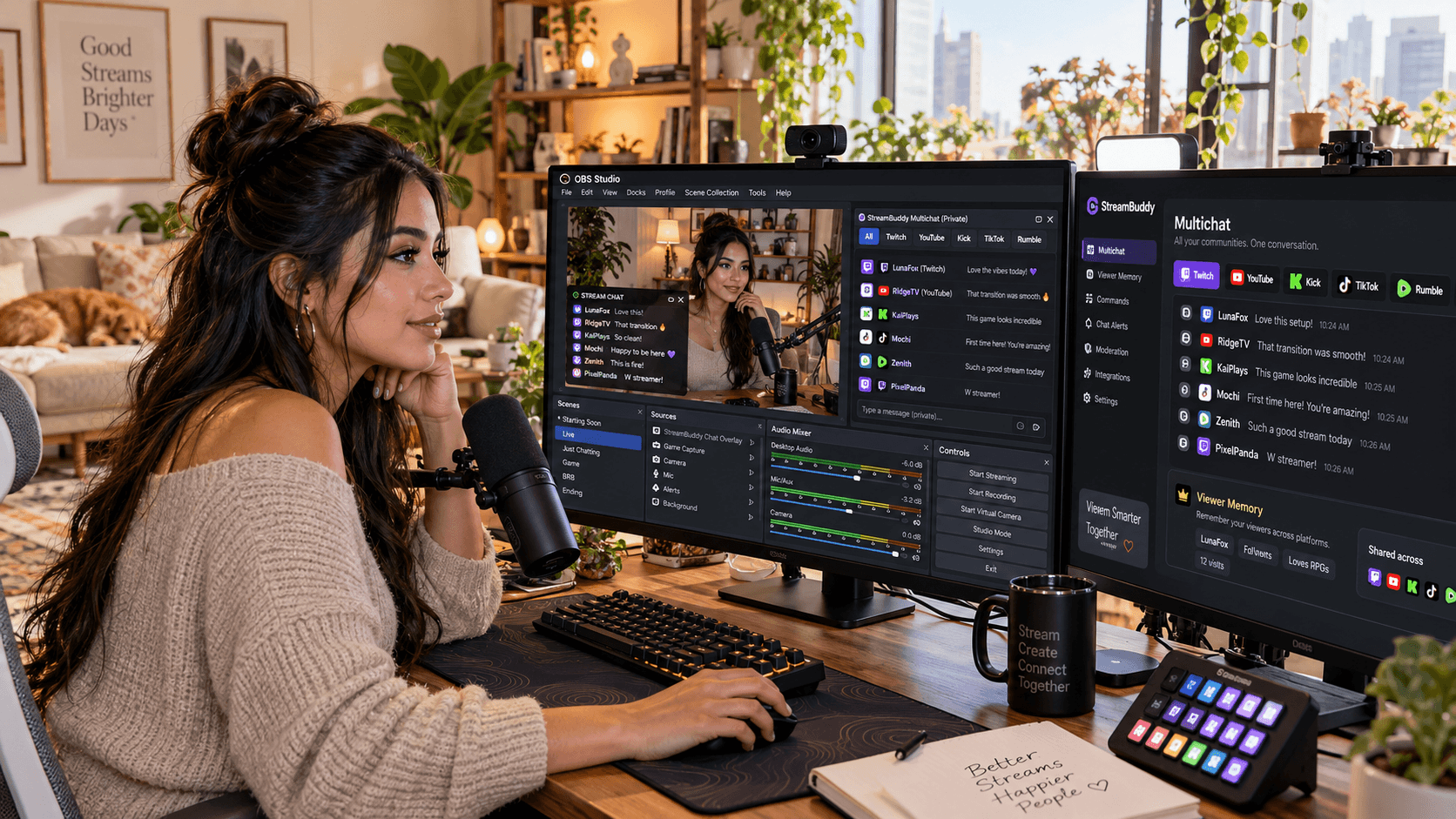
OBS is excellent at producing a stream. It is not a complete multichat workspace by itself.
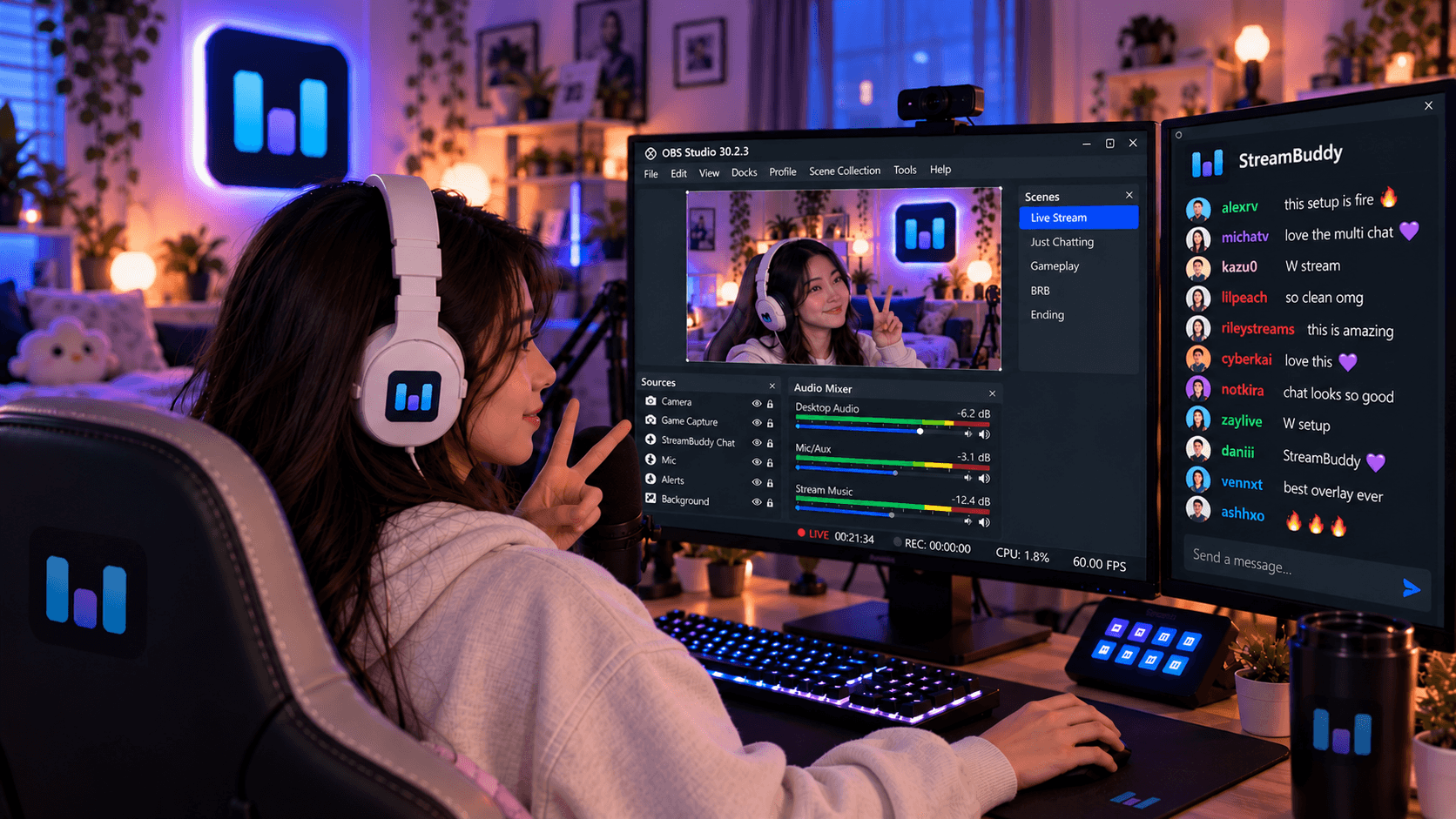
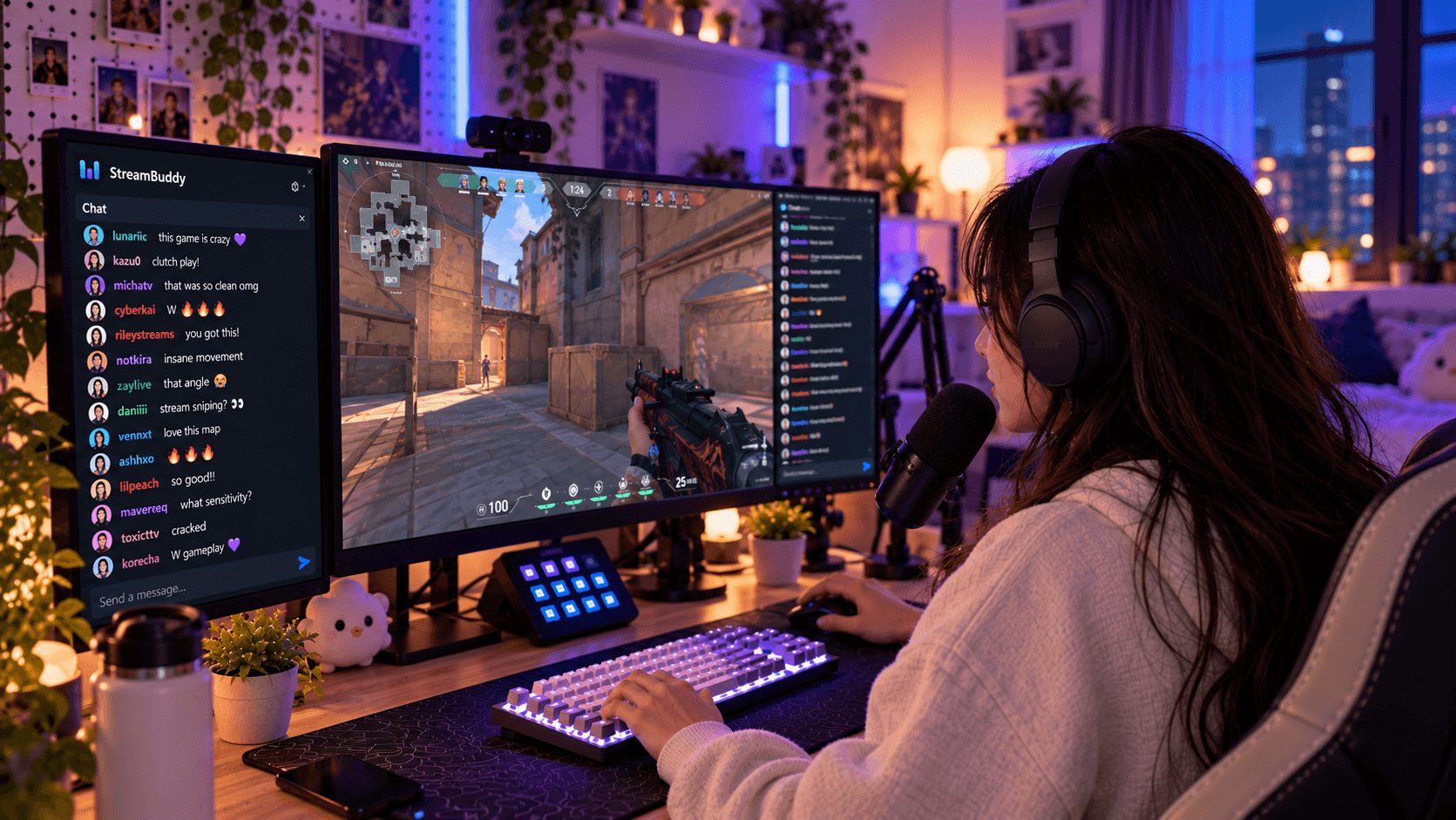
You can add browser sources, custom docks, and popout windows, but OBS still needs a chat tool behind those surfaces. That tool has to combine messages, keep platforms labeled, protect private controls, and give you a way to show chat on stream when viewers should see it.
This guide compares OBS-friendly multichat tools by the things that matter inside a real stream setup.
What OBS does and does not provide for chat
OBS gives you the surfaces:
- Custom Browser Docks for private tools inside the OBS interface.
- Browser Sources for viewer-facing overlays inside a scene.
- Scene controls for positioning, hiding, locking, and layering chat output.
OBS does not automatically:
- Combine Twitch, YouTube, Kick, TikTok, and Rumble chat.
- Add platform labels to every message.
- Keep viewer notes or profiles.
- Decide which chat information is safe to show publicly.
- Remember returning viewers across streams.
That is why the multichat tool matters.
Evaluation criteria
When choosing an OBS multichat tool, check these areas:
| Criterion | Why it matters |
|---|---|
| Platform coverage | You need the platforms you actually stream to |
| Private dock support | Streamers need a control surface that viewers cannot see |
| Browser Source overlay | Viewers may need a clean on-stream chat display |
| Display-only safety | Public overlays should not expose controls or private context |
| Customization | Chat must be readable over real scenes |
| Viewer memory | A merged feed still needs context behind the usernames |
| Setup complexity | The tool should not require rebuilding your entire stream |
StreamBuddy is built around the private workspace plus public overlay split, which is usually the safest OBS pattern.
Quick comparison
| Tool | Best for OBS streamers who need | OBS fit | Trade-off |
|---|---|---|---|
| StreamBuddy | Multichat plus viewer memory | Private dashboard/dock plus display-only Browser Source overlay | Not an automation engine |
| Restream Chat | Chat bundled with Restream video distribution | OBS chat embed for Restream-centered streams | Best when Restream is already your broadcast hub |
| Social Stream Ninja | Flexible browser-based routing and overlays | Strong browser/overlay workflow | More DIY setup and less viewer-memory focused |
| Chatterino | Twitch-focused private chat reading | Good as a private desktop chat client | Not a full cross-platform OBS overlay workflow |
| Streamer.bot | Automation and OBS actions | Deep OBS automation potential | More technical and automation-first |
| AxelChat | Local desktop multichat on Windows | Local app and widget workflow | Broad coverage rather than private viewer CRM |
For a broader non-OBS comparison, see the best multichat apps for streamers guide.
StreamBuddy
StreamBuddy is the OBS multichat option for streamers who want the chat workflow and viewer memory in one place.
You connect Twitch, YouTube, Kick, TikTok, and Rumble, then read supported chat in one private workspace. Each message keeps its platform badge, and viewer context can live behind the message: profiles, notes, tags, returning-viewer history, and post-stream review.
For OBS, StreamBuddy gives you two different jobs:
- A private workspace, popout, or dock for the streamer.
- A display-only Browser Source overlay for viewers.
That split helps keep private notes, tags, controls, and dashboard state off stream while still letting you show chat publicly when it belongs in the scene.
The OBS multichat page covers the full StreamBuddy setup, and the chat overlay for OBS page focuses on the viewer-facing overlay.
Restream Chat
Restream Chat fits best when Restream is already the center of your video workflow. If Restream handles the broadcast destinations, its chat feature can be convenient because it is part of that same system.
For OBS, the main appeal is a combined chat and chat embed tied to the Restream workflow.
Choose it when you already use Restream and want chat that follows that setup. Look elsewhere if you want a chat layer independent from video distribution or if viewer memory is the missing piece.
Social Stream Ninja
Social Stream Ninja is useful for streamers who like flexible browser-based chat routing and custom overlay options.
It can fit OBS well because browser-based views and overlays are natural OBS inputs. The trade-off is that the workflow can be more DIY. It is stronger as a routing and overlay tool than as a private viewer-memory workspace.
Choose it when customization and broad routing matter more than notes, tags, profiles, and retention context.
Chatterino
Chatterino is a great private Twitch chat client. It is fast, familiar, and strong for streamers and moderators who spend most of their time on Twitch.
Inside OBS, Chatterino is usually a private companion rather than a full multichat overlay system. It is not the best fit if you need one combined feed across Twitch, YouTube, Kick, TikTok, and Rumble, or if you need viewer memory behind those messages.
Choose it when Twitch chat speed is the main job.
Streamer.bot
Streamer.bot is powerful when chat needs to trigger actions. It can fit tightly with OBS because automation, scene control, commands, and custom logic are part of its core appeal.
That power comes with technical setup. If the job is "read every chat in one place and show a safe overlay," Streamer.bot may be more complicated than needed. If the job is "make chat control my stream," it can be the right tool.
Choose it when automation is more important than a simple multichat workspace.
AxelChat
AxelChat is a local multichat option that can appeal to streamers who want a desktop app and broad platform coverage.
It can be useful for OBS workflows with local windows or widget-style outputs. The main distinction is focus: it is more about bringing many messages together than building a private viewer CRM around those messages.
Choose it when local desktop multichat coverage is the priority.
Dock vs overlay support
The safest OBS setup uses both a private view and a public view.
Use a private dock when:
- You need to read chat while staying inside OBS.
- You need viewer notes, tags, profiles, or filters.
- You need streamer-side controls.
- You do not want viewers seeing the workspace.
Use a Browser Source overlay when:
- Viewers should see chat on stream.
- The overlay is display-only.
- The design is readable over your scene.
- Private context is not included.
The mistake is treating one URL or one window as both surfaces. Keep them separate.
Privacy and viewer memory
Most OBS chat mistakes are privacy mistakes, not layout mistakes.
Do not capture your private dashboard as a public overlay. Do not put notes, tags, profile history, filters, or controls into a visible scene. Use a display-only overlay for viewers and keep the streamer workspace private.
StreamBuddy's differentiator is that it gives you a reason to keep the private workspace open. The combined feed is useful, but the viewer memory behind that feed is what helps you recognize regulars, follow up after streams, and make multichat feel like one community instead of five tabs.
The desktop multichat apps page can help if you are deciding between local tools and hosted workflows.
Frequently asked questions
What is the best multichat tool for OBS?
It depends on the job. StreamBuddy is best when you want easy setup, cross-platform multichat, private viewer context, and a display-only OBS overlay. Automation-heavy streamers may prefer Streamer.bot, while Restream users may start with Restream Chat.
Can OBS combine chat by itself?
No. OBS can display browser sources and docks, but another tool needs to collect, combine, and render the chat.
Should multichat be an OBS dock or Browser Source?
Use a dock for your private streamer workflow and a Browser Source for the public overlay. They should be separate surfaces.
Can I show multichat on stream safely?
Yes, if you use a display-only overlay URL and keep private dashboard features out of the scene.
Does StreamBuddy restream my video?
No. StreamBuddy handles chat, viewer context, and OBS-friendly chat surfaces. Your existing encoder or multistreaming service handles video.
Try StreamBuddy in OBS
OBS gives you the surface. StreamBuddy gives you the multichat and viewer-memory workflow behind it.
Connect your accounts, go live with your current setup, read every supported chat in a private workspace, and add the display-only overlay when the conversation should appear on stream.
Bring multichat into OBS
Use StreamBuddy as your private multichat workspace and add a display-only Browser Source overlay when viewers should see chat.
Set up StreamBuddy- obs
- multichat
- chat overlay
- browser source
- comparison