Best Restream Chat alternatives for streamers
Compare Restream Chat alternatives for multichat, OBS overlays, viewer memory, automation, and streamer-side chat workflows.
7 min read
Restream Chat is a strong default if you already use Restream to broadcast to multiple platforms. It puts messages from your Restream destinations into one place and can generate an OBS-friendly chat embed.
But not every streamer wants Restream to be the center of the setup. Some already use OBS with a different multistreaming service. Some only need chat, not video distribution. Some want a private workspace with viewer notes, tags, and returning-viewer context rather than just a merged chat window.
This guide compares Restream Chat alternatives by what they are actually best at.
What Restream Chat does well
Restream Chat is convenient because it is bundled into the Restream workflow. If you already send your video through Restream, chat from those destinations can live in the same product. You can also embed chat into streaming software with a Browser Source and adjust basic overlay appearance.
That makes it a good fit when:
- You already use Restream for video distribution.
- You want one chat for the channels connected to your Restream event.
- You want a quick OBS chat embed without adding another chat product.
- Your main problem is seeing messages from the platforms Restream is handling.
For a lot of Restream-first creators, that is enough.
Why streamers look for Restream Chat alternatives
Streamers usually start looking elsewhere when the problem is no longer "where are the messages?"
Common reasons include:
- They use OBS, Streamlabs, or another encoder and do not want their chat tied to a restreaming platform.
- They want viewer notes, tags, profiles, or returning-viewer context.
- They want a private chat workspace separate from a public overlay.
- They want a more focused multichat setup for Twitch, YouTube, Kick, TikTok, and Rumble.
- They need automation, bot actions, or local scripting instead of a hosted chat dashboard.
- They want a free or open source tool for a specific platform workflow.
The right alternative depends on which of those problems is actually yours.
Quick comparison
| Tool | Best for | Strong points | Trade-off |
|---|---|---|---|
| StreamBuddy | Multichat plus viewer memory | Easy setup, private dashboard, OBS dock and overlay, notes, tags, viewer context | Not a video restreaming service |
| Restream Chat | Restream-first multistreamers | Bundled with Restream, combined chat, OBS embed | Most valuable when Restream is already your broadcast hub |
| Social Stream Ninja | Flexible browser-based overlays | Broad platform support, many overlay options, lightweight setup | More DIY, less focused on viewer memory |
| Chatterino | Twitch power users | Fast Twitch chat client, split panes, emotes, moderation-friendly workflow | Twitch-focused, not a general multichat CRM |
| Streamer.bot | Automation-heavy creators | Local automation, OBS control, platform integrations, actions | More technical and automation-first |
| Browser-source widgets | Simple display-only chat | Quick to add to OBS, often free or platform-native | Usually no private viewer memory or combined workflow |
StreamBuddy
StreamBuddy is the alternative to consider when you want chat to become a streamer workspace, not just a merged message list.
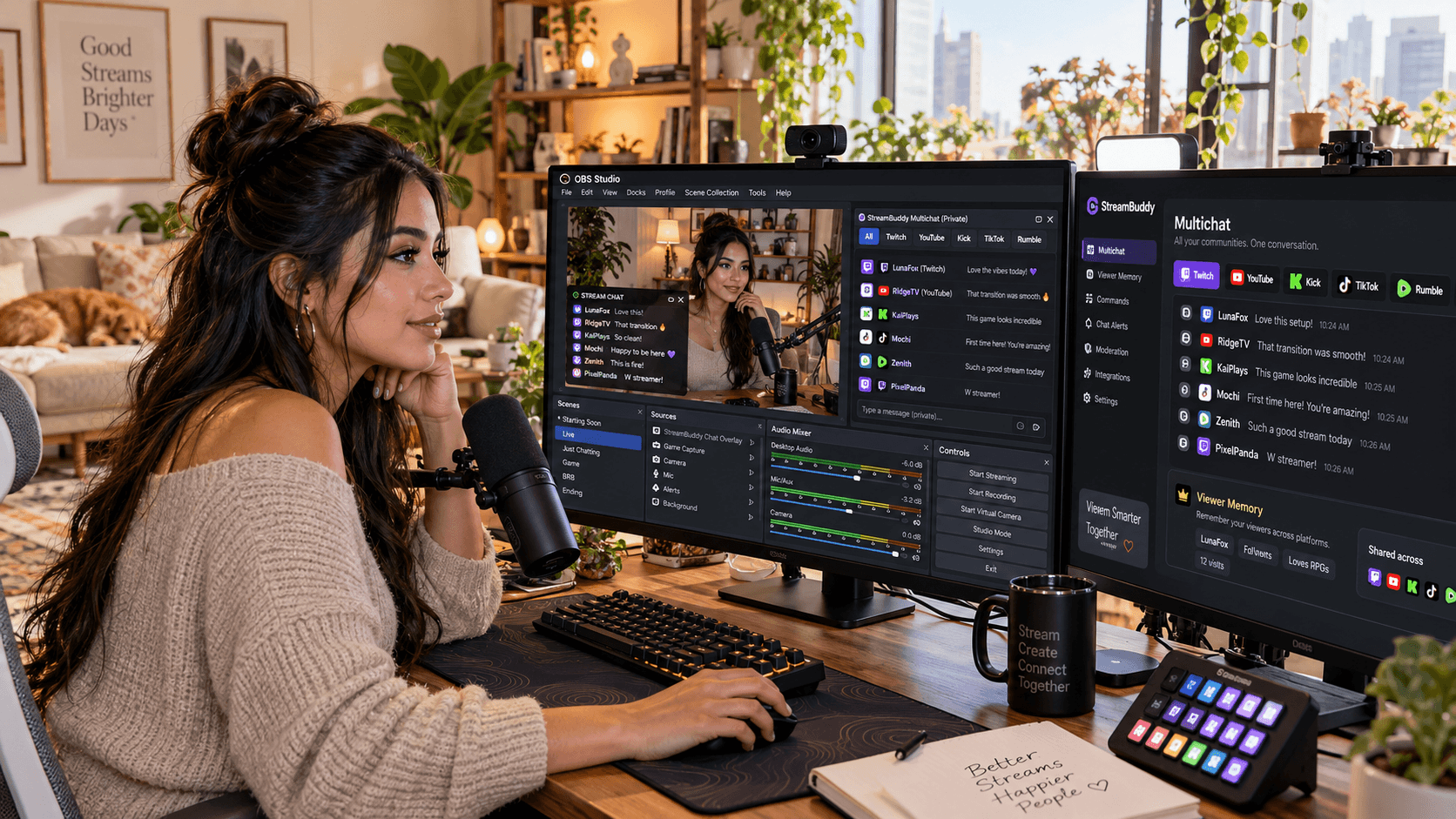
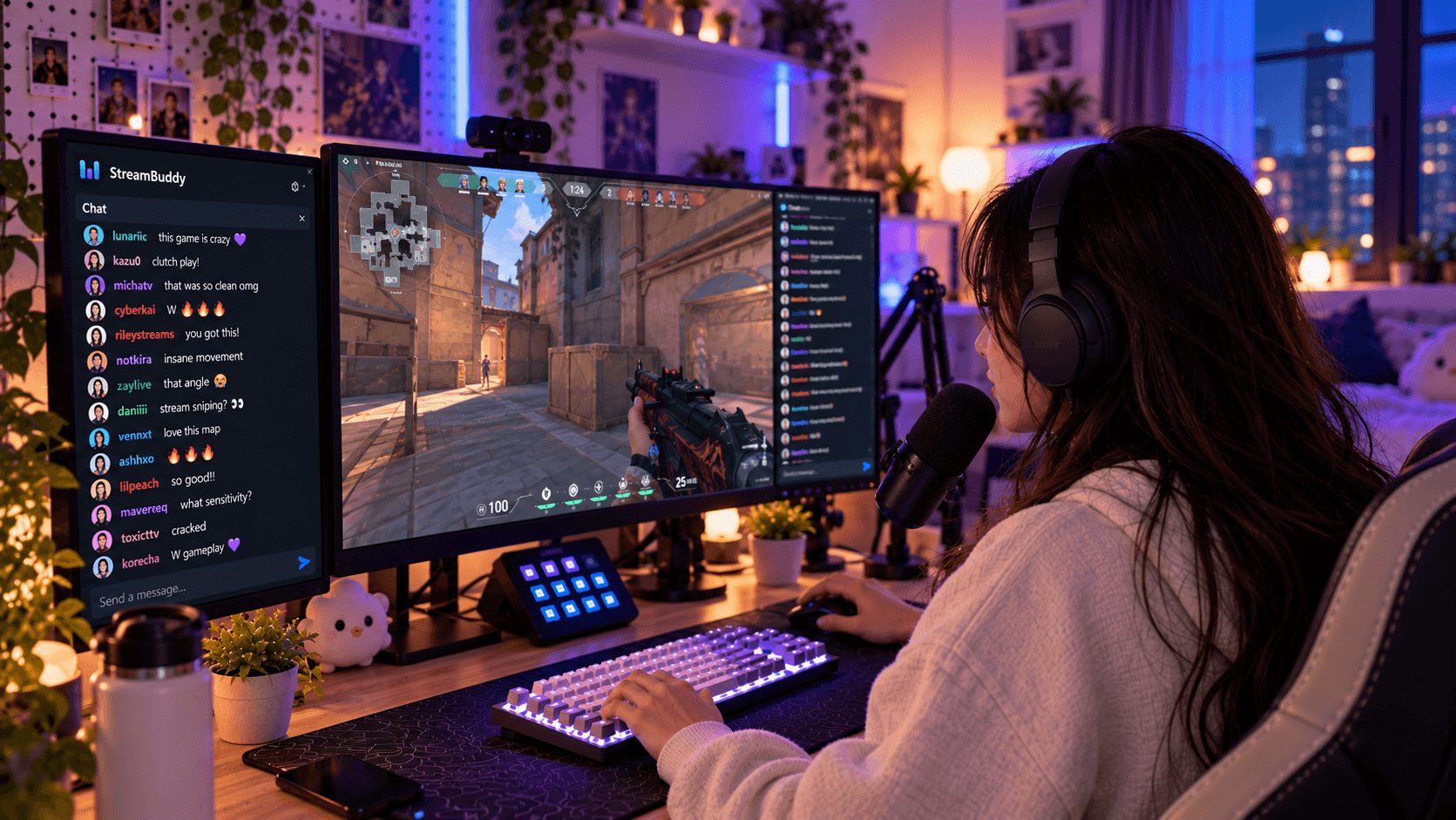
You connect your accounts, go live with your current streaming setup, and read supported Twitch, YouTube, Kick, TikTok, and Rumble chat in one private dashboard. Each message keeps its platform badge, and the viewer behind the username can carry notes, tags, and history.
That makes StreamBuddy useful when you want to remember regulars, recognize returning viewers, keep private context close, and still have OBS-friendly surfaces:
- A private dock or dashboard for reading chat and opening viewer context.
- A display-only Browser Source overlay for viewers.
- A focused multichat workflow that does not require replacing your video setup.
Start with the Restream Chat alternative page if you want the direct StreamBuddy vs Restream positioning, or the StreamBuddy multichat page for the broader product overview.
Social Stream Ninja
Social Stream Ninja is a flexible option for streamers who like browser-based tools and custom overlays. It has broad platform coverage and a lot of ways to route messages into overlays, docks, and browser views.
It is a good fit if you want a configurable overlay system and you are comfortable spending time with setup details. It is less focused on long-term viewer memory, notes, or CRM-style context.
Pick it when broad chat routing and overlay flexibility matter more than a polished private viewer workspace.
Chatterino
Chatterino is excellent for Twitch-focused streamers. It is fast, familiar to many Twitch power users, and strong for split-pane Twitch chat workflows.
It is not trying to be a full cross-platform viewer CRM. If your entire chat life is Twitch, it may be enough. If you stream to YouTube, Kick, TikTok, or Rumble at the same time, Chatterino will not solve the broader multichat problem by itself.
Pick it when Twitch speed and power-user chat are the priority.
Streamer.bot
Streamer.bot is best understood as an automation platform that can also participate in chat workflows. It runs locally and is powerful if you want actions, triggers, OBS control, and custom logic.
That power comes with setup time. If your real goal is just "show me all my chats in one clean place," Streamer.bot can be more tool than you need. If you want chat to trigger scenes, sounds, commands, and custom integrations, it can be the right choice.
Pick it when automation is the main job.
Browser-source chat widgets
Some streamers only need a simple on-stream chat display. Platform-native popouts, small widget tools, and basic Browser Source overlays can be fine for that.
The limitation is that a display widget is usually not a private operating workspace. It may show chat, but it does not help you remember who someone is, save a note, distinguish private context from public overlay output, or review the conversation after stream.
Pick a basic widget when the only requirement is "put this chat on screen."
Where StreamBuddy fits
StreamBuddy fits best when:
- You already have a video workflow and do not want to replace it.
- You stream to more than one platform.
- You want chat in one private place before deciding what appears on stream.
- You care about viewer notes, tags, returning viewers, and community memory.
- You want setup to be simple: connect accounts, go live, and use StreamBuddy alongside your current system.
It is especially different from Restream because it does not try to own the broadcast. Restream can handle video distribution if that is what you use. StreamBuddy handles the chat and viewer-memory layer.
The OBS multichat page covers the dock and overlay workflow, and the best multichat apps guide compares more tools beyond Restream-specific searches.
When Restream Chat is still the right fit
Restream Chat is still a sensible choice when your stream is already built around Restream and your chat needs are simple.
Stay with Restream Chat if:
- You use Restream as your main broadcast hub.
- You mainly need a combined chat for destinations inside Restream.
- You want one vendor for multistreaming and basic chat display.
- You do not need viewer notes, tags, profiles, or a separate memory layer.
That is not a bad setup. It is just a different job from StreamBuddy.
How to choose
Use the job you need done:
- Restream handles your entire broadcast and basic chat is enough: Restream Chat.
- You want multichat plus viewer memory: StreamBuddy.
- You want maximum overlay flexibility and DIY routing: Social Stream Ninja.
- You are Twitch-only and want a fast chat client: Chatterino.
- You want chat-driven automation: Streamer.bot.
- You only need an on-screen widget: A simple Browser Source chat widget.
The important part is not picking the most complicated tool. It is picking the one that matches the thing slowing you down during a live stream.
Frequently asked questions
Is StreamBuddy a Restream replacement?
No. StreamBuddy does not broadcast video. It works alongside Restream or any other streaming setup as the chat, multichat, viewer-memory, and OBS-friendly display layer.
Can I use StreamBuddy and Restream together?
Yes. You can keep Restream for video distribution and use StreamBuddy for reading chat, remembering viewers, and keeping private context separate from public overlays.
What is the best Restream Chat alternative for viewer notes?
StreamBuddy is the best fit if viewer notes, tags, returning-viewer context, and private streamer-side history are the reason you are looking beyond a basic combined chat.
What is the best free Restream Chat alternative?
It depends on the job. Chatterino is strong for Twitch-only chat, Social Stream Ninja is flexible for browser-based chat routing, and Streamer.bot is powerful for automation. StreamBuddy is the focused option when you want multichat plus viewer memory.
Can StreamBuddy show chat in OBS?
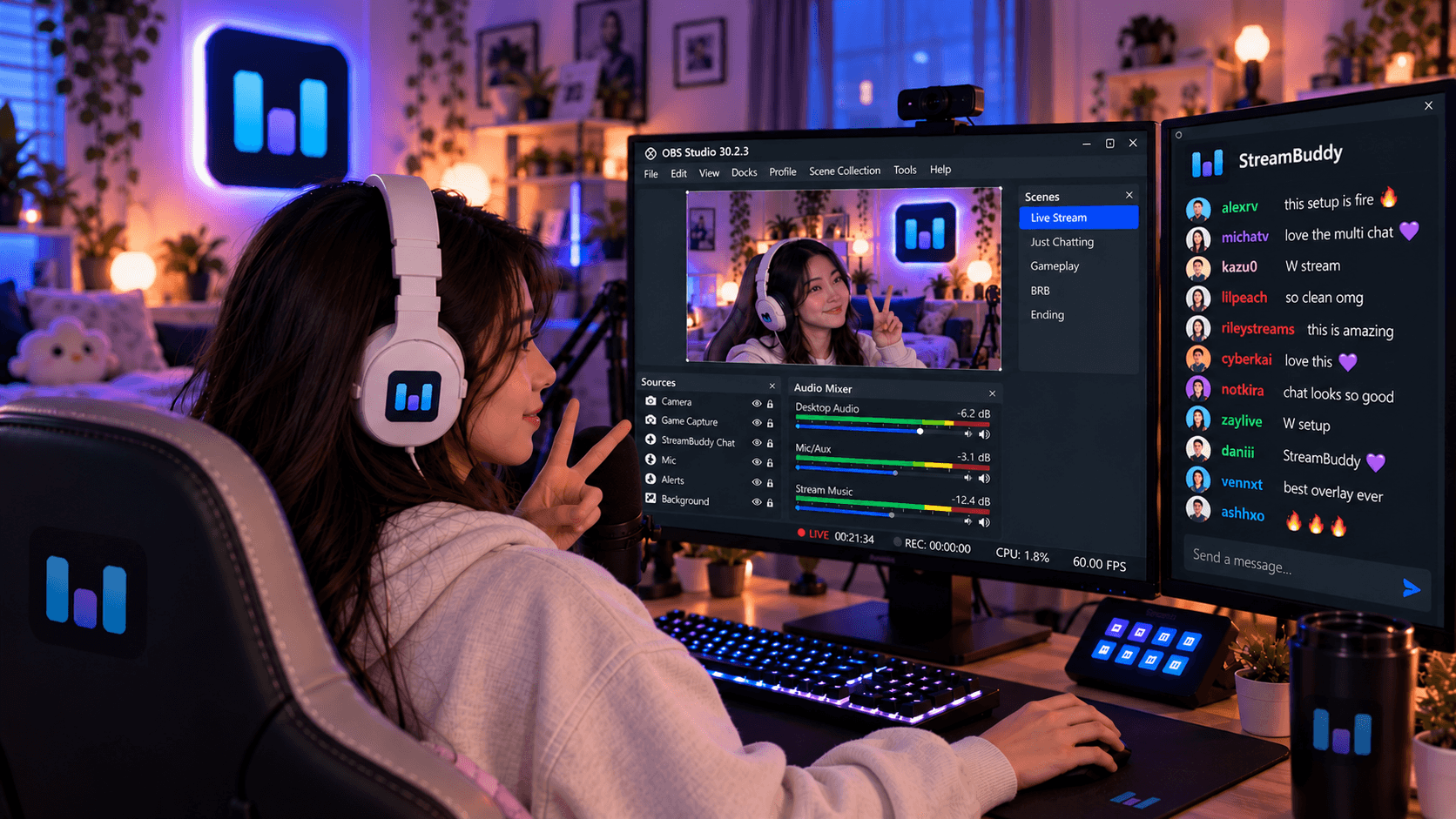
Yes. StreamBuddy supports private OBS dock workflows and display-only Browser Source overlays, so you can read chat privately and show selected chat on stream when you want to.
Use the right layer
Restream Chat is useful when Restream is already the center of your broadcast. StreamBuddy is useful when you want chat and viewer memory to be their own focused layer.
Connect your accounts, keep your current streaming system, read your multichat privately, and use StreamBuddy's OBS-friendly overlay when the conversation belongs on stream.
Add viewer memory to multichat
Use StreamBuddy alongside Restream, OBS, or your current broadcast setup to read every chat and remember the people behind the usernames.
Set up StreamBuddy- restream chat
- multichat
- obs
- comparison
- chat overlay