Best tools for streamer community management
Compare streamer community management tools for Discord, chatbots, moderation, analytics, CRM workflows, overlays, and viewer memory.
6 min read
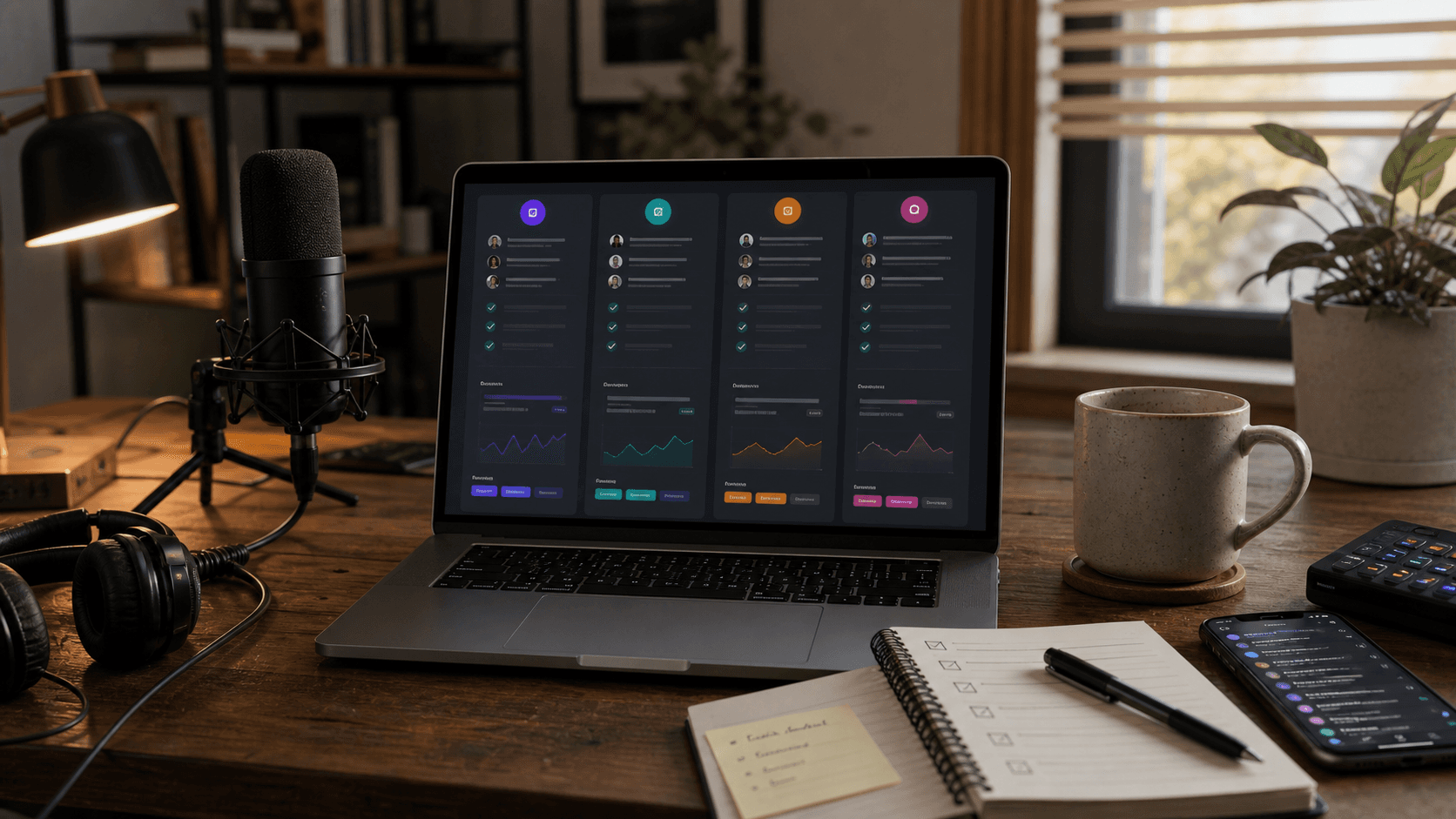
Streamer community management is not one tool. It is a stack of tools doing different jobs.
Discord can keep the community active between streams. Chatbots can run commands, timers, filters, and loyalty games. Moderation tools can keep chat safe. Analytics can explain reach and performance. Overlays can make moments visible on stream.
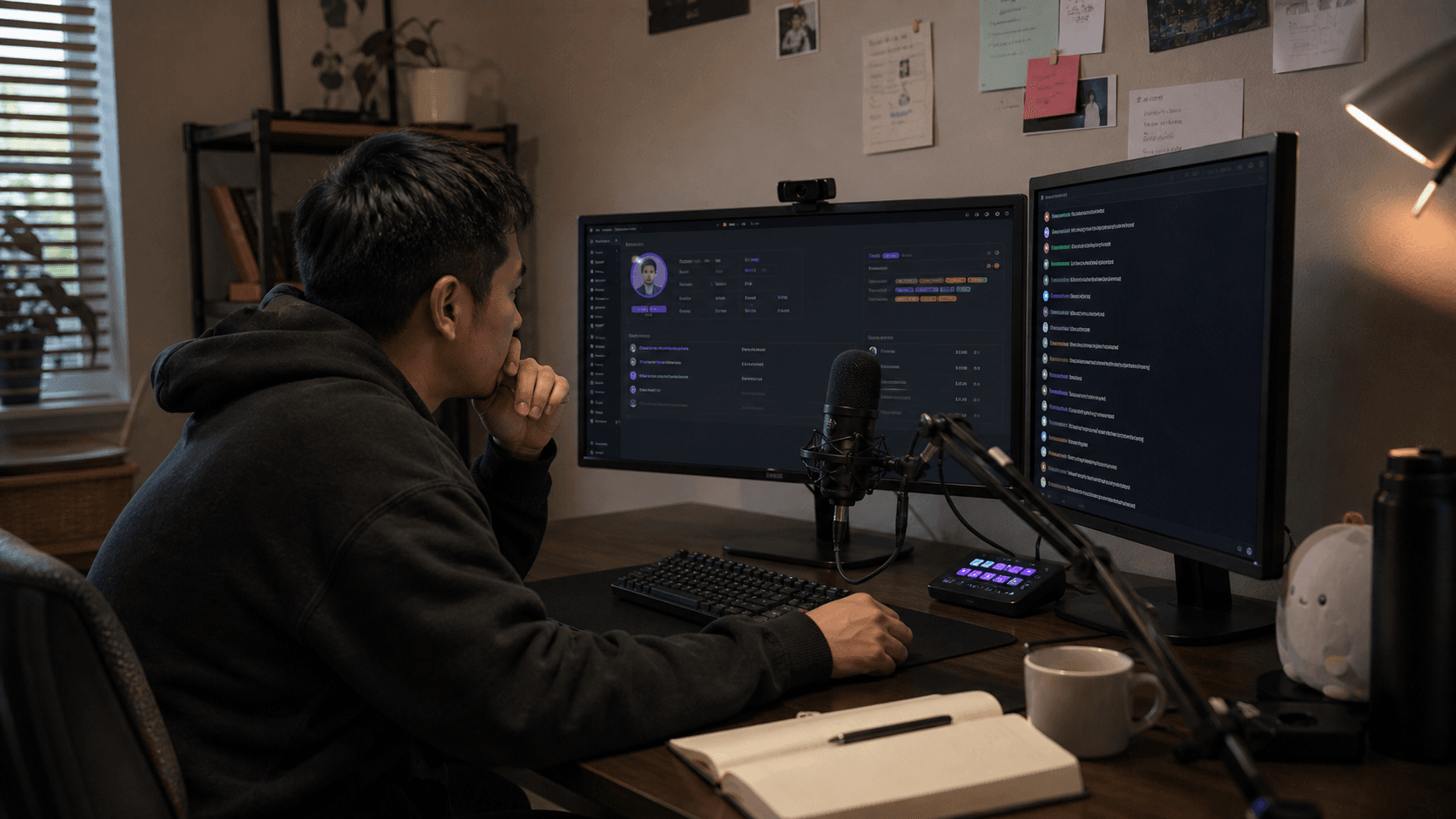
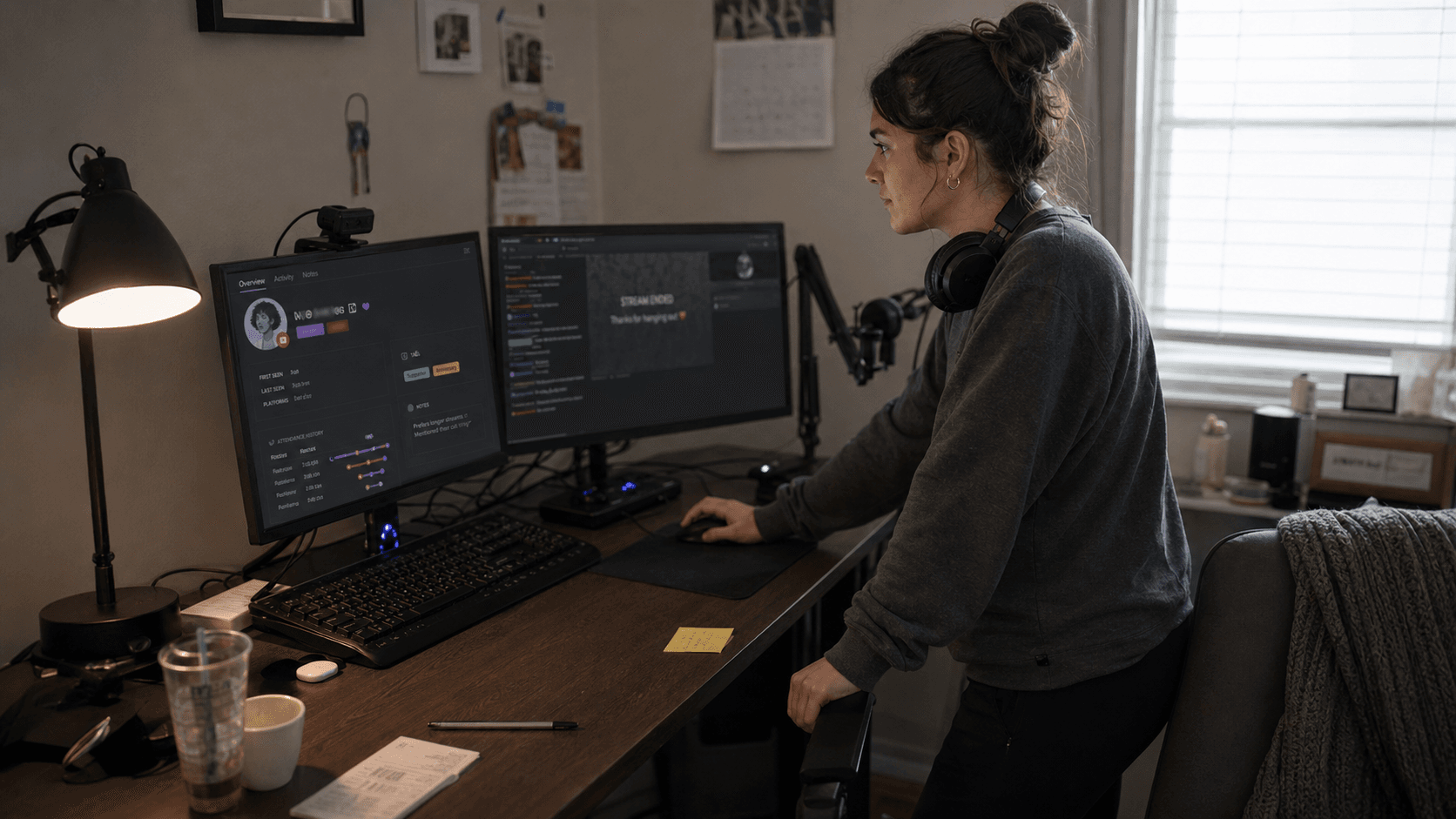
StreamBuddy fits as the viewer-memory layer: easy multichat, viewer profiles, private notes, tags, returning-viewer context, and post-stream review beside the chat you already read.
What streamer community management includes
Community management for streamers usually includes:
- Reading chat while live.
- Welcoming first-time chatters.
- Remembering regular viewers.
- Supporting moderators.
- Running commands and reminders.
- Keeping Discord organized.
- Reviewing post-stream activity.
- Understanding retention and engagement.
- Showing stream-safe chat or alerts in OBS.
- Keeping private notes and viewer context off stream.
No single tool does all of that perfectly. The best stack depends on the kind of stream you run and how much community context you need.
Tool categories to know
| Category | What it is best for | Examples |
|---|---|---|
| Discord community | Off-stream community, announcements, channels, roles, and discussion | Discord servers and community features |
| Chatbots | Commands, timers, moderation automation, games, and loyalty points | Nightbot, StreamElements chatbot, Streamlabs Cloudbot |
| Moderation tools | Spam filters, banned terms, timeouts, bans, and mod workflows | Native platform mod tools, bot filters |
| Analytics | Reach, watch time, performance, engagement, and post-stream reporting | Platform analytics, StreamBuddy post-stream review |
| Streamer CRM | Viewer profiles, private notes, tags, returning-viewer context, and history | StreamBuddy |
| Overlays | Stream-safe chat, alerts, labels, and visual widgets | OBS browser sources, StreamElements, Streamlabs, StreamBuddy overlays |
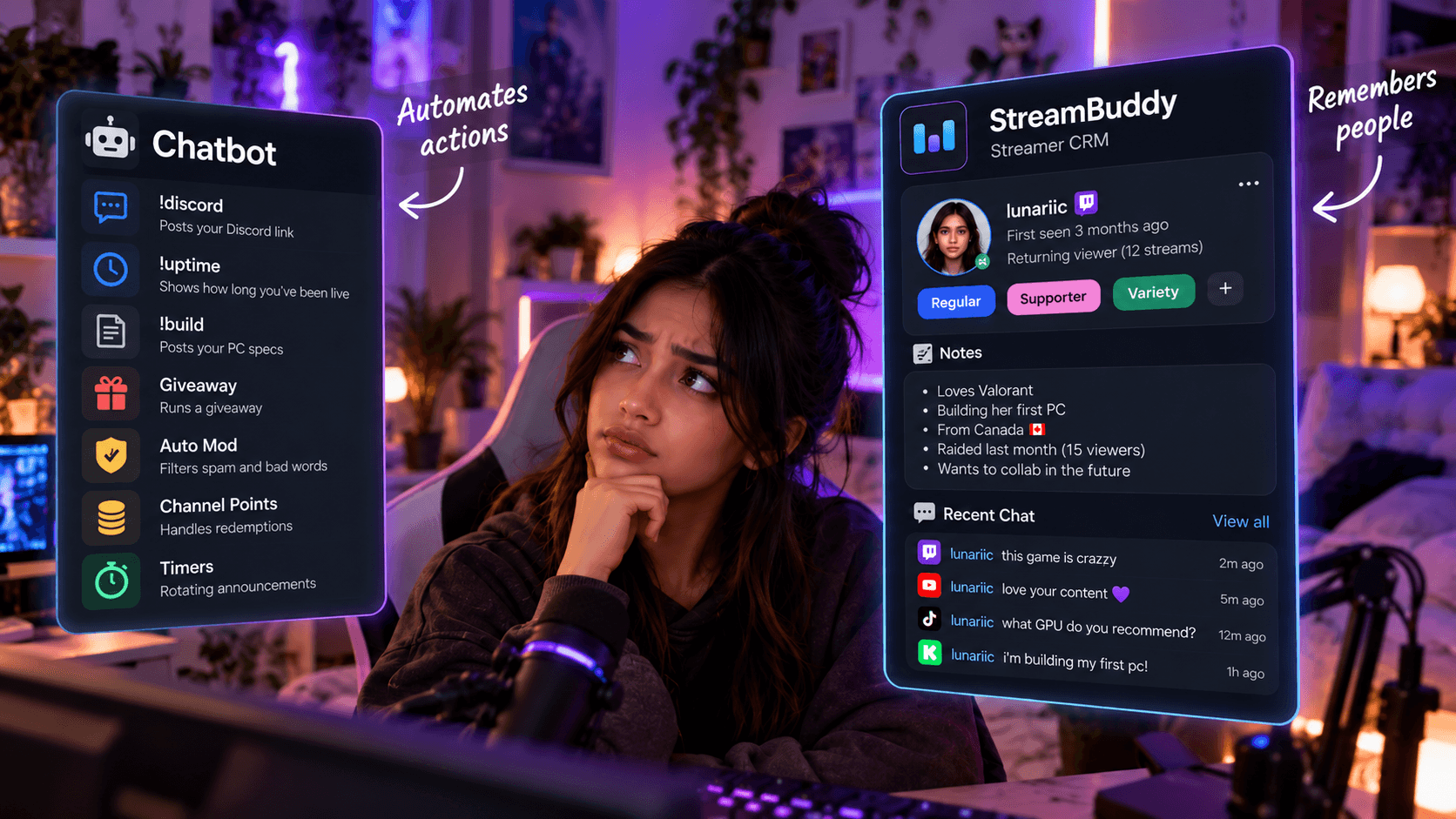
The important part is matching the tool to the job. A chatbot can automate repeat actions, but it will not remember what a viewer told you last stream. A Discord server can keep people talking, but it does not solve live multichat. An overlay can show chat publicly, but it should not expose private viewer notes.
Discord for between-stream community
Discord is often the home base between streams.
Use it for:
- Announcements.
- Schedule reminders.
- Community discussion.
- Game-specific channels.
- Mod coordination.
- Voice hangouts.
- Event planning.
Discord is strongest when you want the community to keep existing after the stream ends. It is weaker as a live viewer-memory tool because the live chat context still happens on Twitch, YouTube, Kick, TikTok, Rumble, or another platform.
Chatbots for automation
Chatbots are best for repeatable jobs.
Use them for:
- Commands.
- Timers.
- Spam filters.
- Moderation rules.
- Loyalty points.
- Giveaways.
- Basic chat games.
Nightbot, StreamElements, and Streamlabs Cloudbot all sit in this broad category, each with its own mix of these jobs. If your viewers like commands or points, keep that stack. StreamBuddy is not trying to replace the parts of a chatbot that work well.
For a deeper comparison, see streamer CRM vs chatbot.
Moderation tools for safety
Community management also means keeping chat safe.
Moderation tools should help with:
- Blocked terms.
- Link control.
- Spam filtering.
- Timeouts and bans.
- Moderator handoff.
- Platform-specific rules.
StreamBuddy's own moderation tools are small on purpose: mute a viewer in your StreamBuddy chat, time a viewer out on Twitch or Kick, and hide bots, commands, and keywords from your own view. Native platform tools and chatbots still do the rest. For most streamers, moderation is a stack: platform controls, trusted moderators, and any bot filters you rely on.
Analytics for performance and retention
Platform analytics answer reach questions:
- How many people watched?
- How long did they stay?
- Which streams grew?
- Which videos or clips performed?
Community analytics answer relationship questions:
- Who chatted?
- Who came back?
- Which first-time chatters returned?
- What topics made chat active?
- Which regulars have gone quiet?
That second group is where viewer retention analytics and StreamBuddy post-stream review help. The goal is not only to see a number. It is to know what to do before the next stream.
Where StreamBuddy fits
StreamBuddy is the multichat and viewer-memory workspace.
Use StreamBuddy when you want:
- One private workspace for supported chat platforms.
- Viewer profiles.
- Private notes.
- Tags.
- Returning-viewer context.
- Chat history.
- Post-stream review.
- OBS-friendly dock and overlay surfaces.
Setup is intentionally simple: connect your supported streaming accounts, open the web app or desktop app, go live, and keep StreamBuddy beside the streaming system you already use.
Viewer history carries across streams on Twitch, Kick and Rumble. YouTube and TikTok chat is reviewed per stream, and the notes you save stay.
If you are new to the idea, start with what a streamer CRM is. If you want a narrower tool comparison, read best streamer CRM tools.
How to choose based on stream size
Small streamers should keep the stack light:
- Native platform chat and moderation.
- One simple bot if needed.
- StreamBuddy for viewer notes and returning-viewer memory.
- Discord only if you can keep it active.
Growing streamers may need:
- A dedicated Discord structure.
- Mods with clear rules.
- Bot commands and filters.
- StreamBuddy for multichat, notes, tags, and post-stream review.
- OBS overlays for public chat or alerts.
Larger teams often need:
- Formal moderator handoff.
- Clear permissions.
- A repeatable post-stream review process.
- Sponsor-ready engagement context.
- Separate public overlays and private CRM workflows.
The stack should grow with the real work. Do not add tools just because another creator uses them.
When to combine tools
Most strong streamer stacks combine tools.
Example:
- Discord for between-stream community.
- Nightbot, StreamElements, or Streamlabs Cloudbot for automation.
- Native platform moderation for urgent actions.
- OBS for broadcast scenes.
- StreamBuddy for multichat and viewer memory.
- Platform analytics for reach.
- StreamBuddy post-stream review for community context.
This lets each tool do what it is good at.
Keep public and private surfaces separate
Community management tools can contain private information.
Public surfaces can show chat, alerts, overlays, platform badges, emotes where available, and stream-safe labels.
Private surfaces should keep notes, tags, viewer profiles, moderation context, account settings, and post-stream review away from the broadcast.
StreamBuddy follows that split: public overlay URLs are for display; the private workspace is for multichat, viewer memory, notes, tags, history, and review.
FAQ
What is the best streamer community management tool?
There is no single best tool for every job. Discord, chatbots, moderation tools, analytics, overlays, and StreamBuddy each solve different parts of community management.
Do I need Discord to manage a stream community?
Not always. Discord is helpful for between-stream community, but it only works if you can keep it organized and active. Start with the tools that solve your current problem.
Does StreamBuddy replace my chatbot?
No. Keep your chatbot for commands, timers, filters, games, or loyalty points. Use StreamBuddy as the multichat and viewer-memory layer.
Does StreamBuddy restream my video?
No. StreamBuddy is focused on multichat, viewer context, overlays, notes, tags, and post-stream review. It works alongside your current streaming setup.
Add viewer memory to the stack
The best community management stack is the one that helps you notice and remember people without making the stream harder to run.
Connect your supported accounts in StreamBuddy, keep your current bot, Discord, OBS, and analytics setup, and add the viewer-memory layer that makes regulars, first-time chatters, raid visitors, and returning viewers easier to recognize.
Add viewer memory to your streamer stack
Use StreamBuddy beside your current community tools to read multichat, save private notes, tag viewers, and review who came back after stream.
Try StreamBuddy- community management
- streamer tools
- streamer CRM
- chatbots
- viewer retention